New iOS Update 2026 Features Explained
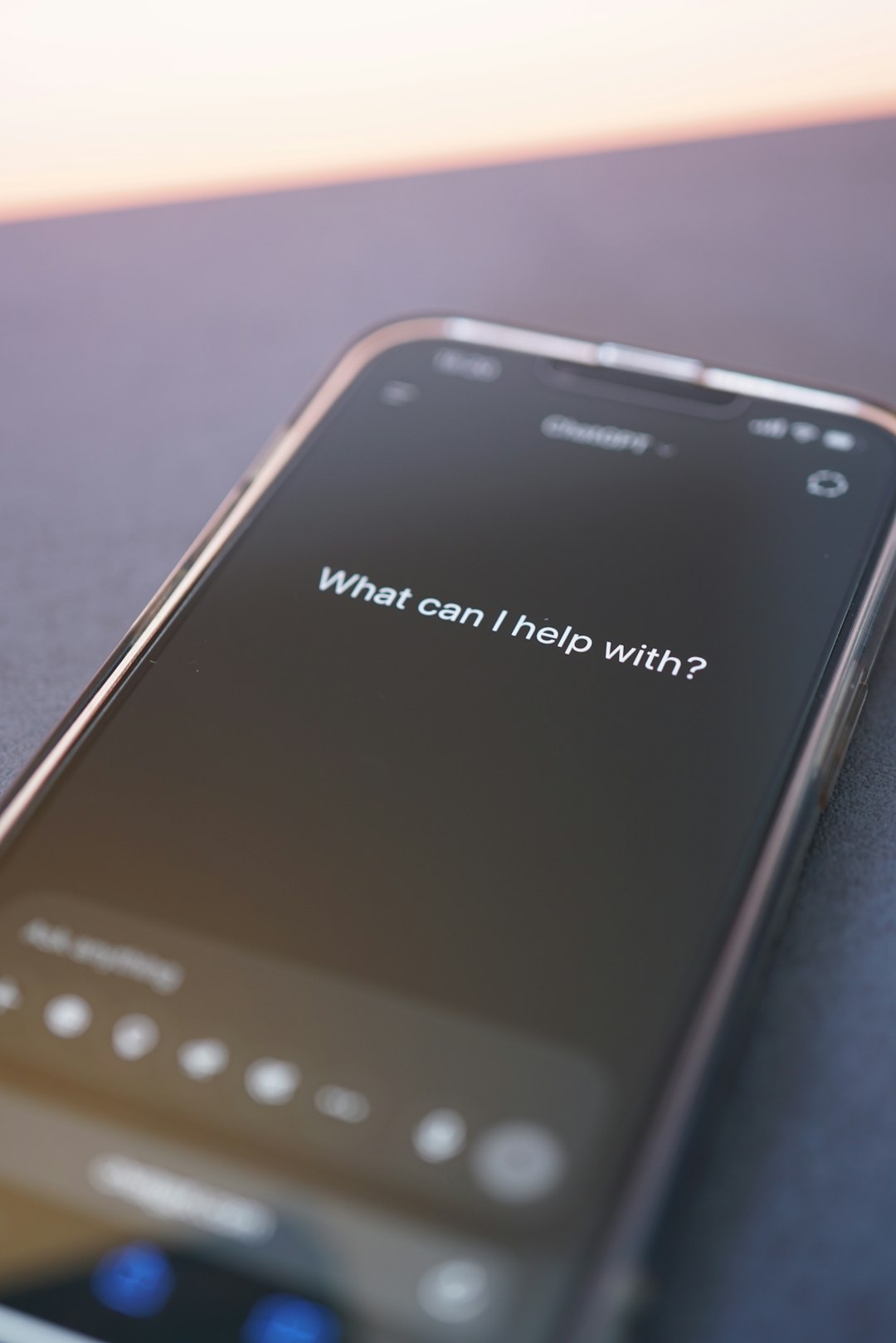
The 2026 iOS update is shaping up to be one of Apple’s most practical upgrades in years, not because it changes everything at once, but because it makes the iPhone feel smarter, more personal, and easier to manage day to day. Instead of focusing only on a flashy redesign, the update appears centered on AI assistance, privacy controls, battery intelligence, communication upgrades, and deeper customization. For everyday users, that means fewer taps, more helpful suggestions, and a phone that better understands context without feeling intrusive.
TLDR: The new iOS update for 2026 focuses on smarter AI features, better personalization, stronger privacy, and smoother performance. Users can expect improvements to Siri, Messages, notifications, battery management, accessibility, and app organization. The update also brings more on device intelligence, meaning many features work faster and with better privacy. Overall, it is designed to make the iPhone feel more helpful without making it more complicated.
1. A Smarter, More Context Aware Siri
One of the biggest highlights of the 2026 iOS update is the continued evolution of Siri. Apple’s voice assistant has often been criticized for lagging behind competitors, but this update places Siri much closer to the center of the iPhone experience. Rather than simply answering simple questions or setting timers, Siri is becoming more context aware.
That means Siri may understand what is on your screen, connect information between apps, and perform more complex tasks. For example, you could ask Siri to “send this address to Mom,” while viewing a restaurant page, and it would understand what “this address” means. You might also ask it to summarize an email thread, find a file from last week, or create a calendar event based on a message conversation.
The most important part is that much of this intelligence is expected to happen on device. That makes responses faster and helps protect privacy, because sensitive requests do not always need to be sent to remote servers.
2. Apple Intelligence Gets More Useful
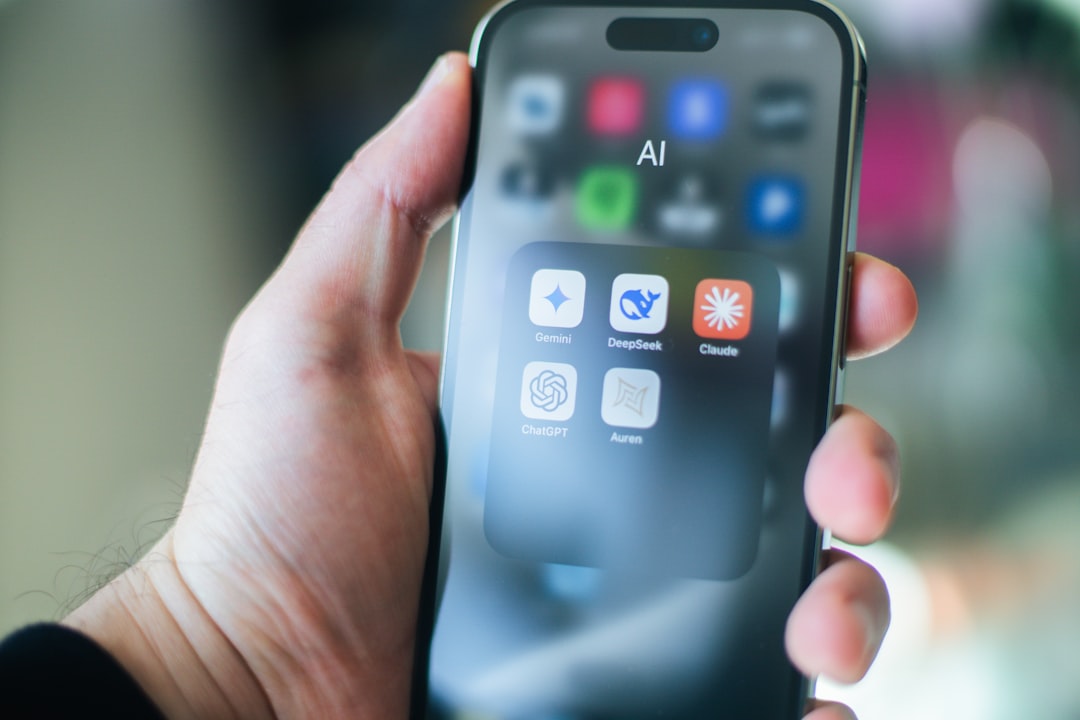
Apple’s AI system, often referred to as Apple Intelligence, becomes more woven into daily tasks. Instead of existing as a separate feature you have to open, it appears throughout the system where it can save time. Writing tools can help rewrite messages, clean up notes, summarize articles, and adjust tone depending on whether you want something to sound friendly, professional, or brief.
In Mail, AI summaries help you quickly understand long email chains. In Safari, article summaries can turn a lengthy webpage into a clear set of key points. In Notes, the system can identify action items, organize messy text, and even suggest headings. These might sound like small conveniences, but together they reduce the mental clutter of using a phone all day.
Useful AI features expected in the update include:
- Message summaries for long conversations and group chats.
- Smart writing tools that rewrite, proofread, and shorten text.
- Priority notifications that highlight what needs attention first.
- Image tools for quick edits, object removal, and creative generation.
- Personal context suggestions that can help with reminders, events, and tasks.
3. A More Personalized Home Screen
Apple has slowly opened up iPhone customization over the last several updates, and the 2026 release continues that direction. The Home Screen is expected to feel more flexible, with improved widget behavior, smarter app suggestions, and more control over visual layout. Users may be able to create different Home Screen setups for work, travel, evening use, or weekends.
Widgets are also becoming more interactive. Instead of only displaying information, they can let you complete actions without opening the full app. You might check off a reminder, adjust a smart home light, start a playlist, or track a delivery directly from the Home Screen.
This matters because the iPhone is no longer just a grid of apps. It is becoming a personalized dashboard. The update gives users more ways to decide what information appears first and which tools are always within reach.
4. Notification Management Finally Feels Calmer
Notifications are one of the biggest sources of digital stress, and Apple is using intelligence to make them easier to handle. The 2026 iOS update improves notification sorting by learning which alerts are actually important. Instead of showing every ping with equal urgency, iOS can group less important updates and surface time sensitive messages more clearly.
For example, a bank alert, delivery update, or message from a close contact might rise to the top, while promotional app notifications can wait. Focus modes also become more adaptive. Rather than manually creating complicated rules, users can receive suggestions based on time, location, calendar activity, or repeated habits.
The goal is not to silence everything. It is to make the phone feel less noisy while still keeping you informed.
5. Better Battery Health and Charging Intelligence
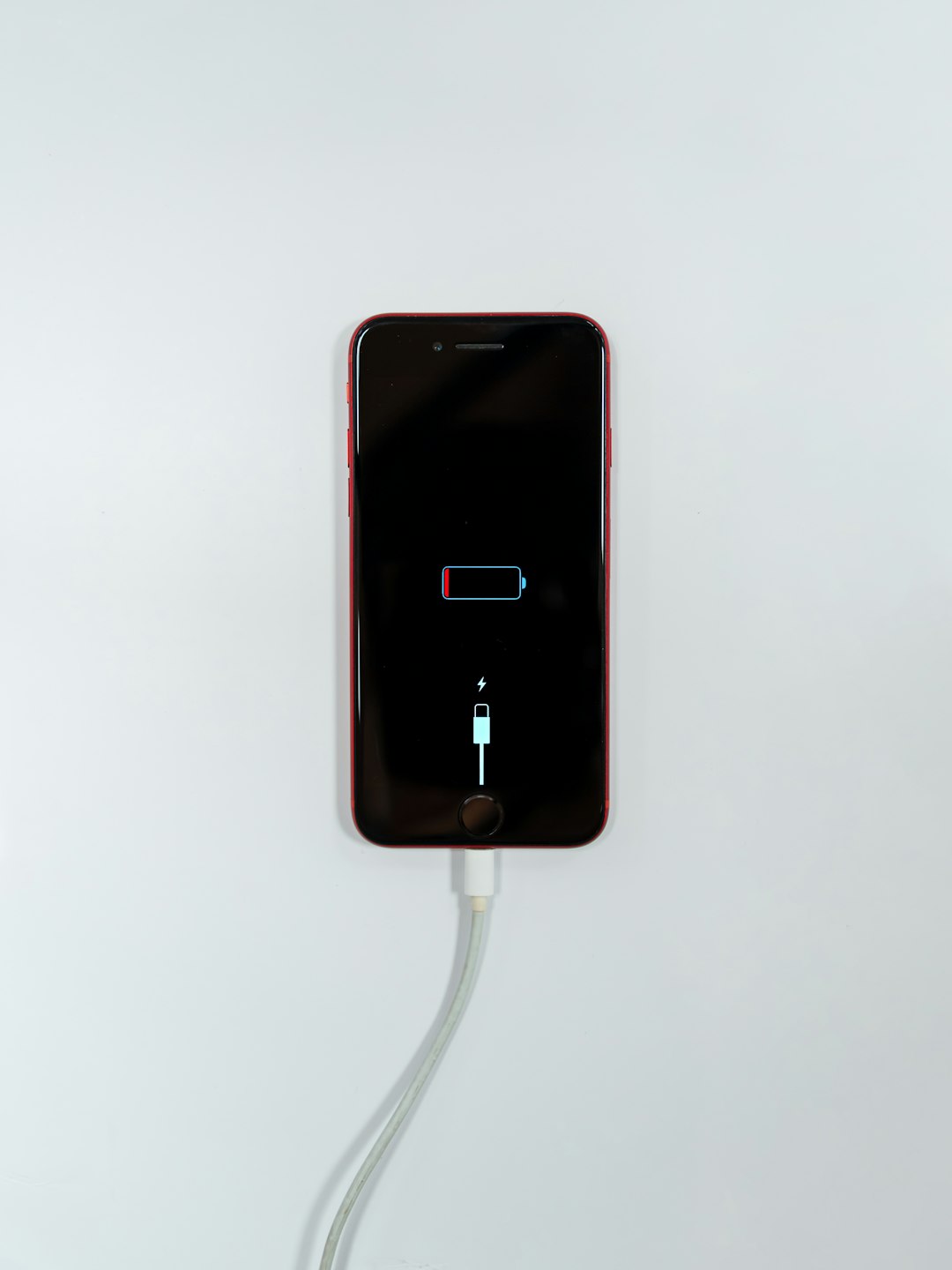
Battery life is always one of the most talked about iPhone topics, and the 2026 iOS update brings more detailed battery management tools. Users can expect clearer explanations of what is draining power, which apps are running heavily in the background, and how charging habits affect long term battery health.
A key improvement is smarter charging prediction. The iPhone can learn when you usually unplug your device and adjust charging speed accordingly. This helps reduce battery wear by limiting how long the device stays at full charge. Apple may also expand battery health recommendations, giving practical tips instead of vague percentages.
Possible battery improvements include:
- More accurate battery health reporting.
- Improved optimized charging schedules.
- Warnings for apps using unusual background power.
- Low power mode suggestions based on your day’s calendar or travel plans.
- Better heat management during charging and gaming.
6. Messages Becomes More Expressive
Messages receives several quality of life upgrades aimed at making conversations easier and more expressive. Apple has already invested heavily in stickers, reactions, audio messages, and group chat tools, and the 2026 update builds on that foundation.
Expect better search inside conversations, cleaner group chat controls, improved message summaries, and richer customization for chats. AI may also help suggest quick replies that sound more natural, not robotic. If you are catching up on a busy group conversation, a summary can explain what happened and highlight decisions, plans, or questions directed at you.
For people who use Messages for family coordination, school groups, work discussions, or travel planning, these improvements can be genuinely useful. A chat app becomes more than a stream of bubbles; it becomes an organized communication space.
7. Privacy Controls Become Easier to Understand
Apple continues to make privacy a major part of iOS, but the 2026 update focuses on making privacy settings more understandable. Instead of burying permissions across multiple menus, the system gives clearer explanations of what apps are accessing and why.
The Privacy Report is expected to become more visual and easier to act on. If an app frequently uses your location, camera, microphone, contacts, or photos, iOS can show that behavior in plain language. Users can then change permissions quickly without digging through Settings.
There is also more emphasis on limited access. For example, an app can be allowed to see only selected photos rather than your entire library. Location sharing can be approximate instead of exact. These controls already exist in some form, but the new update makes them more visible and easier for non technical users.
8. Accessibility Features Get More Powerful
Apple’s accessibility tools are among the strongest in the tech industry, and the 2026 update adds more ways to make the iPhone usable for different needs. Improvements may include better voice control, enhanced live captions, more natural text to speech voices, and smarter screen recognition for people with visual impairments.
One particularly interesting direction is personalized accessibility. Instead of asking users to configure dozens of settings manually, iOS can suggest helpful options based on usage patterns. If someone frequently enlarges text, uses zoom, or repeats voice input, the system can recommend a more comfortable setup.
Accessibility features often benefit everyone. Live captions help in noisy rooms, voice control helps when hands are full, and improved readability settings make the phone easier to use at night or while traveling.
9. Photos and Camera Tools Feel More Intelligent
The Photos app is expected to become better at finding, organizing, and editing images. Search has improved over the years, but the 2026 update makes it more natural. You may be able to search for phrases like “photos from the beach with sunglasses” or “receipts from March” and get accurate results.
Editing tools also become more AI assisted. Object removal, background cleanup, lighting fixes, and automatic cropping can help everyday photos look better without opening a professional editing app. The goal is not to replace creative control, but to make common fixes faster.
Memories and albums may also become smarter, creating collections around trips, people, events, and themes with better accuracy. For users with thousands of photos, improved organization is one of the most valuable upgrades.

10. Performance Improvements for Older iPhones
Not every iOS update feels great on older hardware, so performance optimization is an important part of the 2026 release. Apple is expected to focus on smoother animations, faster app launching, and better memory management. While the newest iPhones will get the most advanced AI features, older supported models should still benefit from stability and speed improvements.
The update may also reduce background activity more intelligently. Apps that are rarely used can be limited more aggressively, while frequently used apps remain ready when needed. This creates a smoother experience without requiring users to manage everything manually.
11. Health, Fitness, and Wellbeing Updates
The Health app continues to expand beyond simple activity tracking. The 2026 iOS update brings more meaningful health insights by combining data from iPhone, Apple Watch, and connected apps. Instead of only showing numbers, Health can explain trends in sleep, activity, heart rate, mindfulness, and mobility.
Digital wellbeing also gets attention. Screen Time may provide more helpful summaries, showing not just how long you used your phone, but which habits changed during the week. Parents can expect better family controls, clearer app limits, and easier approval tools for children’s devices.
Should You Install the 2026 iOS Update?
For most users, the answer will be yes, especially if your device is compatible and you want the latest security protections. The update brings meaningful improvements across the system, from smarter communication to better privacy and battery tools. However, as with any major update, it is wise to back up your iPhone first and check whether your most important apps are ready.
If you rely heavily on your phone for work, you may want to wait a few days after release to see whether early bugs appear. If you enjoy new features and want the best security, updating sooner makes sense.
Final Thoughts
The new iOS update for 2026 is less about one dramatic feature and more about making the entire iPhone experience feel smoother, smarter, and more personal. AI is the headline, but the real story is how intelligence appears quietly inside everyday actions: summarizing messages, organizing photos, calming notifications, protecting privacy, and helping the battery last longer.
That is what makes this update interesting. It does not ask users to learn a completely new way to use the iPhone. Instead, it improves the familiar experience, removing friction in places where people spend the most time. If Apple delivers these features well, the 2026 iOS update could be remembered as the release that made the iPhone feel less like a device full of apps and more like a helpful digital companion.

4kvhte
Peraplaygaming is such a fun platform. I was so impressed by the games, and have been playing it every day. Great value of entertainment! peraplaygaming
Ph11login makes logging in super straightforward. No more password headaches! Simple and efficient, that’s what I love about it: ph11login
Just checked out Lodi291com, and it’s got a decent selection of games. Nothing crazy amazing, but worth a look. Check out lodi291com!