The Runway Gen-3 Alpha Shortlist: 6 AI Video Generation Platforms Worth Knowing
Start with Runway Gen-3 Alpha if you need polished short clips fast, then compare it against Luma, Kling, Pika, Haiper, Firefly, and Sora based on control, cost, and rights. Runway announced Gen-3 Alpha as a new video model built for higher fidelity, better motion, and stronger prompt control [source: Runway]. That matters because most AI video tools still fail on hands, faces, brand details, and timing.
TLDR
Runway Gen-3 Alpha is the safest first test for creators who need cinematic AI clips without building a full production stack. For example, a 30-second product teaser may need 4 to 8 generated clips, then another 60 to 90 minutes in an editor to cut, color, and fix pacing. Luma is strong for natural motion, Kling is impressive for realism, and Adobe Firefly is worth watching if commercial safety is your main worry. Expect to waste time on rerolls; even good prompts can produce 20% to 40% unusable shots.
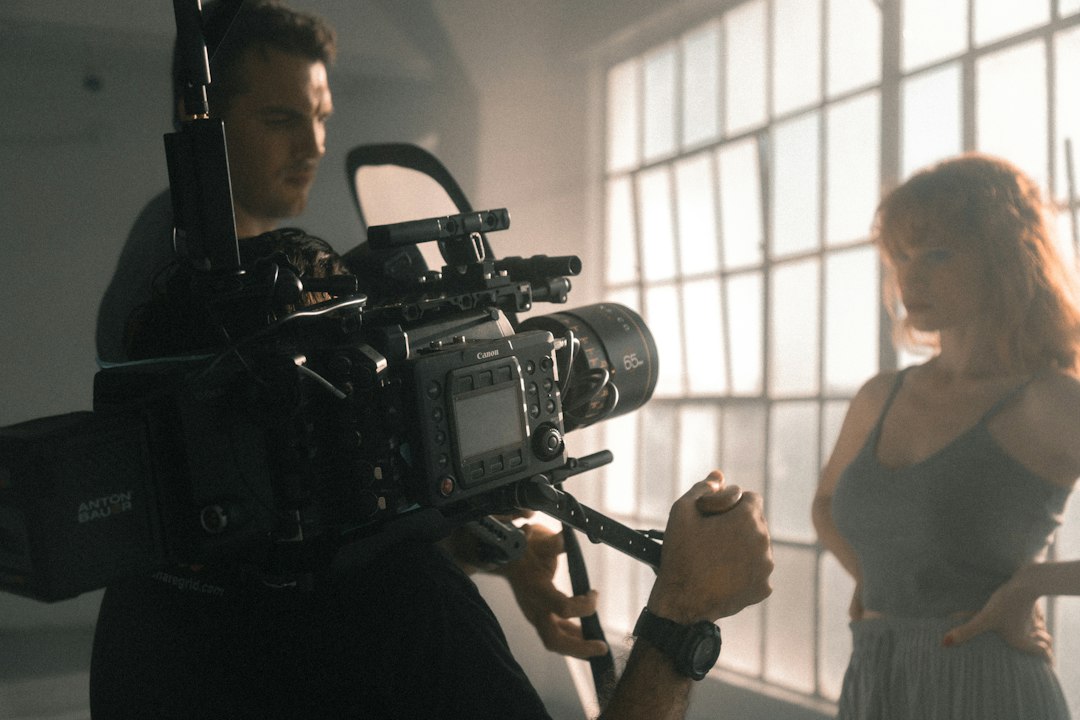
The shortlist: 6 AI video platforms worth knowing
1. Runway Gen-3 Alpha
Best for: creators, agencies, social teams, and short-form video tests.
Runway Gen-3 Alpha is the headline tool here for a reason. It produces clean, stylish clips with strong camera movement and a clear filmic look. It is also part of a wider toolset, with image tools, editing features, and motion controls in one place.
The annoying part is the credit math. It can feel like you are burning credits just to get one stable five-second shot. Still, for mood films, launch teasers, music visuals, and concept ads, it is one of the most useful options right now.
2. Luma Dream Machine
Best for: natural motion, quick concept clips, and image-to-video tests.
Luma Dream Machine made a lot of people pay attention because its motion often feels less stiff than older AI video tools. People walk with more weight. Objects move with better timing. Camera moves can look smooth when the prompt is clear.
It is not perfect. Faces can shift. Text inside video is still messy. If you need a clean product label or exact logo placement, you will still need a proper editing pass.
3. Kling AI
Best for: realistic scenes, human subjects, and dramatic shots.
Kling has earned attention for realism. Its human motion can be impressive, especially in scenes with walking, clothing movement, or camera depth. Some results look close to commercial storyboards rather than gimmicky AI tests.
The weak spot is access and workflow friction. Depending on region and plan, getting started can be less smooth than with Runway or Pika. Honestly, it feels like the results can be great, but the path to those results is not always friendly.
4. Pika
Best for: social clips, memes, stylized edits, and fast experiments.
Pika is a good pick when speed matters more than strict realism. It is friendly, playful, and suited to creators who need ideas fast. Its effects can be useful for punchy social content, especially when the final video is short.
Do not expect it to replace a serious editor. You will still need trimming, sound, captions, and cleanup. If your main channel is YouTube, pair AI clips with a proper workflow using video editing software for YouTube. AI can create shots. It rarely creates a finished story by itself.
5. Haiper
Best for: simple idea testing, visual drafts, and low-risk creative work.
Haiper is useful when you want to test prompts without making the process feel heavy. It is not always the most polished tool, but it is approachable. That makes it useful for early-stage creative work.
Use it to make rough visuals, not final campaign footage. It can help a team decide on a visual direction before spending real money on production, stock footage, an editor, or a studio shoot.
6. Adobe Firefly Video
Best for: brand teams, agencies, and commercial workflows that care about usage rights.
Adobe Firefly Video matters because Adobe is building around creator workflows, not just prompt boxes. The appeal is clear. Many editors already use Premiere Pro, After Effects, Photoshop, or Express. AI video inside that system could save time.
Adobe also talks often about commercially safer generative AI training and content credentials [source: Adobe]. That does not remove every legal question. Still, brands may feel more comfortable testing Firefly than unknown tools with vague data policies.
How to choose the right tool
- Pick Runway if you want the best balance of quality, control, and creative polish.
- Pick Luma if motion quality is your main concern.
- Pick Kling if realism matters and you can accept setup friction.
- Pick Pika if you make quick social content and stylized clips.
- Pick Haiper if you need rough ideas fast.
- Pick Firefly if brand safety and Adobe workflow support matter most.
What AI video still gets wrong
AI video is improving fast, but it is still not a push-button film crew. Hands break. Faces change. Logos wobble. Clothing details shift between shots. A cup may turn into a phone for no good reason.
Sound is another gap. Most AI video tools are weak when it comes to music, sound design, and clean voice work. If you need custom backing tracks, compare dedicated AI music generators instead of relying on a video model to do everything.
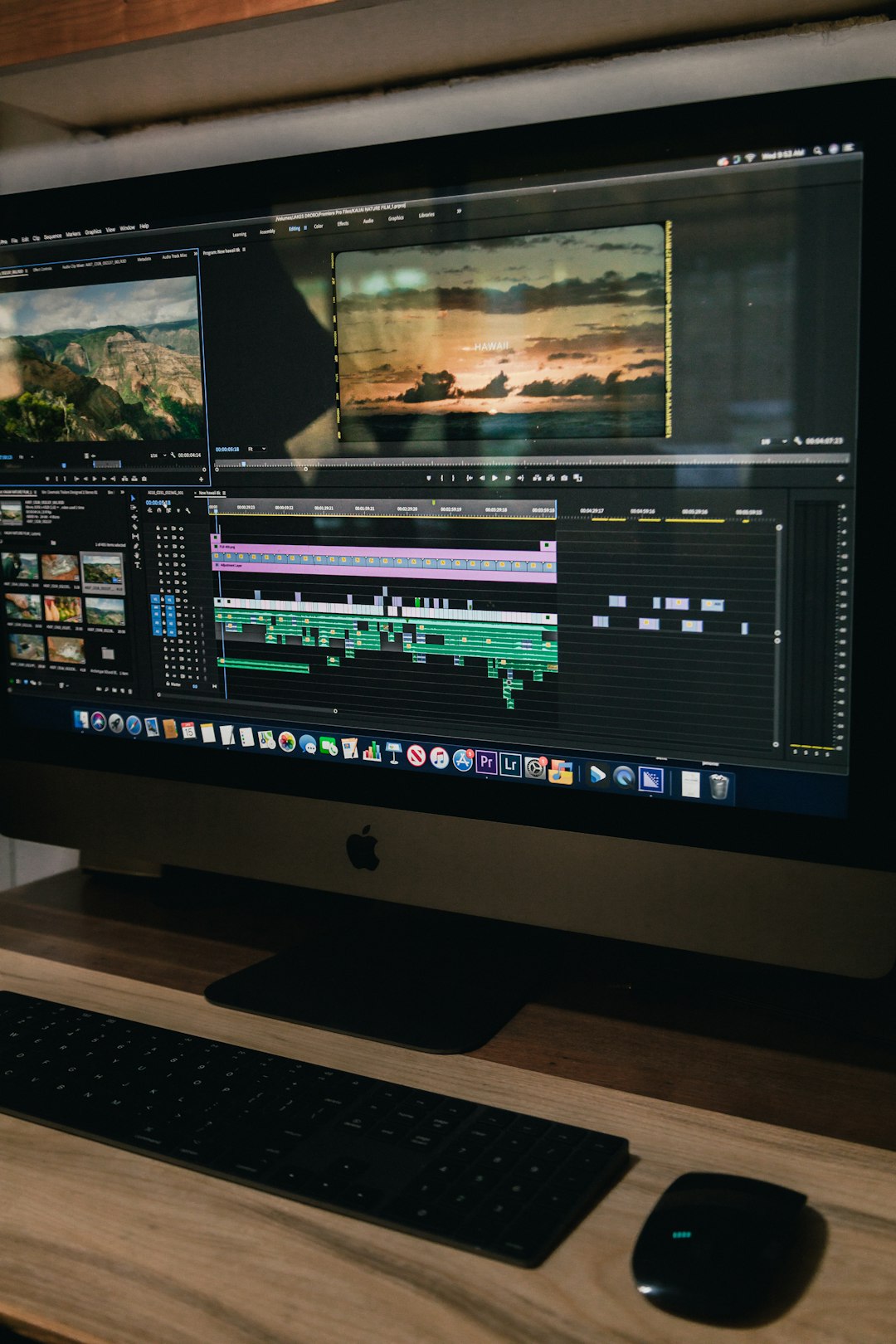
You will also need editing. A realistic AI workflow still includes cutting, color, captions, audio mixing, and export settings. If you are comparing full editing setups, this guide to desktop and browser video editing software is a useful next step.
Final recommendation
Use Runway Gen-3 Alpha as your benchmark. Then test two rivals against the same prompt. Keep the prompt, duration, aspect ratio, and source image the same. That is the only fair way to compare output.
For most teams, the winning setup is not one AI tool. It is one generator, one editor, one audio tool, and a clear review process. That may sound less exciting than “type a prompt and get a film.” But it is how you get usable work instead of a folder full of almost-good clips.