Video Editing Software: 8 Desktop and Browser Tools Compared for Professional Editing, Effects, and Social Media Content
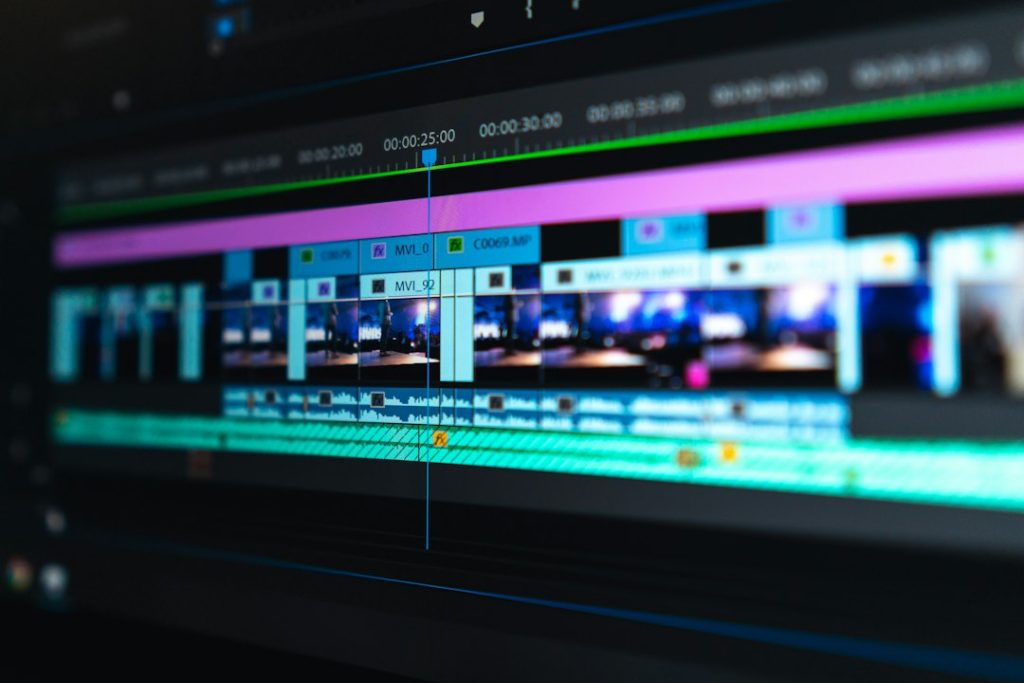
Pick DaVinci Resolve for the best all-around value, Adobe Premiere Pro for agency workflows, and CapCut or Descript when speed matters more than deep control. Video is no longer a “nice extra” for brands and creators. Wyzowl reports that 91% of businesses use video as a marketing tool [source: Wyzowl], which explains why editing software now has to cover everything from color grading to vertical captions.
TLDR: If you edit paid ads, YouTube videos, client work, or social reels, use the tool that matches your deadline, not just the one with the longest feature list. For example, a solo creator making 20 short videos per month may save hours with CapCut or Descript, while a studio cutting a 45-minute branded film will want Premiere Pro, Resolve, or Final Cut Pro. For serious color work, Resolve is hard to beat. For motion graphics, After Effects still wins, even if it can be annoyingly slow on heavy projects.
1. Adobe Premiere Pro
Best for: professional editors, agencies, YouTube teams, commercial work.
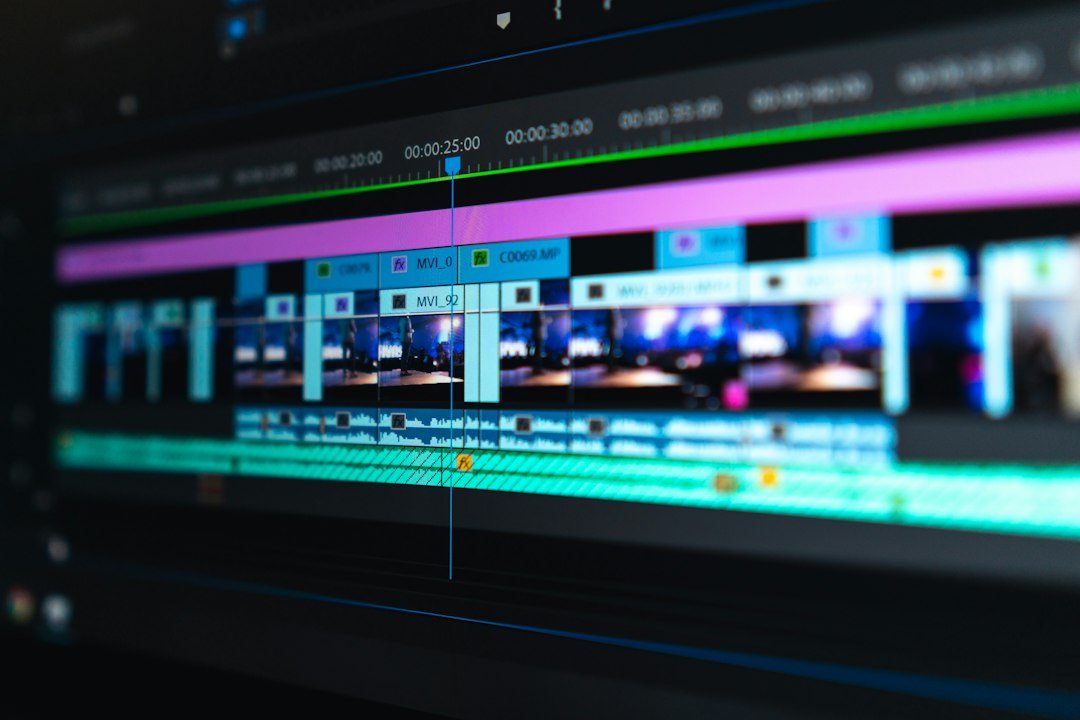
Premiere Pro is still one of the safest choices for professional editing. It handles multicam edits, long timelines, plugins, proxies, captions, and round-trips with After Effects. The interface feels familiar if you have used other Adobe apps.
The catch is… crashes and slow project loading can still eat time. It drives me crazy that a simple relink or render cache issue can turn a clean edit into a 20-minute interruption.
2. DaVinci Resolve
Best for: color grading, finishing, indie films, serious creators.
Resolve is the rare tool that feels both affordable and powerful. The free version is strong. The Studio version adds advanced noise reduction, extra effects, and high-end delivery options. Its color page is the star, but the edit, audio, and Fusion effects sections are also very capable.
If your work needs cinematic color, Resolve should be near the top of your list. It does ask more from your hardware, so weak laptops may suffer.
3. Final Cut Pro
Best for: Mac users, fast editing, solo professionals.
Final Cut Pro is built for speed. Its magnetic timeline is loved by some editors and hated by others. Once it clicks, trimming and rearranging scenes can feel very quick. It also runs beautifully on Apple silicon Macs.
The downside is collaboration. If your whole team works in Adobe or Avid, Final Cut can feel like an island. For solo editors on Mac, though, it is sharp, fast, and stable.
4. Avid Media Composer
Best for: TV, film, documentary teams, shared editing rooms.
Avid is not the friendliest tool here. It looks serious because it is serious. It is built for large productions with assistant editors, shared storage, strict media management, and long timelines.
If you cut social content, skip it. If you work in broadcast or film post-production, you may still need it. Avid is less about trendy features and more about control when many people touch the same project.
5. Adobe After Effects
Best for: motion graphics, title design, visual effects, animated ads.
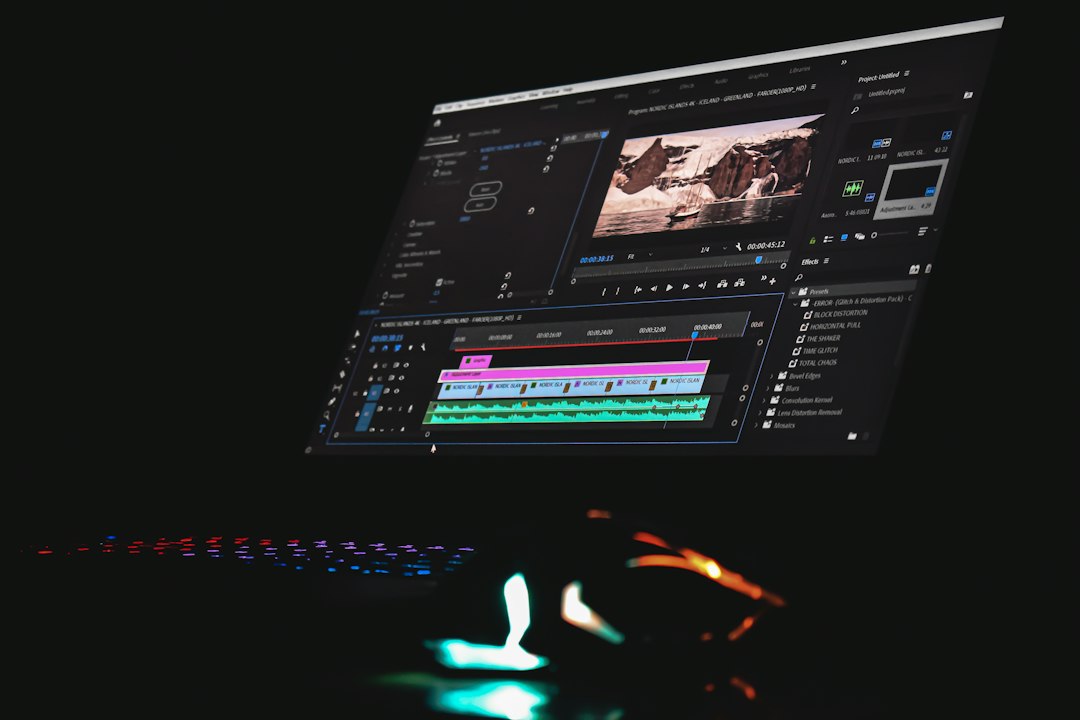
After Effects is not the tool you want for cutting a full video from start to finish. It is the tool you open when the edit needs glowing titles, tracked graphics, object removal, kinetic type, or polished transitions.
It pairs well with Premiere Pro. That combo is common in ad agencies and creator studios. Still, heavy compositions can crawl. Expect to wait longer when blur, particles, 3D layers, and high-resolution footage pile up.
6. CapCut
Best for: TikTok, Reels, Shorts, quick creator content.
CapCut is popular for a reason. It makes captions, templates, auto reframing, music, effects, and quick exports easy. The desktop version gives more room to work, while the browser and mobile versions are handy for fast edits.
It is not ideal for complex client jobs with strict review cycles. But for short-form content, it is hard to ignore. A 30-second reel with captions, beat cuts, and a trendy transition can be finished in minutes.
7. Descript
Best for: podcasts, talking-head videos, webinars, interviews.
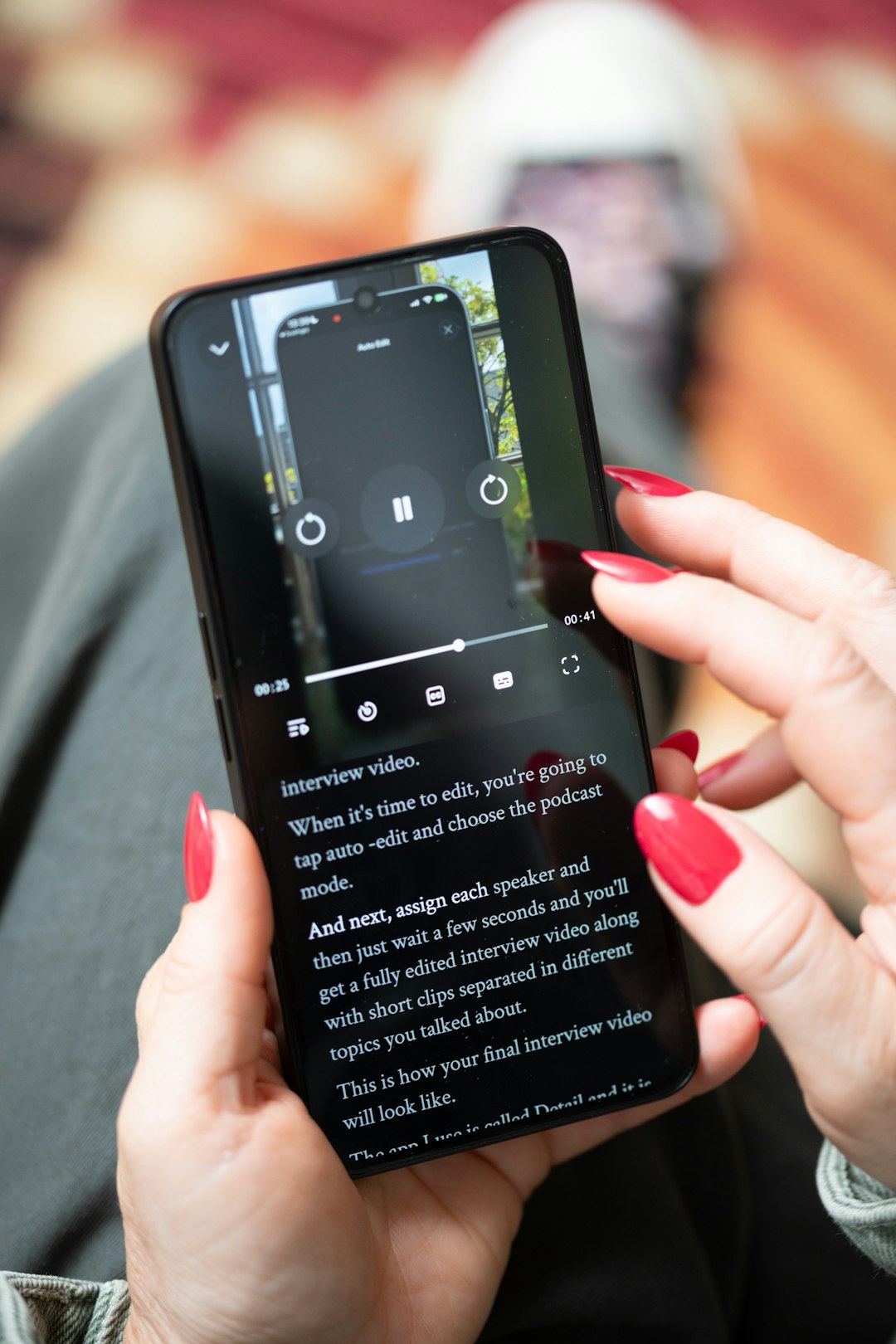
Descript edits video like a text document. Delete a sentence from the transcript, and it cuts that part out of the video. That sounds odd until you try it on a long interview. Then it feels almost unfair.
It is great for rough cuts, captions, screen recordings, and repurposing long videos into clips. It is weaker for advanced color, deep sound design, and frame-perfect visual edits. Use it to move fast, then finish elsewhere if needed.
8. Canva Video
Best for: social media teams, simple ads, branded templates.
Canva Video is not a classic editing suite. It is more like a brand-friendly content builder. You can produce Instagram posts, story ads, promo videos, basic presentations, and short clips without knowing much about editing.
Its strength is consistency. Teams can use brand colors, logos, fonts, and reusable designs. Its weakness is depth. If you need advanced audio mixing or complex timelines, you will hit the ceiling quickly.
Quick comparison
- Best overall professional value: DaVinci Resolve
- Best agency standard: Adobe Premiere Pro
- Best Mac-only speed: Final Cut Pro
- Best for broadcast teams: Avid Media Composer
- Best for effects: Adobe After Effects
- Best for short-form social: CapCut
- Best for transcript editing: Descript
- Best for branded quick posts: Canva Video
Which one should you choose?
If you want one serious tool and hate subscriptions, start with DaVinci Resolve. If you work with clients who already use Adobe files, choose Premiere Pro. If you are a Mac editor who values speed, Final Cut Pro makes sense.
For social content, do not overthink it. CapCut is fast, Descript is brilliant for speech-heavy videos, and Canva Video is useful for brand-safe posts. For effects, titles, and animated graphics, After Effects remains the specialist.
The smartest setup may be a mix. Many creators cut in Resolve or Premiere, make graphics in After Effects, then use CapCut or Descript for quick short clips. That may sound messy, but it matches how video work actually gets done.