Razer Blade Laptop Buyer’s Guide for 2026
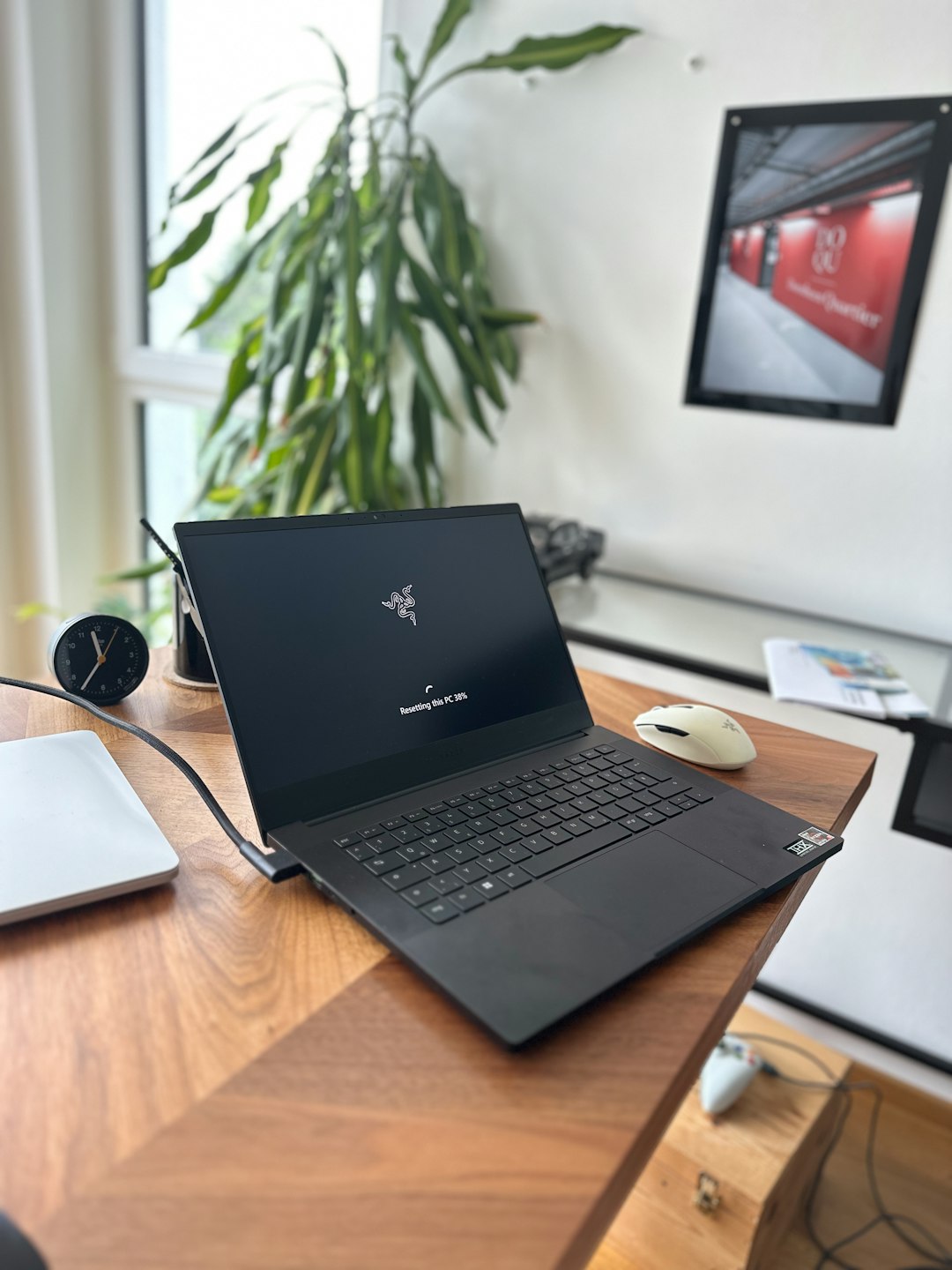
Choosing a Razer Blade laptop in 2026 is less about finding the most powerful model and more about matching the right machine to the buyer’s workload, travel habits, gaming expectations, and budget. Razer’s Blade line remains known for premium aluminum construction, high-refresh displays, strong graphics options, and minimalist styling that appeals to both gamers and creative professionals. A smart buyer should compare performance, thermals, screen quality, portability, and long-term value before choosing a configuration.
TLDR: The best Razer Blade laptop for 2026 depends on whether the buyer prioritizes portability, gaming power, creative work, or desktop replacement performance. The Blade 14 is typically the travel-friendly choice, the Blade 16 is the most balanced option, and the Blade 18 is best for maximum screen space and performance. Buyers should focus on GPU tier, display type, RAM, storage, cooling, and warranty coverage before purchasing.
Understanding the Razer Blade Lineup in 2026
The 2026 Razer Blade family generally appeals to buyers who want a laptop that feels premium but still performs like a serious gaming or creator workstation. While exact configurations can vary by region and retailer, the core decision usually comes down to three size categories: Blade 14, Blade 16, and Blade 18. Each size serves a different kind of buyer.
- Razer Blade 14: Best for portability, students, frequent travelers, and users who want strong performance in a compact body.
- Razer Blade 16: Best for most buyers because it balances power, display size, thermals, and portability.
- Razer Blade 18: Best for enthusiasts, streamers, video editors, and users who want a large screen and near-desktop performance.
The Blade lineup is often more expensive than many competing gaming laptops, but the premium price usually reflects its build quality, refined design, display options, and compact engineering. A buyer who wants the lowest cost per frame may find better value elsewhere, while someone who values design, portability, and performance in one package may find the Blade line especially attractive.
Choosing the Right Size
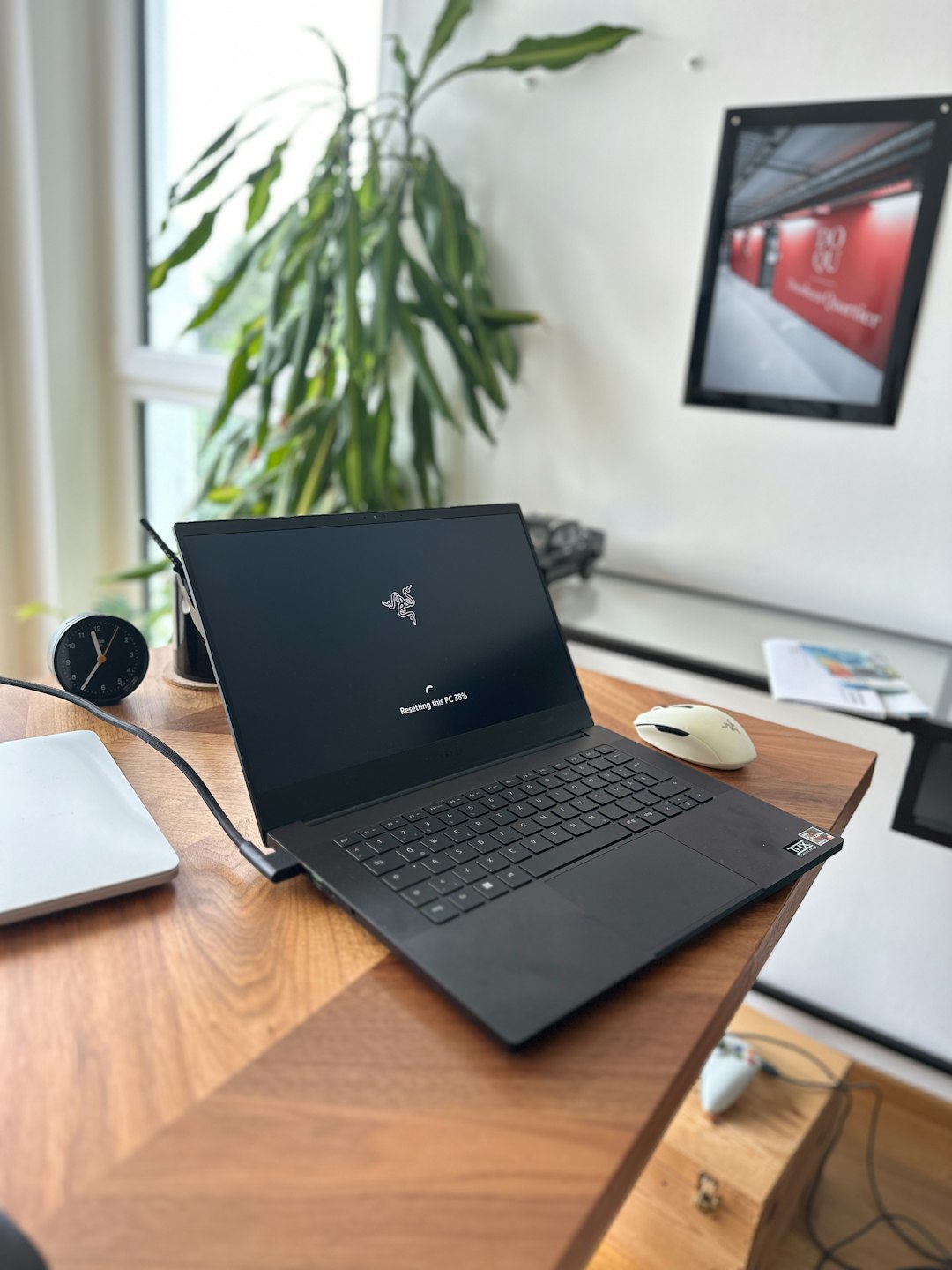
The first and most important choice is size. A larger laptop can usually handle more heat, support a bigger display, and provide stronger sustained performance. A smaller laptop is easier to carry, but it may run louder or warmer under heavy loads.
The Blade 14 is ideal for buyers who move between offices, classrooms, studios, and travel locations. It can handle esports titles, casual AAA gaming, productivity, and light creative work. However, buyers expecting long rendering sessions or maximum graphics settings in every demanding game may prefer a larger model.
The Blade 16 is the safest recommendation for most 2026 buyers. It usually offers a better mix of cooling capacity, display quality, and GPU performance without becoming too bulky. It suits gamers, content creators, software developers, and professionals who want one laptop for both work and entertainment.
The Blade 18 is for buyers who want a large canvas and do not mind carrying extra weight. It makes sense for video editors, 3D artists, streamers, and users who keep the laptop mostly at a desk. Its larger chassis can make high-end components more practical.
Performance: CPU, GPU, and Real-World Needs
In 2026, buyers should avoid choosing a Razer Blade based only on the highest specification sheet. The graphics processor usually matters most for gaming, 3D rendering, AI-assisted workloads, and GPU-accelerated creative apps. The processor matters most for compiling code, multitasking, simulation work, and CPU-heavy editing tasks.
For gaming, the buyer should choose a GPU that matches the laptop’s display resolution. A high-refresh 1080p or 1200p experience does not require the same graphics power as 4K gaming. For 1440p, 1600p, or higher-resolution panels, a stronger GPU becomes more important. Creators using applications such as video editing suites, 3D modeling tools, or motion graphics software should prioritize both GPU memory and system RAM.
A useful rule is simple: casual gamers can buy mid-tier configurations, competitive gamers should focus on high refresh rates, and professional creators should invest in stronger GPUs, more RAM, and larger storage.
Display Options Matter More Than Expected
Razer Blade laptops are often praised for their displays, and the screen choice can strongly affect satisfaction. Buyers should look at resolution, refresh rate, brightness, color accuracy, panel type, and whether the display supports the user’s primary workload.
- Esports players: Should prioritize high refresh rates and fast response times.
- Single-player gamers: May prefer higher resolution, richer contrast, and better color.
- Photo and video editors: Should look for strong color coverage and accurate factory calibration.
- General productivity users: Benefit from a sharp 16:10 display with enough brightness for varied lighting.
OLED and mini LED-style panels, when available, can offer excellent contrast and visual impact, though they may cost more. Buyers sensitive to burn-in risk, brightness behavior, or battery life should carefully compare panel technologies before selecting a model.
RAM and Storage Recommendations
For 2026, 16GB of RAM may still be acceptable for mainstream gaming and everyday use, but 32GB is the better target for a premium laptop. Buyers working with 4K video, large photo libraries, virtual machines, development environments, or 3D projects may want 64GB if the configuration supports it.
Storage should also be chosen carefully. Game sizes, video files, and project folders continue to grow. A 1TB SSD is a practical minimum for most Blade buyers. A 2TB SSD is more comfortable for gamers and creators who dislike managing external drives. Before purchase, the buyer should confirm whether the model has upgradeable storage slots and whether opening the laptop affects warranty terms in the region.
Battery Life and Portability
No Razer Blade should be purchased with the expectation of all-day gaming on battery. High-performance gaming laptops draw significant power under load, and the best experience usually requires the charger. However, battery life still matters for web browsing, writing, meetings, streaming, and travel.
The Blade 14 usually has the strongest portability advantage, while the Blade 18 is best treated as a movable workstation. The Blade 16 sits in the middle. Buyers who often work away from outlets should compare battery capacity, charger size, USB C charging support, and real-world battery tests from trusted reviewers.
Thermals, Noise, and Build Quality
Razer’s thin metal chassis designs are attractive, but slim performance laptops must manage heat carefully. Under gaming or rendering loads, fans can become clearly audible. This is normal for the category, but buyers who need a quiet laptop for recording studios, shared offices, or classrooms should pay special attention to fan noise measurements.
The premium aluminum body remains one of the biggest reasons buyers choose a Blade. The keyboard, trackpad, hinge feel, and overall rigidity usually feel more refined than many bulkier gaming laptops. Still, the buyer should remember that a beautiful chassis does not remove the need for careful heat management, regular cleaning, and sensible performance settings.
Who Should Buy Each Model?
- Best for students: Blade 14, because it is easier to carry and still powerful enough for gaming and coursework.
- Best for most gamers: Blade 16, because it offers the strongest balance of performance and practicality.
- Best for creators: Blade 16 or Blade 18, depending on whether portability or screen space matters more.
- Best for desktop replacement users: Blade 18, especially when paired with an external mouse, keyboard, and monitor.
- Best for business users who also game: Blade 14 or Blade 16, because both look professional compared with many gaming laptops.
Pricing and Value in 2026
Razer Blade laptops are premium purchases, so buyers should compare price against real needs. The most expensive configuration is not always the smartest one. A buyer may get better value from a mid-to-high GPU, 32GB of RAM, and 1TB or 2TB of storage than from the absolute top configuration with features that will rarely be used.
Sales events, student discounts, refurbished models, and previous-generation closeouts can offer strong savings. However, buyers should check battery health, warranty status, return policy, and exact specifications before purchasing any discounted or refurbished unit.
Final Buying Advice
The best Razer Blade laptop for 2026 is the one that fits the buyer’s actual lifestyle. A frequent traveler should not overbuy into a heavy machine, and a professional editor should not underbuy a compact system that will struggle with demanding projects. The Blade 16 will likely remain the most sensible choice for the widest range of buyers, while the Blade 14 and Blade 18 serve more specific needs.
Before checkout, the buyer should verify the model year, GPU wattage, display type, RAM configuration, storage expandability, port selection, and warranty coverage. A Razer Blade can be an excellent long-term laptop when selected carefully, but it rewards thoughtful configuration more than impulse buying.
FAQ
Which Razer Blade is best for most buyers in 2026?
The Razer Blade 16 is generally the best choice for most buyers because it balances performance, screen size, portability, and cooling better than the smaller or larger models.
Is the Razer Blade 14 powerful enough for gaming?
Yes, the Blade 14 is powerful enough for many modern games, especially at sensible settings. However, buyers who want maximum performance in demanding AAA titles may prefer the Blade 16 or Blade 18.
Is the Razer Blade 18 worth it?
The Blade 18 is worth it for buyers who need a large display, stronger sustained performance, and a desktop replacement experience. It is less ideal for frequent travel due to its size and weight.
How much RAM should a 2026 Razer Blade have?
32GB of RAM is the best target for most premium buyers in 2026. Casual users may manage with 16GB, while creators and professional users may benefit from 64GB.
Should buyers choose OLED, mini LED, or IPS?
OLED is excellent for contrast and rich visuals, mini LED can offer strong brightness and HDR performance, and IPS remains reliable for general use. The best choice depends on gaming style, creative needs, brightness requirements, and budget.
Are Razer Blade laptops good for work?
Yes. Their clean design, strong build quality, good displays, and powerful hardware make them suitable for work, creative projects, and gaming. Buyers should still consider battery life and fan noise if the laptop will be used in quiet professional environments.
Is a Razer Blade better than a cheaper gaming laptop?
A cheaper gaming laptop may offer better raw performance per dollar, but a Razer Blade usually provides a more premium chassis, sleeker design, better portability, and refined user experience. The better choice depends on whether the buyer values price or premium construction more.



The variety of options keeps me entertained for hours on end and I never encounter any technical hiccups, it really is the kind of place where players get treated like family. 8xgame
I have been using this platform for months and the experience keeps getting better. Quick withdrawals and amazing customer care make it my go to spot for weekend fun. npprabhu365
Lucky numbers really do work here since I have hit a few nice wins on my first month. The interface is super clean and I never have to wait long for my payouts. A solid choice for anyone looking for fair play. 8888mx
FGcxkjCdjULnHruWi