Mobbin Alternatives: Mobbin vs Pttrns for Finding Mobile UI Inspiration
Mobbin is the stronger choice for teams that need deep mobile UI research, while Pttrns is better for quick pattern browsing and lightweight inspiration. A designer comparing onboarding, paywalls, search, or profile screens will usually find more complete flows in Mobbin. Pttrns still has value, especially when the goal is to scan familiar mobile patterns without getting buried in too many options.
TLDR: Mobbin suits product teams that need full app flows, fresher references, and a research-friendly interface. Pttrns works best for designers who want a simpler catalog of mobile UI patterns. For example, a 4-person product team redesigning checkout could review 40 Mobbin screenshots across 8 apps in under an hour, then use Pttrns to confirm common layout conventions. If speed matters more than depth, Pttrns may feel easier; if proof and coverage matter more, Mobbin wins.
Mobbin vs Pttrns: The Short Answer
Mobbin is built for serious UI research. It contains large collections of real product screens, often grouped into flows. That makes it useful for seeing how apps handle not just one screen, but the full path from sign-up to payment or settings.
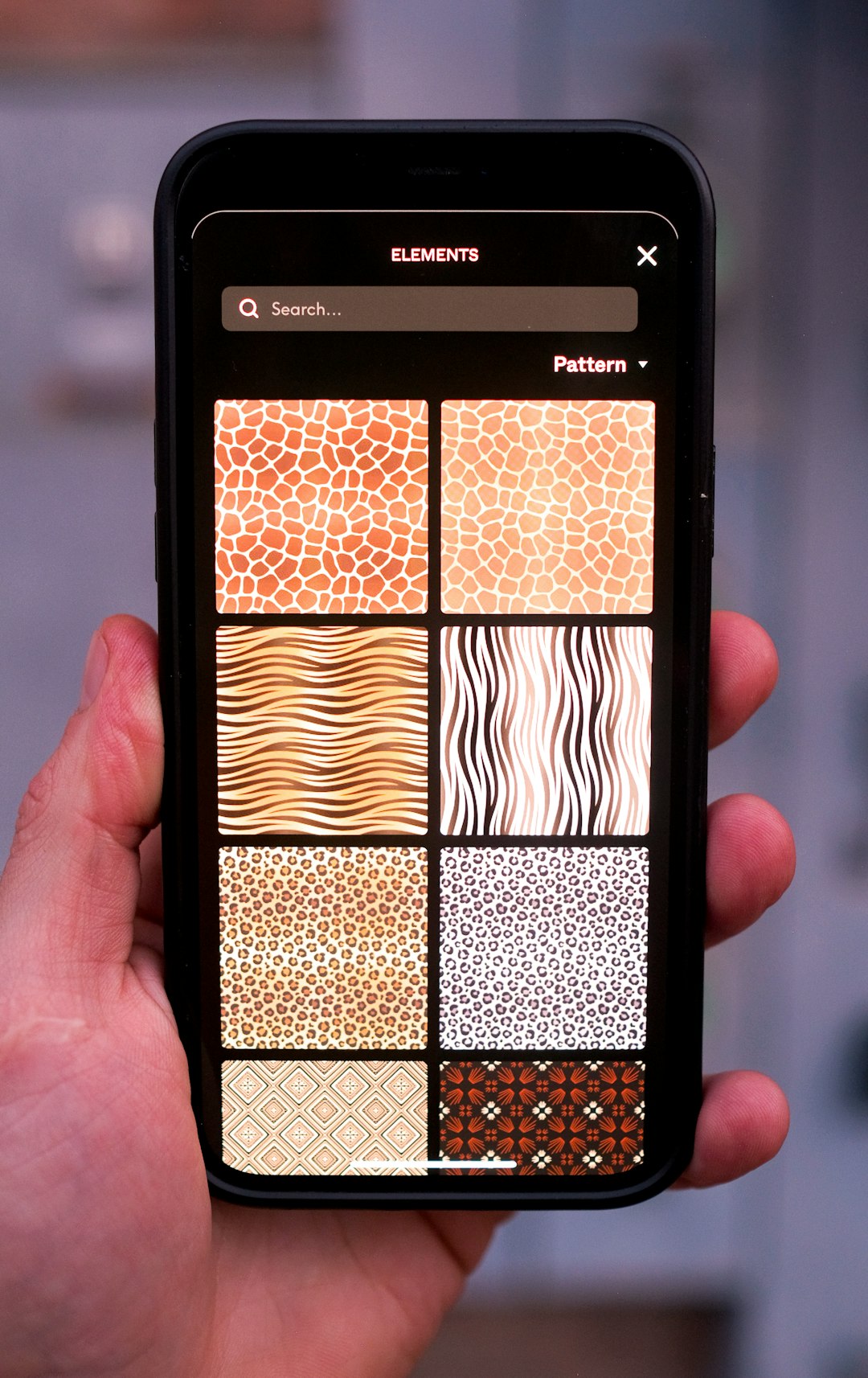
Pttrns is more pattern-led. It gives designers a way to browse mobile interface ideas by category. It is useful for seeing how apps solve common problems like empty states, activity feeds, onboarding, and account pages.
The catch is that Pttrns can feel thin when a designer needs context. A single screen may spark an idea, but it may not explain what came before or after. Mobbin is stronger there because its flow-based research helps answer the real product question: how does the whole experience work?
What Mobbin Does Better
Mobbin’s main strength is depth. It helps product designers, UX researchers, founders, and PMs inspect polished apps with less guesswork. Screens are usually organized by app, flow, platform, and UI pattern. That structure saves time.
- Full user flows: Mobbin is useful for studying onboarding, subscription upgrades, checkout, account setup, and cancellation paths.
- Modern references: The library tends to feel current, which matters when teams want examples from active consumer products.
- Better research context: Designers can compare how different apps solve the same task.
- Good for stakeholder decks: Screens can support product arguments with real examples instead of vague opinions.
Honestly, it feels like Mobbin was made for the designer who has to defend every design choice in a review. Instead of saying “many apps do this,” the designer can show five examples from finance, health, retail, or social apps.
Where Mobbin Falls Short
Mobbin is not perfect. Its depth can also slow people down. A designer may open one app flow, spot another related flow, then lose 20 minutes collecting references that were not needed. That is great for research, but annoying during a quick wireframe session.
Cost is another factor. Mobbin’s best value often sits behind paid access, which can be hard for solo designers or students. Teams may accept the price because it replaces manual screenshot hunting. A freelancer may hesitate if only a few references are needed each month.
What Pttrns Does Better
Pttrns is simpler. That is its best quality. It works well when a designer wants a fast scan of common mobile UI ideas without opening long app journeys.
- Pattern-first browsing: It is easy to look for familiar categories such as login, profiles, maps, lists, feeds, and settings.
- Quick inspiration: Pttrns suits early sketching when the design direction is still loose.
- Less research overhead: It gives enough visual input for simple decisions.
- Good for junior designers: It can help build pattern awareness without needing a formal research plan.
Pttrns is at its best when a designer asks, “What are common ways to show this screen?” It is less useful when the question becomes, “How does this app move users from step one to step five?”
Where Pttrns Falls Short
Pttrns can feel limited for deeper UX work. Some references may lack the surrounding context needed to understand the product logic. For example, a paywall screen can look clean, but without the previous trigger screen or the next confirmation step, the designer sees only part of the story.
It drives some teams crazy that pattern galleries can create false confidence. A screen may look good in isolation, yet fail when placed inside a real user journey. That is where Mobbin often feels safer for product decisions.
Best Use Cases for Mobbin
Mobbin is the better pick when the project needs evidence, comparison, and flow analysis. It suits teams working on:
- Fintech onboarding with identity checks and trust signals.
- Subscription apps with trials, paywalls, and upgrade prompts.
- Ecommerce checkout with carts, delivery, payment, and order tracking.
- Health and wellness apps with habit loops, goals, and progress screens.
- Social apps with feeds, profiles, posting, and notifications.
A practical workflow could look like this: a product designer studies 10 Mobbin flows, saves 25 relevant screens, groups them by decision point, then presents 6 patterns to the team. That process can turn a vague design debate into a focused 30-minute review.
Best Use Cases for Pttrns
Pttrns works better for quick visual scanning. It is useful when the designer is not yet ready for deep research.
- Moodboarding: Gathering broad visual direction for a new app.
- Pattern checks: Seeing common layouts for a single screen type.
- Early wireframes: Finding structure before writing detailed UX logic.
- Learning mobile UI: Studying recurring design choices across apps.
For a small side project, Pttrns may be enough. A founder sketching a simple habit tracker does not always need 60 screenshots across 12 competitors. Sometimes 8 strong references are plenty.
Which Tool Saves More Time?
Mobbin saves more time during structured research. Pttrns saves more time during loose exploration. The difference depends on the task.
If a designer needs to compare complete experiences, Mobbin usually wins. It reduces the need to install apps, create accounts, trigger trial offers, or record screens manually. That can save several hours per project.
If a designer only needs a single screen idea, Pttrns may be faster. Opening a category and scanning layouts can take minutes. Mobbin may add extra steps because its richer library invites deeper browsing.
Pricing and Team Fit
Pricing should be judged by usage. A team that ships mobile product updates every sprint can justify Mobbin more easily. The reference library becomes part of the design process. It helps with audits, competitor reviews, and stakeholder alignment.
Pttrns may suit individuals, students, and smaller teams that need occasional inspiration. It is also helpful for designers who already have strong research inputs but want fresh visual cues.
The best setup may include both. Mobbin can handle serious research. Pttrns can support fast ideation. If only one tool can be used, the decision should follow the type of work: flows and proof mean Mobbin; quick patterns mean Pttrns.
Final Verdict
Mobbin is the better Mobbin alternative benchmark because it offers more complete mobile UI research than Pttrns. It is stronger for product teams, UX designers, and anyone building complex flows. Pttrns remains useful, but it is more of an inspiration gallery than a full research tool.
For teams designing conversion-heavy mobile experiences, Mobbin is the safer choice. For designers who want to scan patterns, collect ideas, and move on, Pttrns still earns a place in the toolkit.
FAQ
Is Pttrns a good alternative to Mobbin?
Yes, but only for certain needs. Pttrns is good for browsing mobile UI patterns quickly. Mobbin is better for studying full app flows and detailed product behavior.
Which is better for mobile app onboarding inspiration?
Mobbin is usually better for onboarding because it often shows the sequence of screens. Pttrns can help with visual ideas, but it may not show enough context.
Is Mobbin worth it for solo designers?
It can be worth it if the designer works on mobile products often. If mobile UI research is rare, Pttrns or free screenshot sources may be enough.
Which tool is better for UX research?
Mobbin is better for UX research because it supports comparison across flows, apps, and patterns. Pttrns is better for quick visual reference.
Can a team use both Mobbin and Pttrns?
Yes. A team can use Mobbin for deeper product research and Pttrns for early inspiration. This mix works well when projects shift between discovery, wireframing, and detailed design.