6 Paint.js Alternatives for Browser-Based Drawing, Lightweight Image Editing, and Creative Web Projects
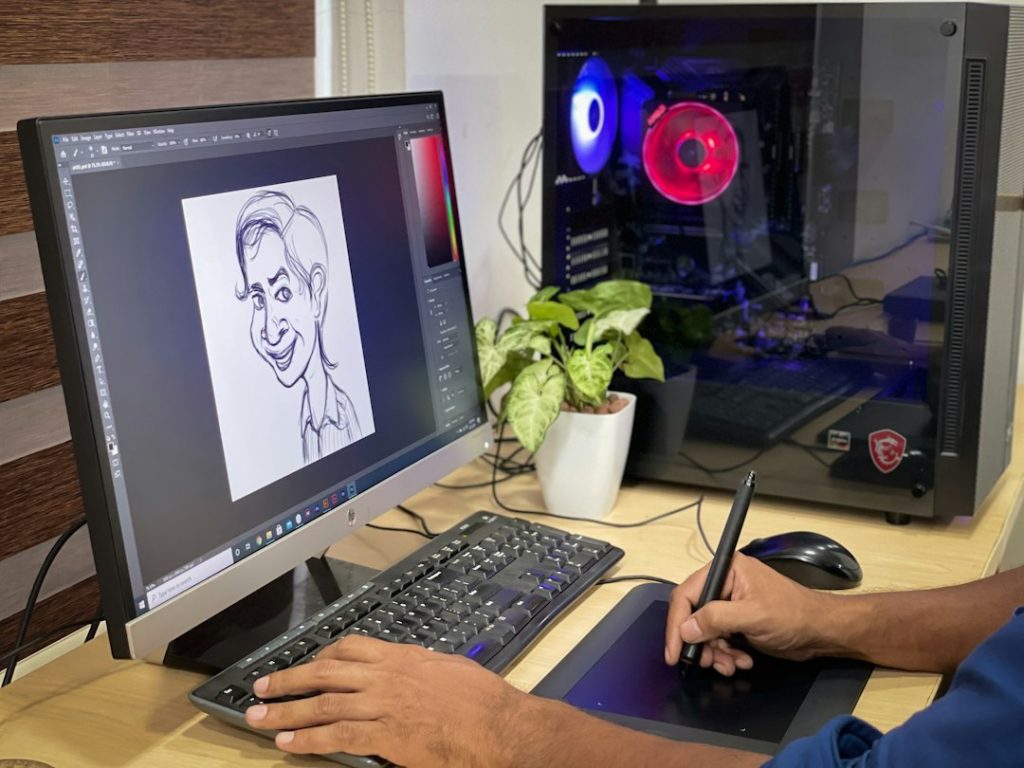
Start with Photopea if you need the strongest Paint.js alternative for real image editing, and use Kleki or JS Paint when you only need fast drawing. Paint.js is fine for simple browser sketches, but many teams outgrow it once they need layers, PSD support, cleaner exports, or a smoother handoff. Photopea is a serious option because it can open formats such as PSD, XCF, Sketch, XD, and CDR in the browser [source: Photopea].
TLDR: The best six alternatives are Photopea, Kleki, JS Paint, Pixlr, Excalidraw, and tldraw. For example, a content team fixing 20 product screenshots can use Kleki for marks, Photopea for layer edits, and Excalidraw for layout notes without installing desktop software. In a small workflow, that can turn a 20-minute file handoff into a five-minute browser task. Pick based on the job, not the longest feature list.
How to choose a Paint.js alternative
A good browser drawing tool should load quickly, export clean files, and stay simple enough that people actually use it. If it takes longer to find the crop tool than to redo the image, the tool has failed. For client work, also check privacy, supported file types, and whether the app works without an account.
- For serious image edits: choose Photopea or Pixlr.
- For quick sketching: choose Kleki or JS Paint.
- For diagrams and product ideas: choose Excalidraw or tldraw.
1. Photopea
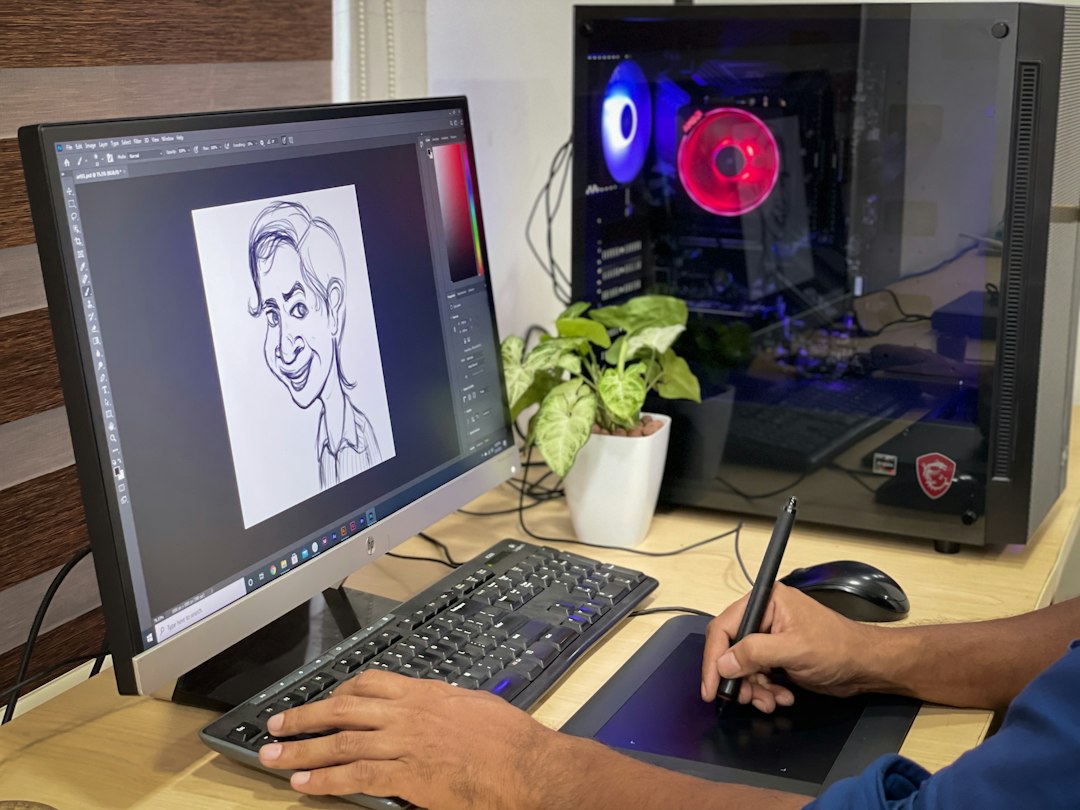
Photopea is the closest browser-based option to a full desktop editor. It supports layers, masks, text tools, smart objects, and many pro file formats. That makes it useful for designers, marketers, teachers, and developers who receive layered files but do not want to open a heavy app.
The interface feels familiar if you have used Photoshop. The catch is the learning curve. New users may need a few sessions before they feel quick. Still, for PSD fixes, social media graphics, and banner edits, it is one of the most practical choices.
2. Kleki
Kleki is fast, light, and easy to understand. It is best for sketching, painting, annotating screenshots, and making simple art in the browser. You get brushes, layers, blending, shapes, text, and basic filters without much setup.
It does not try to be a full studio tool, which is good. The menus stay clean. Honestly, it feels like the right pick when you need to draw now, not watch the interface load for 12 seconds.
3. JS Paint
JS Paint recreates the classic Microsoft Paint feel in the browser. It is simple, nostalgic, and surprisingly useful for rough edits. Use it for pixel art, quick labels, tiny image crops, and basic drawing tasks.
Its main strength is speed. Almost anyone can understand it in under a minute. Its weak point is also clear: this is not a polished image editor for complex work. It is a reliable scratchpad, not a production suite.
4. Pixlr
Pixlr offers browser-based photo editing with a cleaner, more modern feel than many simple paint tools. It has two main styles of use: quick edits for casual work and deeper edits for more detailed images. You can crop, resize, remove backgrounds, adjust color, add text, and create social visuals.
Pixlr is good for teams that need results without training. The annoying part is that ads and account prompts can interrupt the flow, especially during small edits. If you can live with that, it is a capable browser editor.
5. Excalidraw
Excalidraw is best for sketch-style diagrams, wireframes, planning boards, and visual notes. It is not a photo editor. That is fine. Its hand-drawn look makes ideas feel less final, which helps during early planning.
Use it for product flows, website layouts, teaching notes, or project sketches. Collaboration is simple, and exports are easy. For teams working on creative web projects, Excalidraw can replace messy screenshot chains and unclear text notes.
6. tldraw
tldraw is a browser drawing and whiteboard tool with a clean interface and strong developer appeal. It works well for diagrams, sticky-note planning, rough UI ideas, and shared visual thinking. It also has an open-source side, which matters if your team wants to build custom drawing features.
For web projects, tldraw is useful when the drawing space itself becomes part of the product idea. Developers who work with browser graphics should also understand the HTML Canvas API, since many drawing tools depend on it [source: MDN].
Best picks by use case
- Best all-around editor: Photopea.
- Best simple drawing tool: Kleki.
- Best classic paint feel: JS Paint.
- Best quick photo edits: Pixlr.
- Best rough diagrams: Excalidraw.
- Best creative whiteboard base: tldraw.
Final recommendation: do not replace Paint.js with one tool just because it has more features. Match the tool to the task. Use Photopea for layered editing, Kleki for fast drawing, Pixlr for light photo work, and Excalidraw or tldraw when the real job is explaining an idea clearly.