7 JustSketchMe Alternatives for 3D Drawing References, Character Posing, and Digital Illustration Practice
The best JustSketchMe alternative for most artists is Magic Poser, but the right pick depends on how you draw, pose, and practice anatomy. If you want free 3D control, Blender is also free and open source [source: Blender]. Some tools are better for manga. Some are better for animation poses. Some are just faster when you need a hand reference at 1 a.m.
TLDR: Try Magic Poser if you want quick character posing with a clean interface. Use PoseMy.Art if you want a free browser tool with no install. Use Blender if you want full 3D control, but expect a learning curve. For example, if you make 20 pose studies per week, a faster tool can save 5 to 10 minutes per sketch session.
1. Magic Poser
Best for: Fast character poses, comics, webtoons, and figure studies.
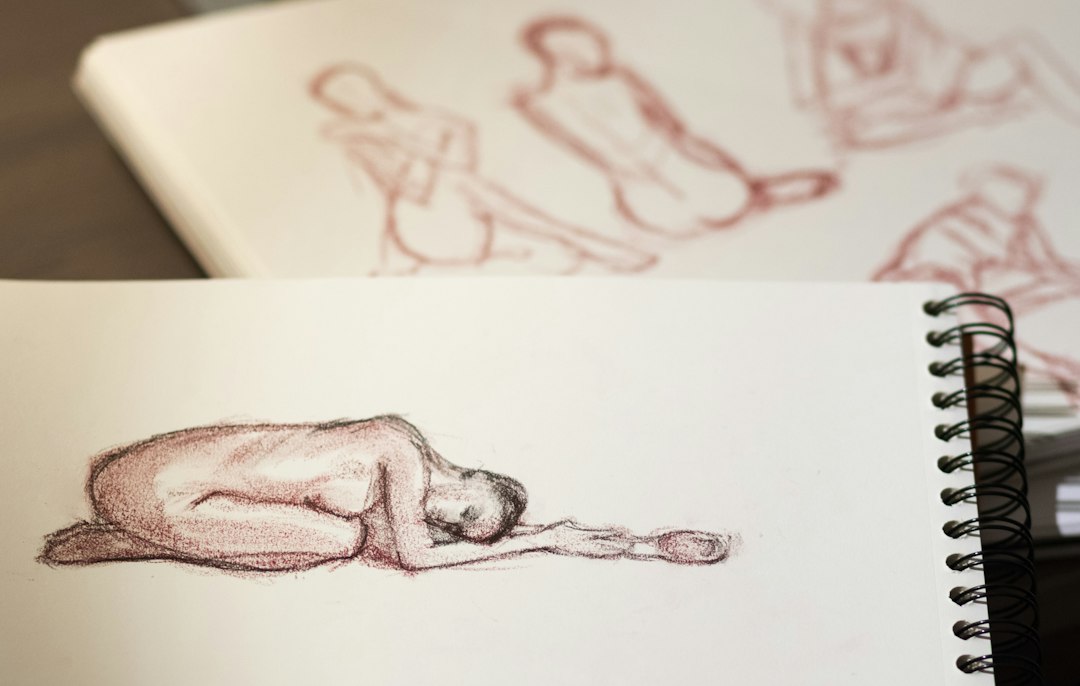
Magic Poser is one of the easiest JustSketchMe alternatives. You can pose 3D characters, change body types, add props, and set up simple scenes. It feels friendly. That matters when you just want to draw and not fight menus.
Why artists like it:
- Simple controls.
- Good mobile support.
- Useful preset poses.
- Props for scenes and action poses.
The annoying bit? Some nicer assets sit behind paid plans. So yes, you may hit a paywall right when you find the perfect pose. Classic.
2. PoseMy.Art
Best for: Free browser-based posing.
PoseMy.Art is a great pick if you hate installing more apps. Open the site. Add a model. Start posing. That is the charm.
It has male and female models, lighting, props, and hand posing. The interface is not fancy, but it gets the job done. Honestly, it feels like the tool was made for artists who are already tired.
Good for:
- Gesture drawing.
- Hand studies.
- Couple poses.
- Quick lighting checks.
If JustSketchMe feels too limited, PoseMy.Art is a solid free backup.
3. Clip Studio Paint 3D Models
Best for: Manga, comics, and polished digital art.
Clip Studio Paint is not just a drawing app. It also has 3D pose models built in. You can drag a model onto the canvas and pose it. You can also use 3D heads, hands, objects, and backgrounds.
This is perfect if you already ink and color in Clip Studio. You do not need to jump between apps. That saves time.
Why it stands out:
- 3D models sit right on your canvas.
- You can trace, sketch, or use them as loose guides.
- Great for comic panels.
- Strong brush and line art tools.
The catch is the pose controls can feel clumsy at first. Rotating limbs may take a few extra seconds until it clicks.
4. Blender
Best for: Full control, complex scenes, and serious 3D reference building.
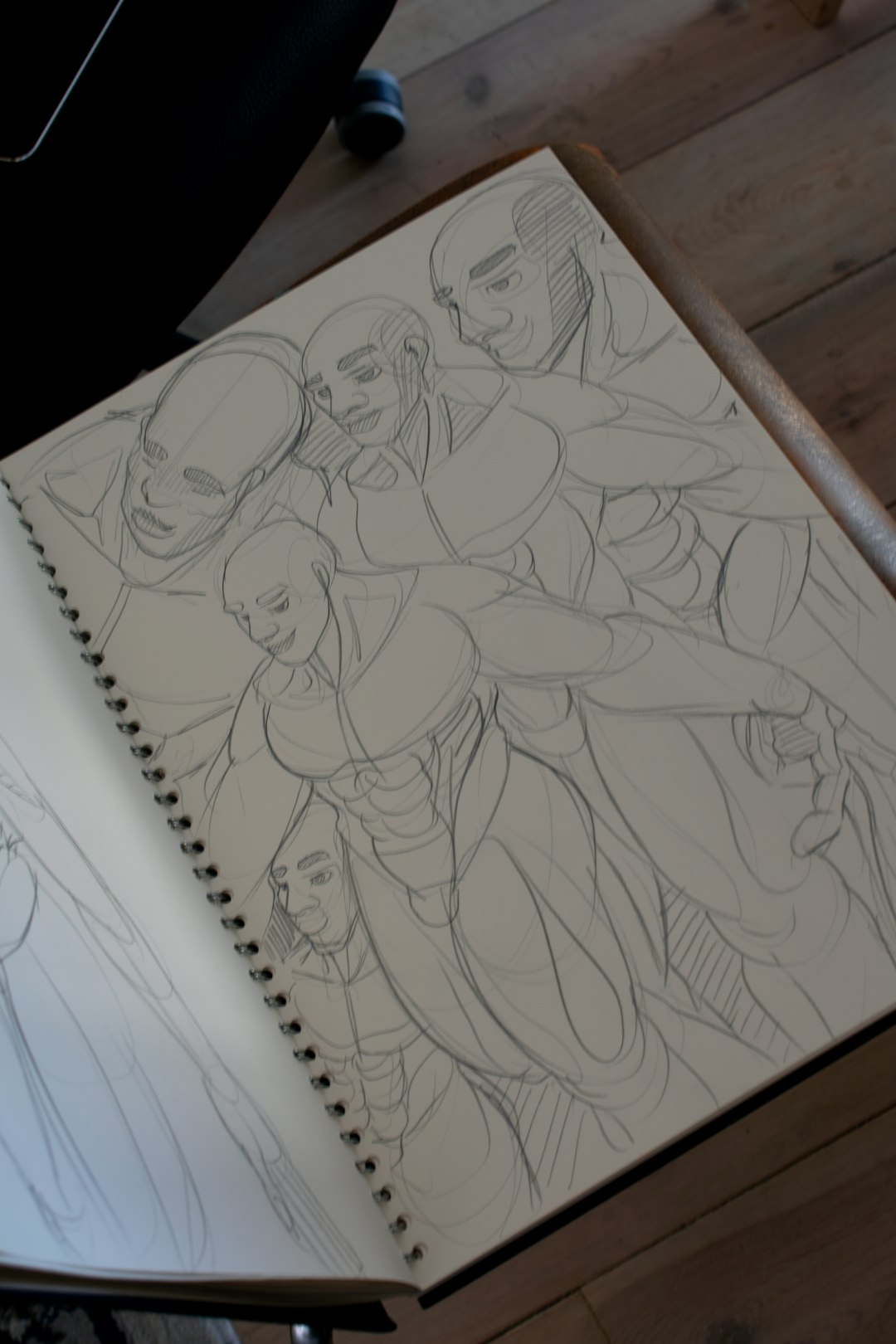
Blender is powerful. Very powerful. You can create characters, pose rigs, set camera angles, add lights, and build full scenes. If you draw fantasy, sci-fi, armor, or dramatic camera shots, Blender can help a lot.
But let’s be real. Blender can feel like opening the cockpit of a spaceship. You may only want a sitting pose, and suddenly you are learning bones, rigs, cameras, and render settings.
Use Blender if you want:
- Custom scenes.
- Hard camera angles.
- Lighting studies.
- Long-term 3D skills.
If you want speed, pick another tool. If you want power, Blender wins.
5. DAZ Studio
Best for: Realistic figures and detailed character reference.
DAZ Studio is great for artists who want realistic anatomy, clothing, hair, and lighting. The human models can look very polished. You can build a reference scene that feels close to a photo shoot.
It is useful for book covers, portraits, fantasy art, and realistic character design. The body morph options are also strong.
Watch out for:
- Asset costs can add up.
- The software may feel heavy.
- Rendering can take time.
It drives me crazy that one “quick” idea can turn into 25 minutes of browsing hair packs. Still, the results can be worth it.
6. Easy Pose
Best for: Mobile sketch practice.
Easy Pose is a handy app for phones and tablets. It works well for fast figure practice. You can pose characters, adjust body shapes, and test angles without sitting at a desktop.
This one is great for sketching on the bus, on the couch, or during a lunch break. It is not the deepest tool here. But it is quick.
Nice features:
- Simple posing tools.
- Multiple character support.
- Good for action poses.
- Works well for short practice sessions.
7. Sketchfab
Best for: 3D reference objects, creatures, props, and anatomy studies.
Sketchfab is not a posing app in the same way. It is a huge library of 3D models. You can rotate models in your browser and study them from many angles.
Need a skull? A sword? A sneaker? A dragon head? You can often find a model and use it as reference. This is great when photo reference does not show the angle you need.
Best uses:
- Prop drawing.
- Creature design.
- Armor studies.
- Hard object angles.
Tip: Check licenses before using models in commercial work. Reference is fine in many cases, but copying too closely can get messy.
Quick Pick Guide
- Fastest all-around choice: Magic Poser.
- Best free browser option: PoseMy.Art.
- Best for manga artists: Clip Studio Paint.
- Most powerful: Blender.
- Best realistic models: DAZ Studio.
- Best mobile option: Easy Pose.
- Best for props: Sketchfab.
Final tip: Do not spend all day building the perfect pose. Set a timer for 10 minutes. Get the reference close enough. Then draw. The art gets better when you practice, not when you tweak an elbow forever.