Search or Enter a Web Address: Comparing Vivaldi, Brave, Arc Search, and Opera GX Navigation Features

Brave is the best pick if you want the cleanest “search or enter a web address” experience with strong privacy by default. Vivaldi is better for power users. Arc Search feels fastest on mobile when you want answers, not tabs. Opera GX wins if you care about gaming tools more than pure address bar speed. Google calls this mixed address-and-search field the omnibox, and that idea now shapes almost every modern browser [source: Google].
TLDR: If you open 60 to 100 pages a day, saving even two seconds per search can cut 2 to 3 minutes of wasted clicks. For example, Brave handles a typed search like “best budget GPU 2026” with very little noise, while Vivaldi gives you more control over where that search goes. Arc Search is great when you want a short answer instead of a results page. Opera GX is fun, but its extras can slow down the simple act of getting to a site.
Why the address bar matters more than it seems
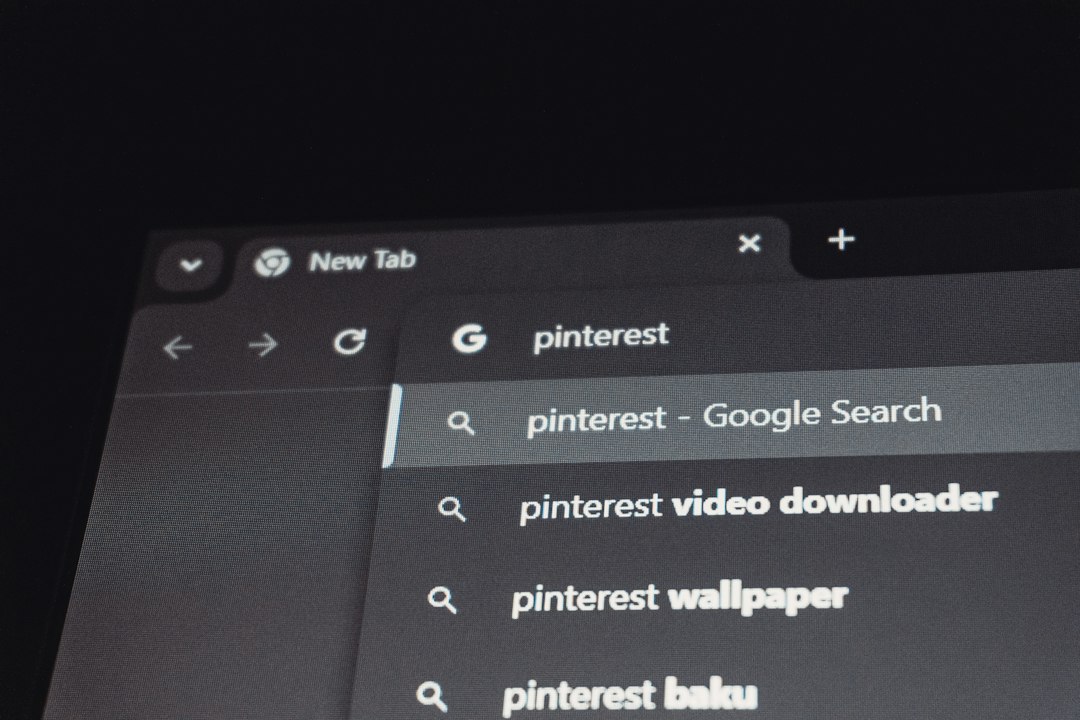
The phrase “Search or Enter a Web Address” looks boring. It is not. That small field is where most browsing starts. You type a full URL, a half-remembered site name, a question, a calculator sum, or a random thought at 1 a.m.
When it works well, you barely notice it. When it fails, it drives me crazy. A browser that suggests the wrong site, hides useful history, or pushes sponsored results can add friction to every session.

Brave: clean, private, and quick
Brave keeps the address bar simple. Type a web address and it loads. Type a question and it searches. The browser blocks many ads and trackers by default, which can make pages feel lighter once they open.
Its address bar suggestions are sensible. You get history, bookmarks, and search suggestions without feeling buried. Brave also promotes its own search engine, Brave Search, though you can switch to Google, DuckDuckGo, Bing, or others.
- Best for: Privacy-minded users who still want a normal browser feel.
- Strong point: Minimal clutter in the address field.
- Annoyance: Brave’s crypto-related features may feel like extra baggage if you never use them.
For daily use, Brave feels the most balanced. You can type fast, hit Enter, and trust it to do the obvious thing. That sounds basic, but plenty of browsers manage to mess it up.
Vivaldi: the power user’s command center
Vivaldi treats the address bar like one part of a much bigger control panel. You can search with different engines using short nicknames. For example, typing “w jazz” can search Wikipedia for jazz if you set that shortcut. That is brilliant if you search across many sites.
Vivaldi also lets you tune address field behavior in deep detail. You can control autocomplete, search suggestions, typed history, bookmarks, and page actions. It feels made for people who open 20 tabs and still know where everything is.
- Best for: Researchers, writers, developers, and tab-heavy users.
- Strong point: Custom search shortcuts and deep settings.
- Annoyance: Expect to waste time on setup if you just want a plain browser.
The catch is that Vivaldi can feel heavy at first. The address bar is powerful, but the browser asks you to make decisions. Some users will love that. Others will bounce after ten minutes.
Arc Search: built for answers first
Arc Search is different. It is not trying to be a classic desktop browser with a familiar address bar. Its best-known feature is Browse for Me, which can scan results and create a short page with key points. That changes the role of the search field. You are not always asking for links. You are often asking for a summary.
This works well on mobile. If you search “best time to visit Lisbon,” Arc Search can feel faster than opening five travel blogs. You get the gist, then choose whether to open the sources.
- Best for: Mobile users who want quick answers.
- Strong point: Converts searches into readable summaries.
- Annoyance: AI summaries are useful, but you still need to check details before trusting them.
Arc Search is less about typing URLs all day and more about cutting down the search-results grind. Honestly, it feels like the browser for people who are tired of blue links.
Opera GX: flashy, useful, and sometimes too much
Opera GX puts gaming style front and center. The address bar works as expected, but the browser surrounds it with extras: a sidebar, GX Corner, music controls, messengers, themes, and resource limiters.
Some of those tools are genuinely useful. The CPU and RAM limiters can help when a game is running in the background. The sidebar can keep Discord or Twitch close. Opera says GX includes tools made for gamers, including resource controls and gaming news [source: Opera].
- Best for: Gamers and stream watchers.
- Strong point: Built-in side tools and resource limiters.
- Annoyance: The interface can feel busy when all you want is one clean search box.
If your browser is part control hub, part entertainment panel, Opera GX makes sense. If you want silence and speed, Brave or Arc Search may feel better.

Feature comparison
- Fastest simple search: Brave
- Best search customization: Vivaldi
- Best mobile answer tool: Arc Search
- Best gamer extras: Opera GX
- Least cluttered feel: Brave
- Most settings: Vivaldi
Which one should you use?
Pick Brave if you want a smooth address bar, fewer distractions, and better privacy settings out of the box. Pick Vivaldi if you enjoy tuning every part of your browser and using search shortcuts like a pro.
Pick Arc Search if you mostly browse on your phone and want answers faster than traditional search results can provide. Pick Opera GX if gaming tools, side panels, and visual style matter as much as search speed.
The humble “Search or Enter a Web Address” box is no longer just a box. It is a filter for how you use the web. Brave keeps it clean. Vivaldi gives it muscle. Arc Search makes it smarter. Opera GX turns it into part of a larger gaming setup.