How to Use Instagram Web Viewer Anonymously
Viewing Instagram content from a desktop browser can be convenient, especially when you want a larger screen, easier navigation, or a more private browsing session. However, using an Instagram web viewer anonymously requires care: you should protect your personal information, avoid unsafe third-party tools, and respect other people’s privacy. The goal is not to bypass restrictions or access private accounts, but to view publicly available content with a reasonable level of discretion and security.
TLDR: You can use Instagram more privately by viewing public profiles through a browser, limiting cookies, avoiding login when possible, and using privacy tools such as private browsing, tracker blocking, and a reputable VPN. Be cautious with third-party Instagram viewers, especially if they ask for your Instagram login or personal information. Anonymous viewing should only apply to public content and should never be used to harass, scrape, impersonate, or bypass someone’s privacy settings.
What “Anonymous Instagram Viewing” Really Means
Before using any Instagram web viewer, it is important to understand what anonymity does and does not mean. In practical terms, anonymous viewing usually means reducing the amount of information tied to your visit. This may include avoiding your personal Instagram account, limiting browser tracking, hiding your IP address from websites through a trusted VPN, or preventing cookies from linking your activity across sessions.
It does not mean that you can access private profiles, hidden stories, restricted content, or deleted posts. If an account is private, only approved followers should be able to see its posts and stories. Any website that claims it can unlock private Instagram accounts is likely misleading, unsafe, or outright fraudulent.
Responsible anonymous viewing focuses on publicly available Instagram content, such as public profiles, reels, captions, highlights, and posts that do not require approval to view.
Use Instagram’s Official Website First
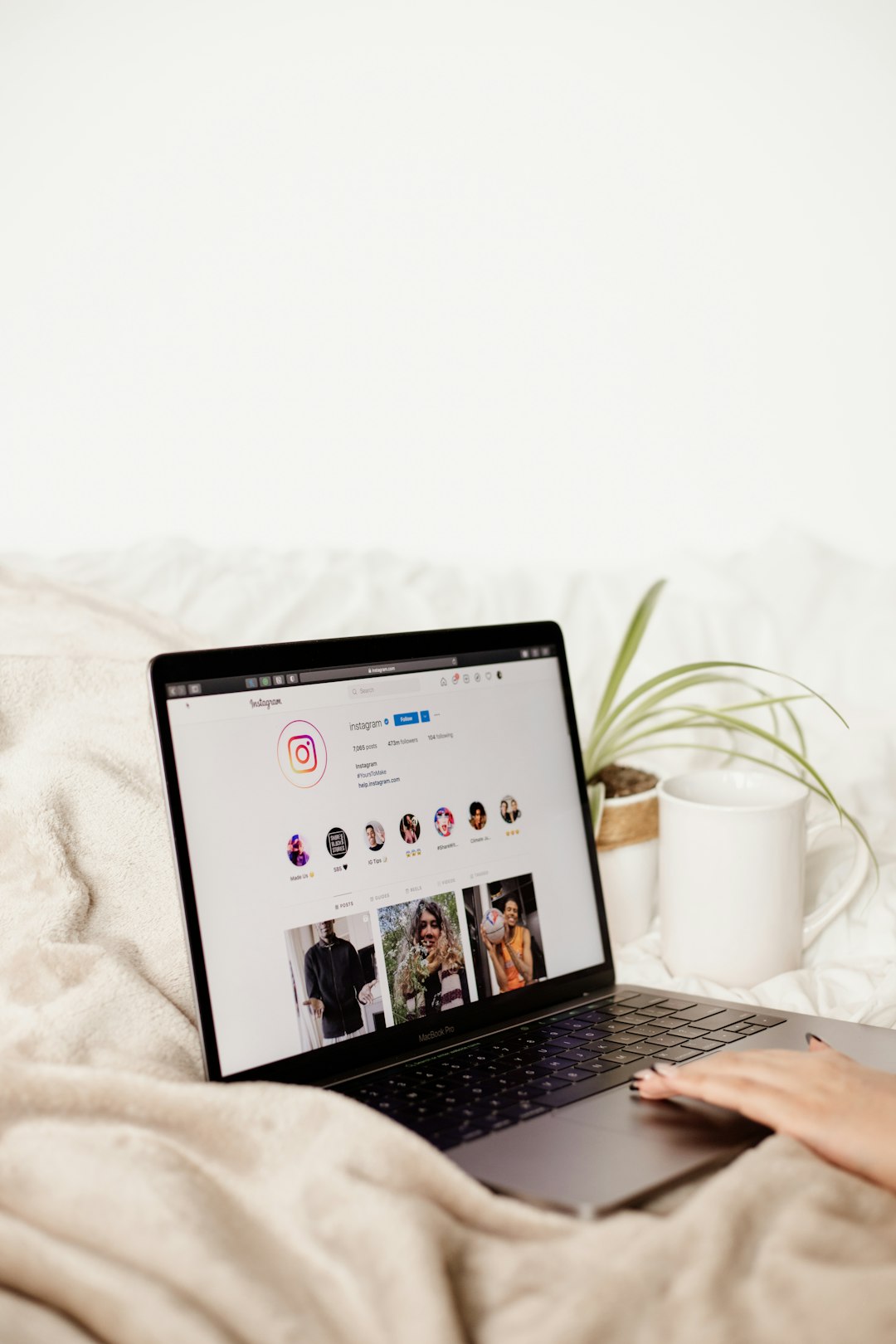
The safest Instagram web viewer is Instagram’s own website. You can visit Instagram through a desktop or mobile browser and search for public profiles, hashtags, or specific post links. In many cases, public posts can be viewed without actively interacting with the account, although Instagram may limit browsing or prompt you to log in after a while.
Using the official site has several advantages:
- Lower security risk: You are not giving your data to an unknown third-party viewer.
- More accurate content: Posts, captions, and profile details are less likely to be outdated.
- No unnecessary permissions: You avoid tools that may request access to your Instagram account.
- Better compliance: You are using the platform in a way that is less likely to violate terms or privacy expectations.
If you simply want to view a public profile, open a private browser window and go directly to the profile URL. For example, if you know the username, you can type the Instagram profile address into your browser. This avoids searching through your logged-in account and reduces the chances of accidental likes, follows, or interactions.
Browse Without Logging In When Possible
One of the simplest ways to view Instagram more privately is to avoid logging in. When you are not signed into an account, Instagram has fewer direct ways to connect your viewing behavior to your identity. However, this does not make you completely invisible. Websites can still receive information such as your IP address, browser type, device details, and certain tracking signals.
To improve privacy when browsing without logging in, consider the following steps:
- Use a private or incognito window. This prevents your browser from saving cookies, history, and session data after the window is closed.
- Disable third-party cookies. This reduces cross-site tracking and helps prevent advertisers from linking your activity across different websites.
- Use tracking protection. Modern browsers such as Firefox, Brave, and Safari include built-in privacy protections that can limit trackers.
- Close the private session when finished. This clears temporary browsing data from that session.
Private browsing is useful, but it is often misunderstood. It does not hide your activity from your internet service provider, workplace network, school network, VPN provider, or the sites you visit. It mainly prevents local traces from staying on your device.
Consider Using a Reputable VPN
A virtual private network, or VPN, can add another layer of privacy by routing your internet traffic through a VPN server. This means websites generally see the VPN server’s IP address rather than your home or office IP address. For people who want to avoid exposing their location or network identity, a VPN can be helpful.
However, VPNs should be chosen carefully. A low-quality or free VPN may log your activity, inject ads, sell data, or provide weak security. If you decide to use one, look for a provider with a clear privacy policy, independent audits, strong encryption, and a history of responsible security practices.
Important: A VPN does not give permission to violate Instagram’s terms, bypass private accounts, or engage in harmful behavior. It is a privacy tool, not a license to act irresponsibly.
Be Very Careful With Third-Party Instagram Web Viewers
There are many websites that describe themselves as Instagram viewers, profile viewers, story viewers, or anonymous story viewers. Some may allow limited viewing of public content, while others are unreliable, full of ads, or potentially malicious. The main risk is that these services often operate in a gray area and may collect more information than you expect.
Be especially cautious if a web viewer:
- Asks you to enter your Instagram username and password.
- Claims it can show private profiles or private stories.
- Requires you to complete surveys, downloads, or “human verification” steps.
- Displays aggressive pop-ups or redirects to unrelated sites.
- Promises impossible results, such as revealing who viewed your profile.
- Has no privacy policy, contact information, or clear ownership details.
If a tool asks for your Instagram login, do not use it unless you are absolutely certain it is legitimate and necessary. In most cases, anonymous viewing should not require your account credentials. Giving your password to a third-party site can lead to account theft, spam activity, data exposure, or permanent loss of access.
Protect Your Browser Fingerprint
Even if you are not logged into Instagram, your browser may still reveal identifying details. Websites can collect data such as your screen size, installed fonts, browser version, operating system, language settings, time zone, and device capabilities. Together, these details can form a browser fingerprint.
You do not need to become overly technical to reduce fingerprinting risks. Start with practical measures:
- Use a privacy-focused browser: Brave, Firefox with enhanced tracking protection, or Safari with privacy settings can help reduce tracking.
- Keep your browser updated: Updates patch security issues and improve privacy protections.
- Limit browser extensions: Too many extensions can make your browser more unique and may introduce security risks.
- Avoid logging into linked services: If you are logged into multiple Meta services or social platforms in the same browser, your activity may be easier to associate.
For most users, the combination of private browsing, tracker blocking, and a trusted VPN is sufficient for casual anonymous viewing of public Instagram pages.
Do Not Interact If You Want to Stay Discreet
If you want to remain anonymous, avoid actions that reveal your account or identity. Liking a post, following an account, commenting, sending a message, reacting to a story, or clicking certain interactive elements may create visible activity. Even accidental interactions can be difficult to undo before they are noticed.
To reduce mistakes:
- Use the browser instead of the app when viewing public content.
- Do not log into your personal account unless necessary.
- Avoid tapping near like, follow, message, or reaction buttons.
- Do not use automation tools, bots, or mass viewing services.
Instagram may also show story viewers to account owners when stories are viewed from logged-in accounts. If your priority is discretion, do not view stories using your personal account. Be aware that third-party “anonymous story viewer” sites can be risky, and many do not work reliably.
Respect Privacy, Consent, and Platform Rules
Anonymous viewing should always be guided by ethical standards. Just because content is public does not mean it should be misused. Public posts can still contain personal information, images of family members, workplace details, travel plans, or sensitive context. Treat what you see with respect.
A responsible approach includes:
- Do not save or repost someone’s content without permission.
- Do not use anonymous viewing to monitor, intimidate, or harass anyone.
- Do not attempt to access private or restricted content.
- Do not use scraped information for spam, profiling, or impersonation.
- Do not rely on suspicious tools that may violate security or privacy standards.
Maintaining your own privacy should not come at the cost of someone else’s safety or dignity. If an account owner has chosen to make content private, that choice should be respected.
Understand the Limits of Anonymous Viewing
No method can guarantee complete anonymity. Instagram, third-party sites, internet providers, device manufacturers, advertisers, and network administrators may all have different forms of technical visibility depending on your setup. Even when you take good precautions, there may still be logs, metadata, or indirect identifiers.
It is more accurate to think in terms of privacy reduction rather than absolute invisibility. You can reduce exposure by avoiding login, using private browsing, managing cookies, limiting trackers, and using a reputable VPN. But you should never assume that your actions are impossible to trace.

A Practical Step by Step Method
If you want a simple, serious, and safer workflow for viewing public Instagram content anonymously, use this process:
- Choose a secure browser. Use an updated browser with strong privacy controls.
- Open a private window. This separates the session from your normal browsing history and cookies.
- Turn on tracker blocking. Use built-in browser protections or a trusted privacy extension.
- Connect to a reputable VPN if needed. This helps mask your IP address from the destination site.
- Go directly to Instagram’s website. Enter the public profile URL or post link manually.
- Avoid logging in. If Instagram blocks further browsing, decide whether logging in is worth the loss of anonymity.
- Do not interact. Avoid likes, follows, comments, reactions, or messages.
- Close the session when finished. Exit the private window to clear temporary local data.
This method is not perfect, but it is a reasonable balance between privacy, safety, and legitimacy. It avoids the biggest risks associated with unknown Instagram viewer websites while still allowing access to public content.
Final Thoughts
Using an Instagram web viewer anonymously is mainly about minimizing unnecessary exposure. The safest option is usually Instagram’s official website combined with careful browser privacy practices. Third-party viewers should be treated with skepticism, especially if they request login details or claim to reveal private content.
A trustworthy approach is simple: view only public information, protect your own data, avoid suspicious tools, and respect the boundaries set by other users. Anonymity should be used for personal privacy and security, not for intrusion or abuse. When handled responsibly, anonymous Instagram viewing can be a practical way to browse public content while keeping your digital footprint smaller.



Checking out kingpk999game. The initial impressions are good. Lots of options to choose from Hopefully, it´s my lucky day! You have to try kingpk999game.
M666, solid platform. The games are cool, the site looks great, and I’ve had some good wins too! Check it out and maybe you’ll get lucky: m666
Milwingameapk helped me to download the most popular games on my phone easily. This app is a must have for gamers: milwingameapk