6 Vizcom AI Alternatives for AI-Assisted Product Design, Sketch Rendering, and Visualizing Industrial Concepts
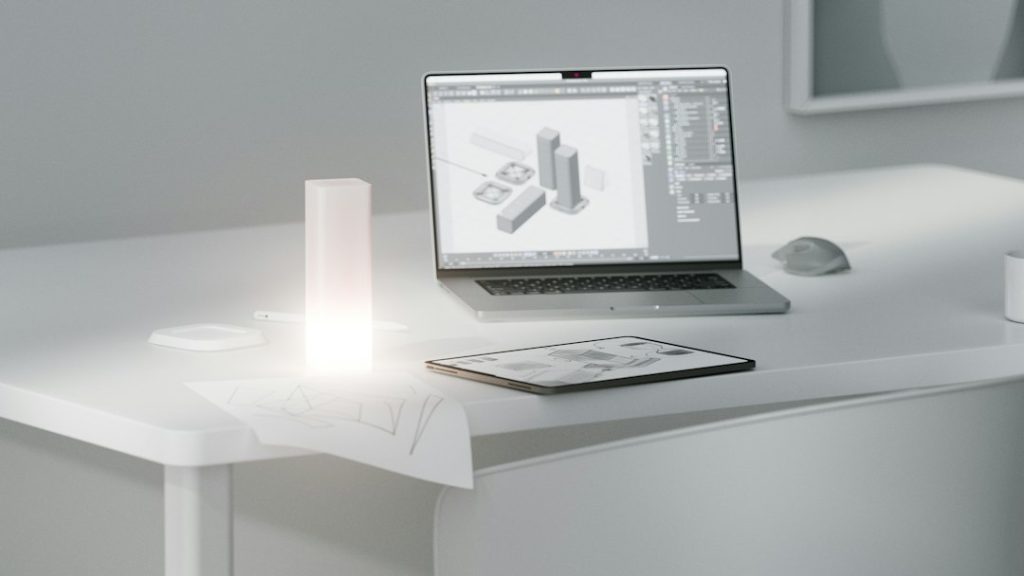
Use Adobe Firefly, PromeAI, Krea AI, Midjourney, Stable Diffusion, or Autodesk Fusion if Vizcom feels too narrow, too pricey, or too tied to one sketch-to-render flow. These tools help turn rough lines into clean product visuals, fast. That matters because generative AI may add $2.6 trillion to $4.4 trillion in yearly value across industries [source: McKinsey]. Product design is not sitting this one out.
TLDR: Vizcom is great for sketch rendering, but it is not the only good option. If you need fast concept art, try Midjourney or Krea AI. If you need safer brand work, try Adobe Firefly. For example, a small team could test 20 bottle designs in one afternoon, pick the best 3, then rebuild them in CAD the next morning.
1. Adobe Firefly
Best for: clean product mockups, brand-safe visuals, quick style tests.
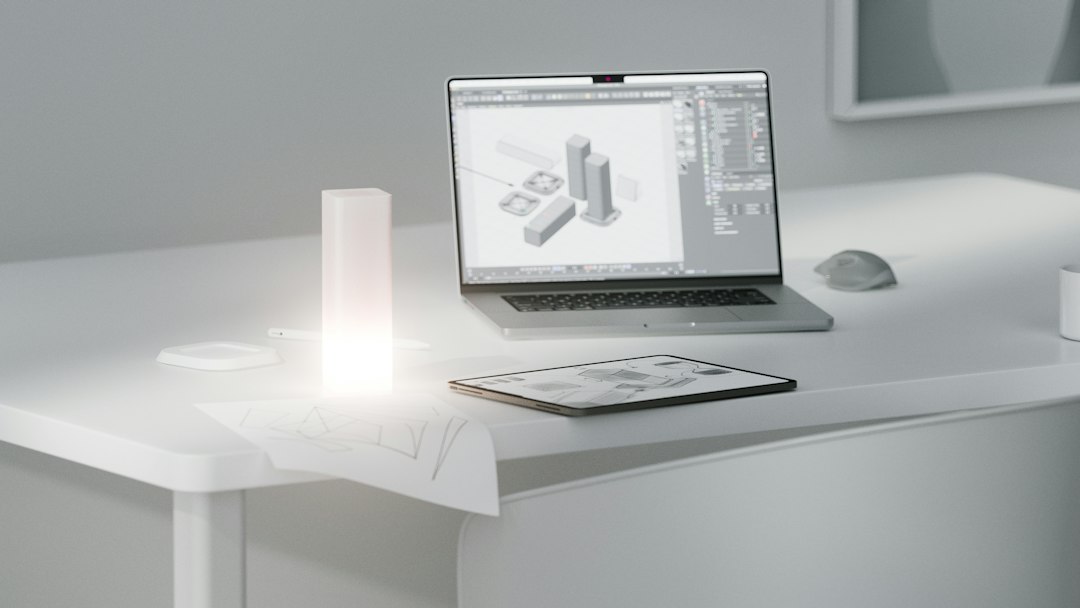
Adobe Firefly is friendly. That is its big win. You type a prompt, adjust the style, and get polished visuals without feeling lost. It works well if your team already uses Photoshop or Illustrator.
Use it for colorways, packaging ideas, soft goods, and simple product shots. It is less ideal for strict engineering shapes. A toaster may look nice, but the slot might make no sense. Classic AI behavior. Annoying, but common.
2. PromeAI
Best for: sketch to render, architecture, furniture, and industrial concepts.
PromeAI feels close to Vizcom in spirit. You can upload a sketch and ask for a clean render. It respects structure better than many general AI image tools.
This is great for chairs, lamps, speakers, tools, and home appliances. The interface is simple. You do not need to write a novel as a prompt. Honestly, it feels like a good “show the client something by 3 p.m.” tool.
3. Krea AI
Best for: live ideation and fast visual changes.
Krea AI is fun because it reacts fast. You can change a prompt and watch the image shift. This is useful when a team is arguing over shapes, materials, or mood.
Want a matte black drone? Done. Want it in orange plastic, with softer corners? Also done. The catch is that it can drift. You may like version 2, then version 3 suddenly grows weird vents. Expect a little cleanup.
4. Midjourney
Best for: beautiful concept visuals and mood boards.
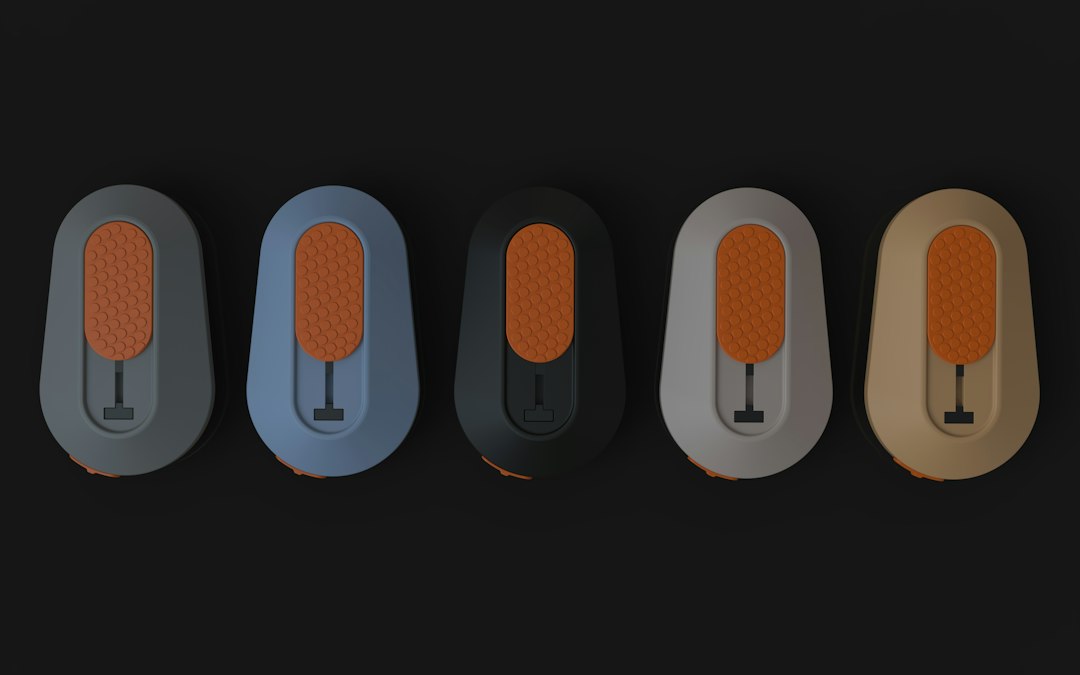
Midjourney is the drama kid. It makes almost everything look expensive. If you need a slick concept board for a pitch, it can be a beast.
It is strong for cars, wearables, furniture, sports gear, and future tech. It is weaker when you need exact control. Product designers may need to reroll prompts many times. It drives me crazy when one tiny detail changes after the rest finally looks right.
Still, for early visual direction, it is hard to ignore. Pair it with a more precise tool later.
5. Stable Diffusion
Best for: control, local workflows, and custom models.
Stable Diffusion is not the easiest option. But it is powerful. With ControlNet, LoRAs, and image input, you can guide the output more tightly.
This is good for teams that want repeatable styles. It also helps if you need privacy and can run models locally. That said, setup can feel like assembling flat-pack furniture with half the screws missing.
If your team has a technical designer, Stable Diffusion can become a serious concept engine. If not, it may slow you down.
6. Autodesk Fusion
Best for: CAD, real product geometry, and engineering follow-up.
Autodesk Fusion is not a pure image generator. That is the point. It helps bridge the gap between pretty AI visuals and products that can be made.
You can test forms, model parts, render materials, and prepare for prototyping. It is best after the wild idea stage. Use Vizcom-style tools first. Then move the chosen concept into Fusion for real dimensions.
Which one should you pick?
- Pick PromeAI if you want the closest sketch-rendering feel.
- Pick Krea AI if you want fast live experiments.
- Pick Midjourney if the pitch needs to look amazing.
- Pick Adobe Firefly if your team cares about safer commercial use.
- Pick Stable Diffusion if you want deep control.
- Pick Autodesk Fusion if the design must become a real object.
For wider team work, these tools also fit beside core design apps. If you are comparing interface tools, see this guide to UX design tools for product teams. If you are moving from screens to prototypes, this breakdown of Figma alternatives may help too.
A simple workflow that works
- Start with 10 rough sketches. Do not overthink them.
- Render the best 5 in PromeAI or Krea AI.
- Use Midjourney for high-impact mood boards.
- Refine colors in Firefly.
- Build the winner in Fusion.
- Share the story in a clean prototype or landing page. These visual website builders can help when the concept needs a public face.
Final pick? Use PromeAI if you want a direct Vizcom alternative. Use Krea AI if speed matters most. Use Fusion when the idea has to survive real measurements, not just look cool on a slide.