SD Resolution: A Complete Guide to Standard Definition Resolution, Common Pixel Dimensions, Aspect Ratios, Quality, and Modern Uses
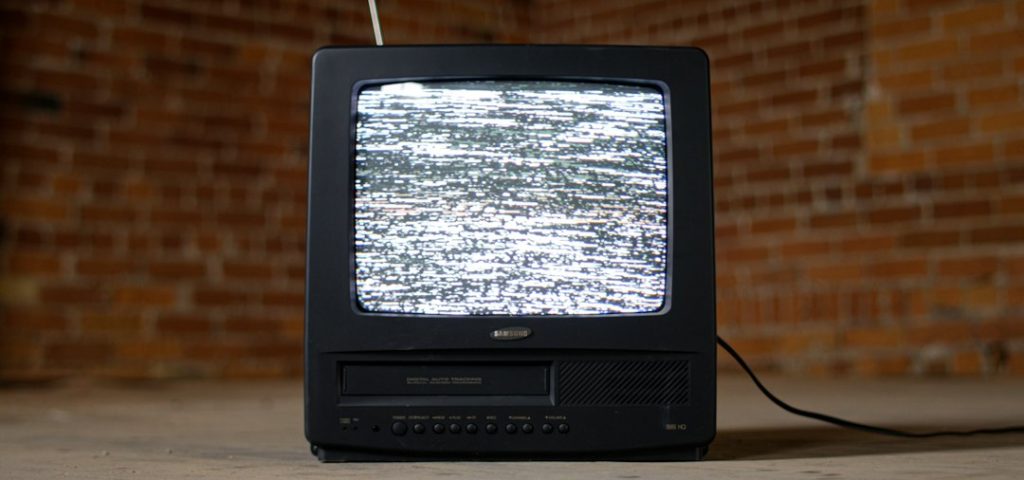
SD resolution means video that is smaller than HD, usually around 480 lines tall in North America or 576 lines tall in many other regions.
TLDR: SD is older, smaller, and lighter than HD or 4K, but it still has real uses. A common SD size is 720×480 for NTSC video or 720×576 for PAL video. For example, a security camera recording at SD may use about 60% to 75% less storage than 1080p, depending on bitrate. If you run a small store with 8 cameras, that can mean saving hundreds of gigabytes each month.
What Is SD Resolution?
SD stands for Standard Definition. It was the normal video quality before HD became common. Think old DVDs, early YouTube clips, classic TV broadcasts, and video from older camcorders.
SD is not one single size. That part gets annoying fast. Different regions and formats used different pixel counts. Some SD video is wide. Some is almost square. Some uses weird pixel shapes. Yes, really.
In simple terms, SD sits below 720p HD. If HD is a clean window, SD is more like a slightly foggy one. You can still see what is happening. Fine details just look softer.
Common SD Pixel Dimensions
Here are the SD sizes you will see most often.
| Format | Common Pixel Size | Where It Was Used |
|---|---|---|
| NTSC SD | 720×480 | United States, Canada, Japan |
| PAL SD | 720×576 | Europe, Australia, many other regions |
| VHS style capture | 640×480 or 720×480 | Home tapes and analog capture |
| Web SD | 640×360 or 854×480 | Online video players |
| Classic 4:3 web video | 320×240 or 640×480 | Old web clips and webcams |
The most familiar SD web sizes are 480p and 360p. These are not the same as old broadcast SD, but people still call them standard definition.
SD Aspect Ratios Made Simple
Aspect ratio means the shape of the picture. It compares width to height.
- 4:3 is the old TV shape. It looks almost square.
- 16:9 is widescreen. It looks like modern TV.
- 1:1 is square. It is common on social platforms.
Classic SD TV was often 4:3. Old sitcoms, news shows, cartoons, and VHS tapes used this shape. Then widescreen TVs arrived. SD video also started showing up in 16:9.
The weird part is that old SD video may use non square pixels. Your screen has square pixels. Some old video formats did not. So a file can be 720×480, but still display as 4:3 or 16:9. The player stretches it correctly.
It drives me crazy that some editing apps still hide this setting three menus deep. One wrong click and a person looks like a noodle.
Is 480p the Same as SD?
Usually, yes. In everyday speech, 480p is treated as SD. But technically, SD also includes interlaced formats like 480i and 576i.
Here is the quick version:
- 480i: Interlaced SD. Common in old TV broadcasts.
- 480p: Progressive SD. Cleaner for screens and web video.
- 576i: Interlaced SD used in PAL regions.
- 576p: Progressive PAL style SD, less common online.
Interlaced video draws odd and even lines in alternating passes. It was useful for old TVs. Modern screens prefer progressive video, where the whole frame is drawn at once.
How Good Does SD Look?
SD can look fine. It depends on the screen size, distance, bitrate, and source.
On a small phone, SD may look okay. On a 65 inch TV, it can look mushy. Faces lose texture. Text gets fuzzy. Fast motion can look blocky.
Quality is not only about resolution. These things matter too:
- Bitrate: Higher bitrate means fewer blocky artifacts.
- Compression: Bad compression can ruin even decent video.
- Source quality: A clean DVD beats a damaged tape.
- Scaling: Upscaling SD to HD can sharpen or smear it.
- Frame rate: Smooth motion can make soft video feel better.
A well encoded 480p file can look better than a poorly encoded 720p file. That surprises people. Still, SD has limits. You cannot invent detail that was never captured.
SD vs HD vs Full HD vs 4K
Here is the easy comparison.
| Name | Typical Size | Best For |
|---|---|---|
| SD | 640×480, 720×480, 720×576 | Old footage, low bandwidth, small screens |
| HD | 1280×720 | Basic streaming and online video |
| Full HD | 1920×1080 | YouTube, TV, webinars, gaming |
| 4K | 3840×2160 | Large screens, film, product video |
SD has far fewer pixels than 1080p. A 720×480 frame has 345,600 pixels. A 1920×1080 frame has over 2 million pixels. That is about 6 times more detail.
Why SD Still Exists
SD refuses to disappear. Honestly, it feels like the old suitcase in the attic. You do not use it daily, but you keep finding reasons to open it.
Modern uses include:
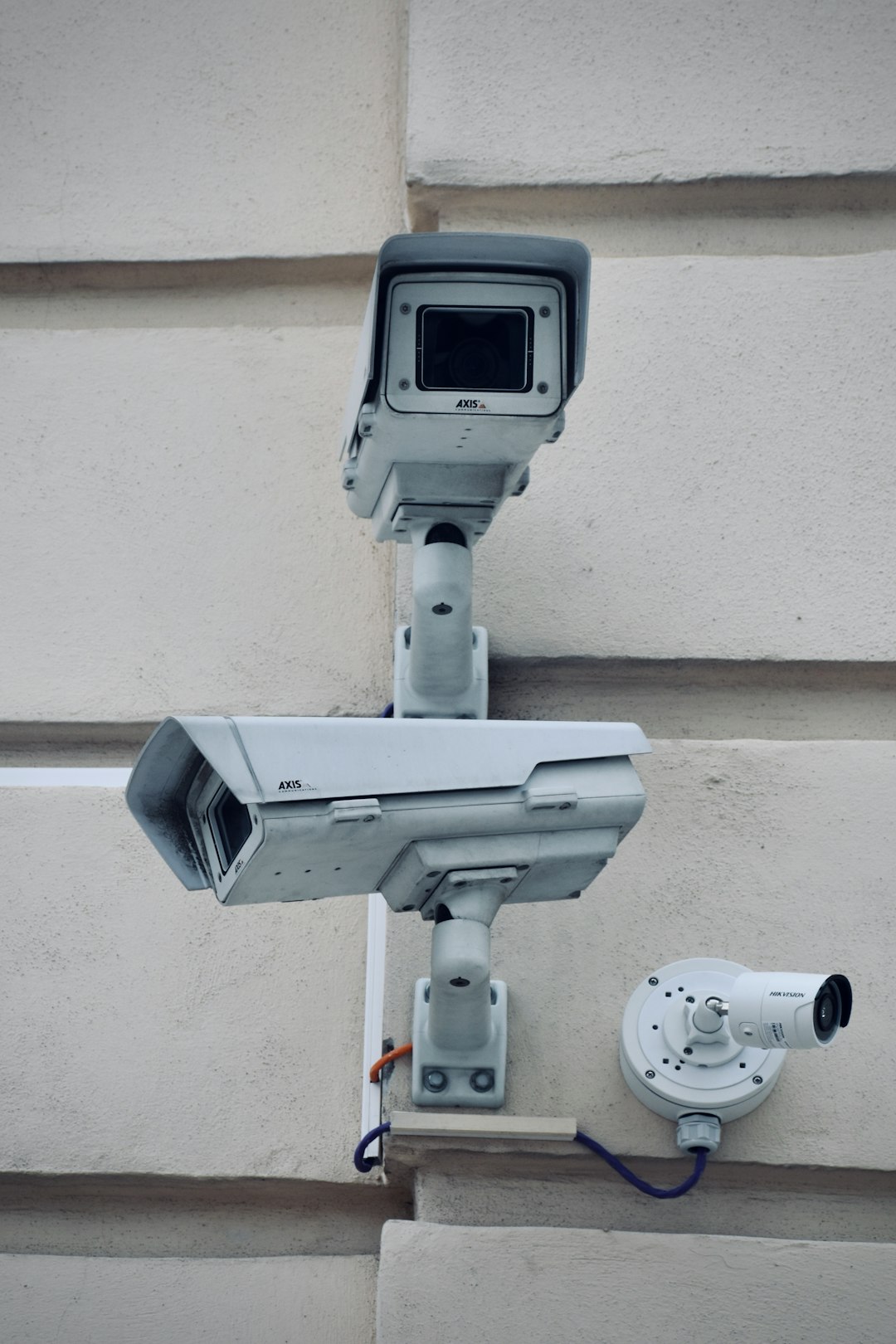
- Security cameras: SD saves storage and bandwidth.
- Remote areas: Slow internet handles SD better.
- Archive footage: Newsrooms and families still store old SD clips.
- Training videos: If detail is not critical, SD is enough.
- Video previews: Editors use SD proxies for faster playback.
- Retro projects: Music videos and games may use an SD look on purpose.
When Should You Use SD?
Use SD when file size matters more than sharpness. It is also useful when the viewer has slow internet or a small screen.
Good SD use cases:
- A backup stream for poor connections.
- A camera pointed at a hallway or storage room.
- An old family video transfer.
- A quick draft export for review.
- A tiny embedded video on a webpage.
Do not use SD for detailed product shots, screen recordings, online courses with text, or anything meant for a large TV. Tiny text in SD is painful. Expect to waste time answering “Why is this blurry?” if you send SD when HD was expected.
Best Export Settings for SD Video
For most modern needs, export SD as MP4 using H.264. It works almost everywhere.
- For 4:3 video: Use 640×480.
- For widescreen video: Use 854×480 or 640×360.
- For DVD source: Keep 720×480 or 720×576 if needed.
- For frame rate: Match the original when possible.
- For bitrate: Try 1 Mbps to 2.5 Mbps for 480p.
If the video came from tape, clean it first. Remove noise. Fix color if needed. Deinterlace old footage before uploading it online. This helps stop jagged edges and comb lines.
Quick SD Cheat Sheet
- SD means standard definition.
- 480p is the most common modern SD label.
- NTSC SD is often 720×480.
- PAL SD is often 720×576.
- 4:3 is the classic old TV shape.
- 16:9 is widescreen SD.
- SD saves space but loses detail.
- HD is better for text, faces, products, and large screens.
Bottom line: SD is old, but not useless. It is small, simple, and practical when sharp detail is not the main goal. Use it with care. And please, check the aspect ratio before everyone in the video looks stretched.