WiFi Extender vs Booster: Which One Improves Your Signal Better?
Weak WiFi is one of the most common home networking problems, but the solution is not always as simple as buying the first device labeled “extender” or “booster.” These terms are often used interchangeably in stores and advertisements, yet they can refer to different approaches for improving wireless coverage. Understanding how each option works will help you spend wisely and get a more reliable connection where you actually need it.
TLDR: A WiFi extender typically repeats or rebroadcasts your router’s signal to reach farther areas, while a WiFi booster is a broader marketing term that may include extenders, repeaters, mesh systems, or signal amplifiers. For most homes, a well-placed extender can improve coverage, but a mesh system usually delivers better performance and stability. The best choice depends on your home layout, router quality, internet speed, and whether you need simple coverage or stronger overall performance.
What Is a WiFi Extender?
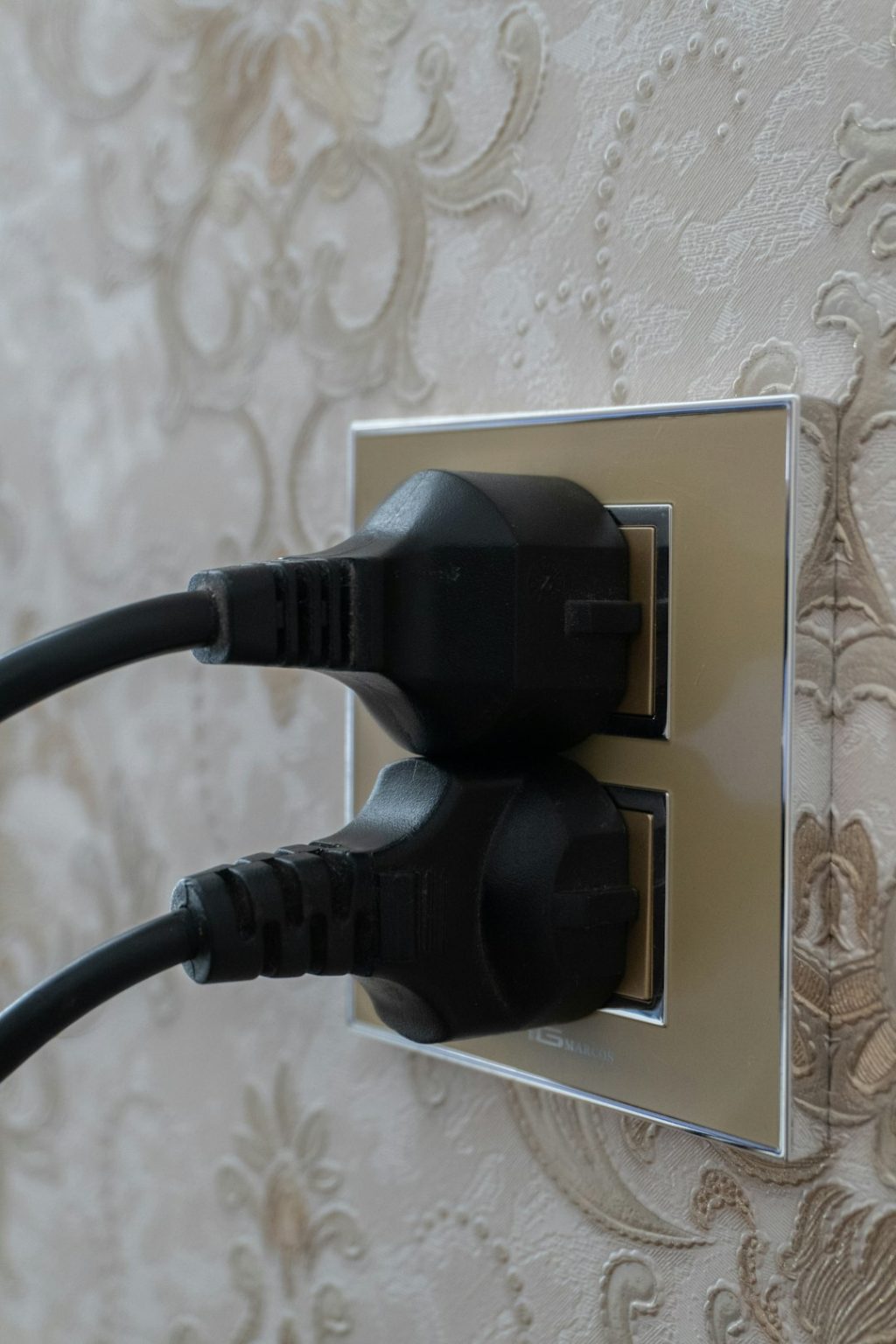
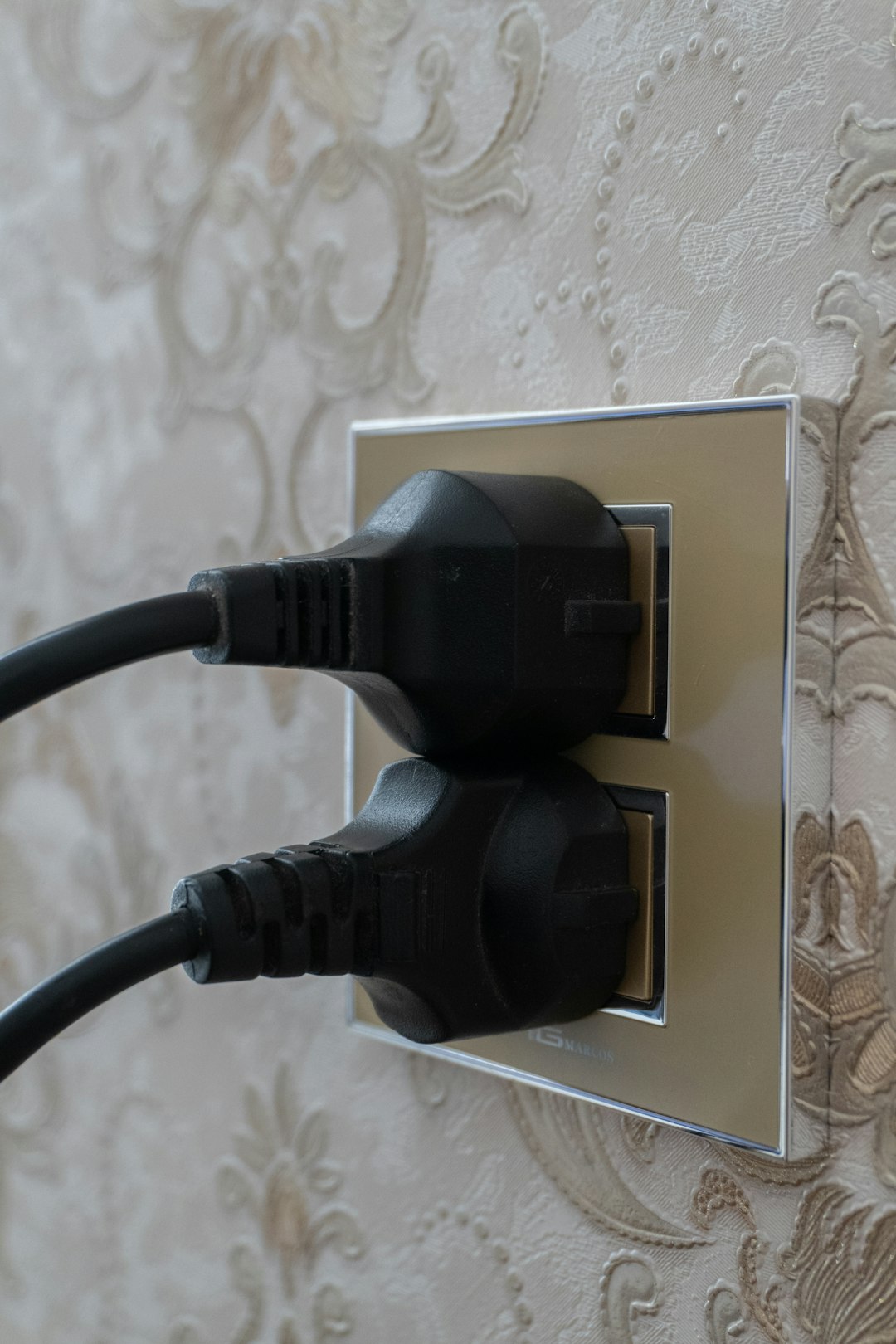
A WiFi extender is a device that connects to your existing wireless network and rebroadcasts the signal to areas where coverage is weak. It is commonly plugged into a wall outlet somewhere between your router and the dead zone. The goal is to “extend” the usable range of your WiFi connection into rooms, hallways, garages, or outdoor areas that the router cannot reach effectively.
In practical terms, an extender acts like a middle point. It receives data from your router and sends it onward to your phone, laptop, smart TV, or other connected device. This can be very useful in homes with thick walls, multiple floors, or awkward layouts.
However, there is an important limitation: many traditional extenders use the same wireless band to communicate with both the router and your devices. This can reduce available bandwidth, sometimes noticeably. You may get a stronger signal icon, but the actual speed may be lower than standing near the main router.
What Is a WiFi Booster?
The term WiFi booster is less precise. In consumer language, it often means any device or system designed to improve wireless coverage or signal strength. A “booster” could be a WiFi extender, a repeater, a mesh node, a more powerful antenna, or even an upgraded router marketed as improving signal performance.
This is why comparing a WiFi extender vs booster can be confusing. Technically, an extender is a type of booster, but not every booster works the same way. When shopping, it is more important to look at the device’s actual function than the name on the box. Ask: does it repeat the existing signal, create a mesh network, connect by Ethernet, or simply amplify transmission power?
How They Improve Signal Differently
A typical WiFi extender improves signal by rebroadcasting wireless coverage into a new area. It is usually affordable and easy to install. You plug it in, connect it to your current router, and place it where the router’s signal is still reasonably strong.
A WiFi booster, depending on the type, may improve your network in several ways:
- Repeating the signal: Similar to a standard extender, it receives and rebroadcasts WiFi.
- Creating a mesh network: Mesh systems use multiple nodes that communicate more intelligently and often provide smoother roaming.
- Using wired backhaul: Some systems connect access points through Ethernet, delivering much better stability and speed.
- Improving router strength: A router upgrade may provide better antennas, stronger processing, and newer WiFi standards.
If your goal is simply to get WiFi into one room with poor reception, an extender may be enough. If your goal is to improve coverage and performance throughout the entire home, a broader “booster” solution such as mesh WiFi or wired access points may be better.
Which One Improves Signal Better?
The honest answer is: it depends on what you mean by “better.” If you mean a stronger WiFi indicator in a dead zone, a basic extender can often solve the problem. If you mean faster speeds, lower latency, and a more stable connection, a simple extender may not be the best solution.
Traditional extenders can improve reach but may introduce performance tradeoffs. For browsing, email, smart speakers, and basic streaming, this is often acceptable. For video calls, online gaming, 4K streaming, or large file transfers, those tradeoffs can become frustrating.
A mesh WiFi system, often sold as a type of WiFi booster, usually performs better because it is designed to manage multiple coverage points as one network. Devices can move more smoothly between nodes, and higher-quality systems use dedicated wireless channels or wired connections to reduce congestion.
In short, a WiFi extender improves coverage better than doing nothing, but a mesh booster system often improves the overall experience better.
When a WiFi Extender Makes Sense
A WiFi extender is a practical choice when the problem is limited and clearly defined. For example, if your router works well in most of the house but struggles to reach a guest bedroom, basement corner, or back porch, an extender may be a cost-effective fix.
An extender is especially suitable when:
- You have one or two specific weak spots.
- Your internet speed needs are moderate.
- You want a low-cost solution.
- You do not want to replace your current router.
- You are comfortable testing different outlet locations.
Placement is critical. If you put the extender inside the dead zone, it will only repeat a weak signal. The best location is usually halfway between the router and the weak area, where it can still receive a strong connection from the main router.
When a Booster or Mesh System Is Better
A more advanced booster solution is better when the problem affects multiple rooms or floors. Large homes, older buildings with dense materials, and households with many connected devices often benefit from mesh WiFi or wired access points.
Mesh systems are generally more expensive than single extenders, but they are designed for broader and more consistent coverage. They can also be easier to manage because the system usually uses one network name and automatically routes devices through the best node.
Consider a mesh or advanced booster setup if:
- You have several dead zones across the home.
- Your current router is old or underpowered.
- You use many smart home devices.
- You need reliable video calls or gaming performance.
- You want seamless roaming between rooms.
Common Mistakes to Avoid
Many people buy an extender or booster before checking the real cause of their WiFi issues. Sometimes the problem is not range at all. It may be interference, outdated router firmware, poor router placement, an overloaded network, or an internet plan that is too slow for the household’s usage.
Before buying new equipment, try these steps:
- Move your router to a central, open location away from thick walls and metal objects.
- Restart and update your router to improve stability and security.
- Use the 5 GHz band for speed when close to the router, and 2.4 GHz for longer range.
- Remove interference from cordless phones, microwaves, and crowded neighboring networks.
- Test your speed near the router and in weak areas to identify whether the issue is coverage or bandwidth.
These basic checks can prevent unnecessary purchases and may improve performance immediately.
Final Verdict
If you are comparing a WiFi extender vs booster, remember that “booster” is a broad term, while “extender” describes a more specific device. A WiFi extender is usually the better budget option for fixing a small dead zone. It is simple, affordable, and effective when placed correctly.
For stronger overall performance, especially in larger homes or busy networks, a mesh WiFi system or wired access point setup is usually the better investment. It does more than stretch the signal; it creates a more dependable network structure.
The best solution is the one that matches the size of your coverage problem. For one weak room, choose a good extender. For whole-home reliability, choose a modern booster solution such as mesh WiFi. In either case, proper placement and realistic expectations matter just as much as the device itself.