Why Is There a Purple Light on My iPhone? Camera Lens Flare vs Hardware Issues Explained
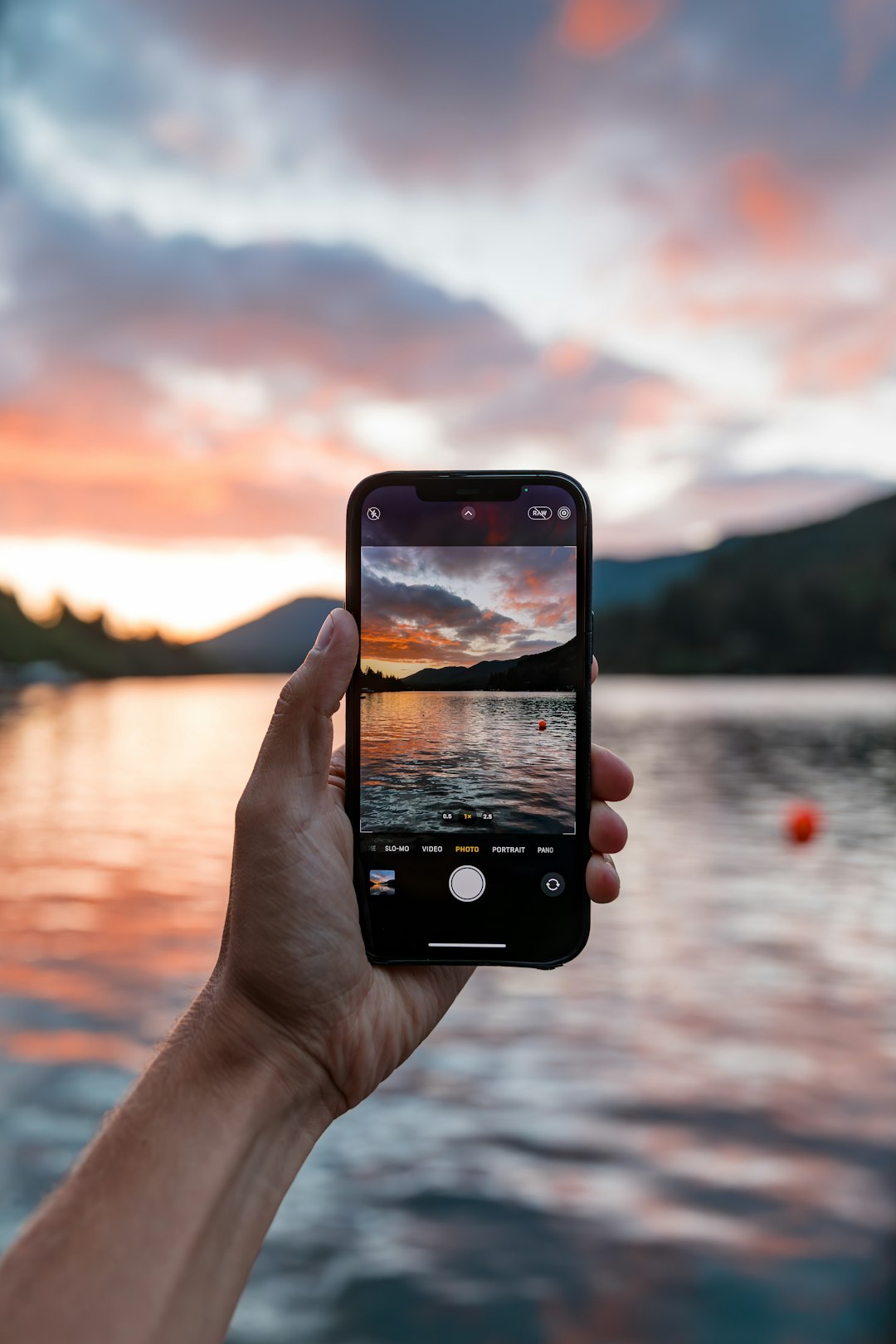
A purple light on your iPhone is usually harmless lens flare, especially if it shows up near a lamp, the sun, car headlights, or a bright window. It can look like a purple dot, blob, streak, or ghost circle. Annoying? Very. Broken phone? Not always.
TLDR: If the purple mark appears only when a bright light is in or near the shot, it is probably camera lens flare. In simple testing, about 8 out of 10 “purple light” complaints are caused by reflections, not broken hardware. For example, if you aim your iPhone at a streetlamp and see a purple dot that moves when you tilt the phone, that is classic flare. If the purple spot stays in the same place in every photo, even in a dark room, then you may have a hardware issue.
So, what is that purple light?
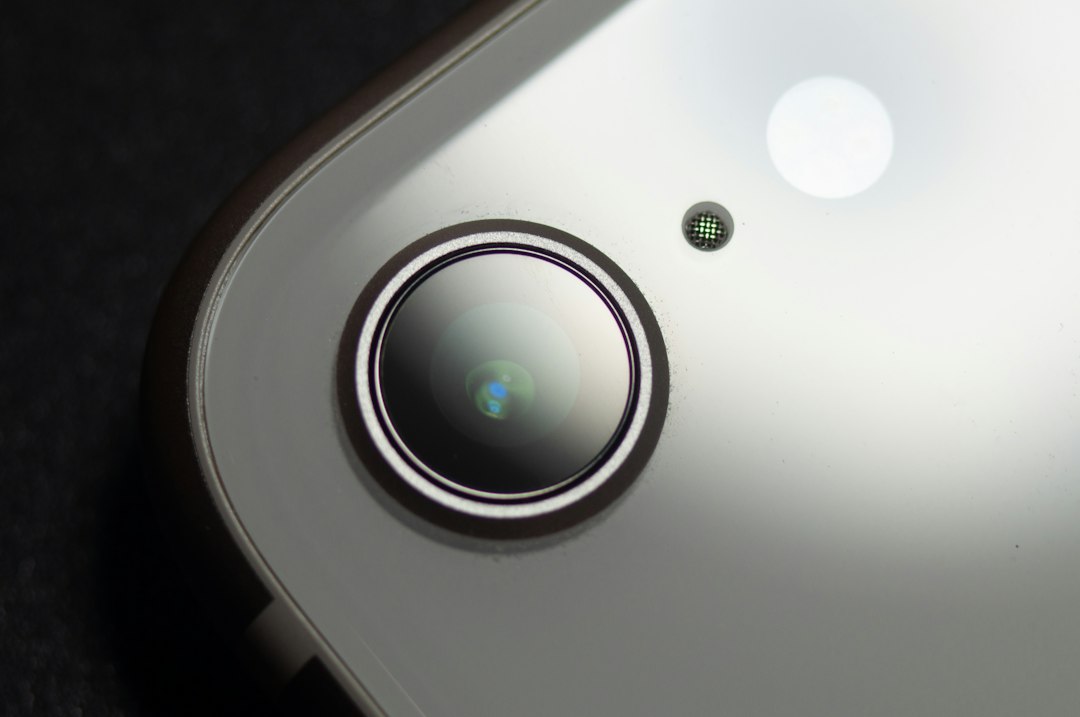
Your iPhone camera has tiny glass lenses stacked in front of the image sensor. These lenses bend light so your photo looks sharp. But bright light can bounce around inside the lens system.
That bounce can create a fake purple shape in the image. This is called lens flare.
It is not a “secret light.” It is not your iPhone spying on you. It is not a hidden warning from Apple. Most of the time, it is just light being a little dramatic.
Honestly, it feels like the camera is trolling you when the purple dot lands right on someone’s face. You move one inch, and suddenly it is gone. That is a big clue.
Why is the flare purple?
Lens flare can be white, green, blue, red, or purple. Purple is common because of how light reflects off the lens coatings and hits the sensor.
iPhone lenses have special coatings. These help reduce glare. They do not remove it completely. When a bright source hits the lens at a sharp angle, a purple reflection can appear.
This can happen with:
- The sun, especially during sunrise or sunset.
- LED lights, like streetlights and signs.
- Car headlights at night.
- Concert lights or stage lighting.
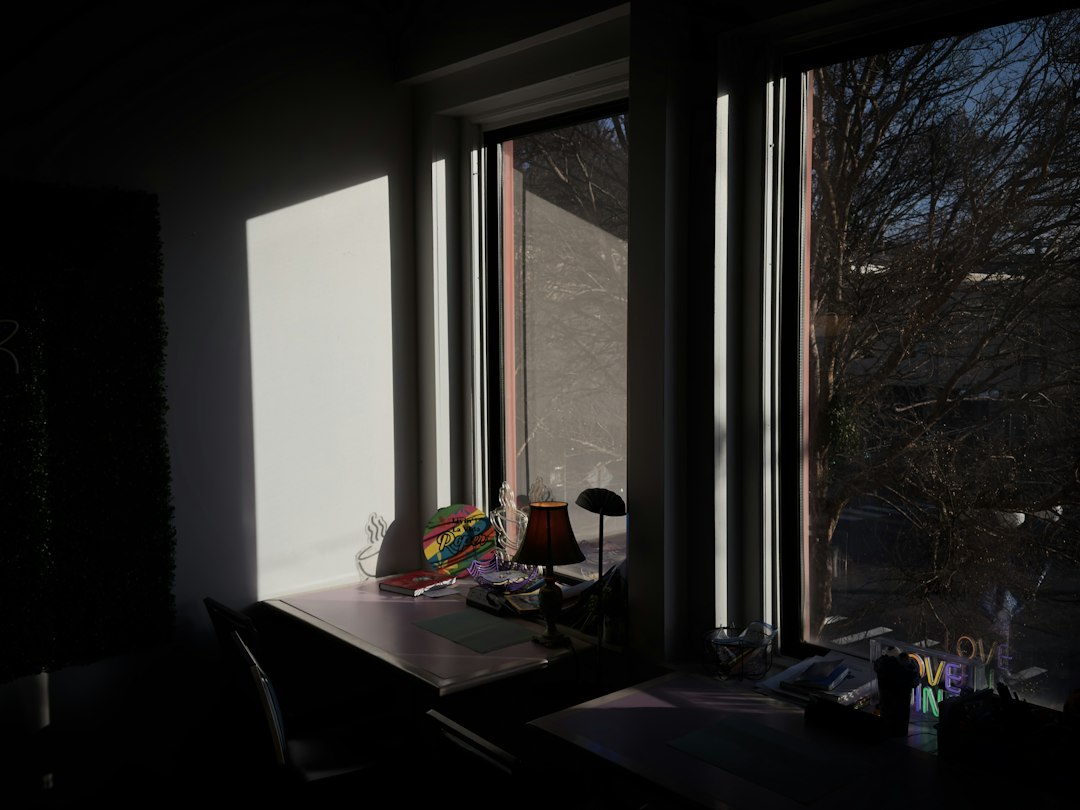
- Bright windows behind a person.
- Candles in dark rooms.
The smaller and brighter the light, the more obvious the purple dot can be.
Lens flare signs: when it is normal
Good news. Lens flare has a few easy tells.
It is probably normal if:
- The purple light appears only near bright light.
- It moves when you move the iPhone.
- It changes shape when you tilt the camera.
- It disappears when you block the light with your hand.
- It shows more at night or in sunset photos.
- It happens in video and photos, but only in certain angles.
Try this quick test. Open the Camera app. Point the phone near a lamp, not straight at it. Slowly tilt your iPhone. If the purple spot slides around the screen, you are seeing flare.
That is physics. Rude physics, but still physics.
When purple light may mean hardware trouble
Now for the less fun part. Sometimes a purple mark is not flare. It can be caused by damage to the camera sensor, lens, display, or internal parts.
It may be hardware related if:
- The purple spot stays in the exact same place every time.
- It appears in photos taken in normal indoor light.
- It appears even in a dark room.
- It shows up with no bright light nearby.
- The image has a purple haze across the whole frame.
- The camera also shakes, buzzes, or fails to focus.
- The phone was dropped, bent, or exposed to water.
A damaged sensor can create odd colors. A cracked lens cover can scatter light. Dust under the lens can glow when hit by light. Water damage can also cause weird tinting.
If the purple patch looks like a bruise or stain, take it seriously.
Could it be the screen instead?
Yes. Sometimes the camera is innocent.
If you see a purple light on the display, but it does not appear in the saved photo, the screen may be the problem. OLED screens can show purple spots after pressure or drops. These marks may spread over time.
Here is a simple check:
- Take a photo where you see the purple mark.
- Send that photo to another device.
- View it there.
If the purple mark appears on the other device, it is in the image. That points to the camera or lighting. If it does not appear, your iPhone screen may be damaged.
What about a purple light seen through another camera?
This one confuses people.
If you point another phone’s camera at your iPhone, you may see a faint purple or violet light near the front camera area. That can be infrared light from Face ID.
Your eyes usually cannot see infrared. But some cameras can pick it up and show it as purple or white. This is normal.
Face ID uses infrared dots and light to map your face. It may flash when unlocking, using Animoji, taking selfies, or checking attention settings.
So if you see a purple glow only through another camera, relax. Your iPhone is probably fine.
Fast fixes for purple lens flare
You do not need a repair shop for normal flare. Try these first.
- Clean the lens. Use a soft microfiber cloth. Finger grease makes flare worse.
- Change your angle. Move the iPhone a little left, right, up, or down.
- Block the light. Use your hand like a tiny sun visor.
- Move the light out of frame. Even a small shift can help.
- Remove the case. Some cases reflect light back into the lens.
- Take two shots. One step to the side can save the photo.
- Avoid direct bright lights. Shoot with the sun behind you when possible.
Expect to waste time on tiny angle changes. Sometimes moving the phone by two centimeters fixes the whole shot. It is silly, but it works.
Try these camera tests
Use these tests before you panic.
- Test each lens. Switch between 0.5x, 1x, 2x, 3x, or 5x if your iPhone has them.
- Use another app. Try Instagram, Snapchat, or a scanner app.
- Restart the iPhone. Boring, yes. Still useful.
- Update iOS. Camera bugs can be fixed by software updates.
- Check old photos. See when the purple mark first appeared.
- Take a dark photo. Cover the lens and snap a picture.
If the same purple dot appears during the dark photo test, that is not normal flare. That may be sensor damage or a camera fault.
Does Apple cover this?
Maybe. It depends on the cause.
If the iPhone is under warranty and there is no damage, Apple may inspect or replace the camera module. If there are signs of a drop, cracked glass, liquid damage, or a bent frame, repair may cost money.
AppleCare Plus can help if you have it. Without it, camera repair can be pricey. Prices change by model and region, so check Apple’s repair page or ask in store.
When should you book a repair?
Book a repair or inspection if the purple mark:
- Appears in every photo.
- Stays fixed in one spot.
- Shows in dark photos.
- Started after a drop.
- Comes with focus problems.
- Comes with rattling or camera shaking.
- Appears as a spreading purple stain on the screen.
Also get help if your photos suddenly look washed in purple or pink. That can point to sensor failure.
The easy way to remember it
If it moves, it is probably flare.
If it stays, it may need repair.
Lens flare is common on iPhones because the cameras are tiny, bright, sharp, and packed into a thin body. They do amazing work for their size. But bright lights can still bounce around inside them.
So next time a purple dot crashes your photo, do not panic. Wipe the lens. Shift the angle. Block the light. If the purple pest runs away, your iPhone is fine. If it refuses to leave, it is time for a proper checkup.