Best Software for Dance Video Editing: A Complete Guide to Editing Dance Videos, Syncing Music, Creating Effects, and Choosing the Right Software
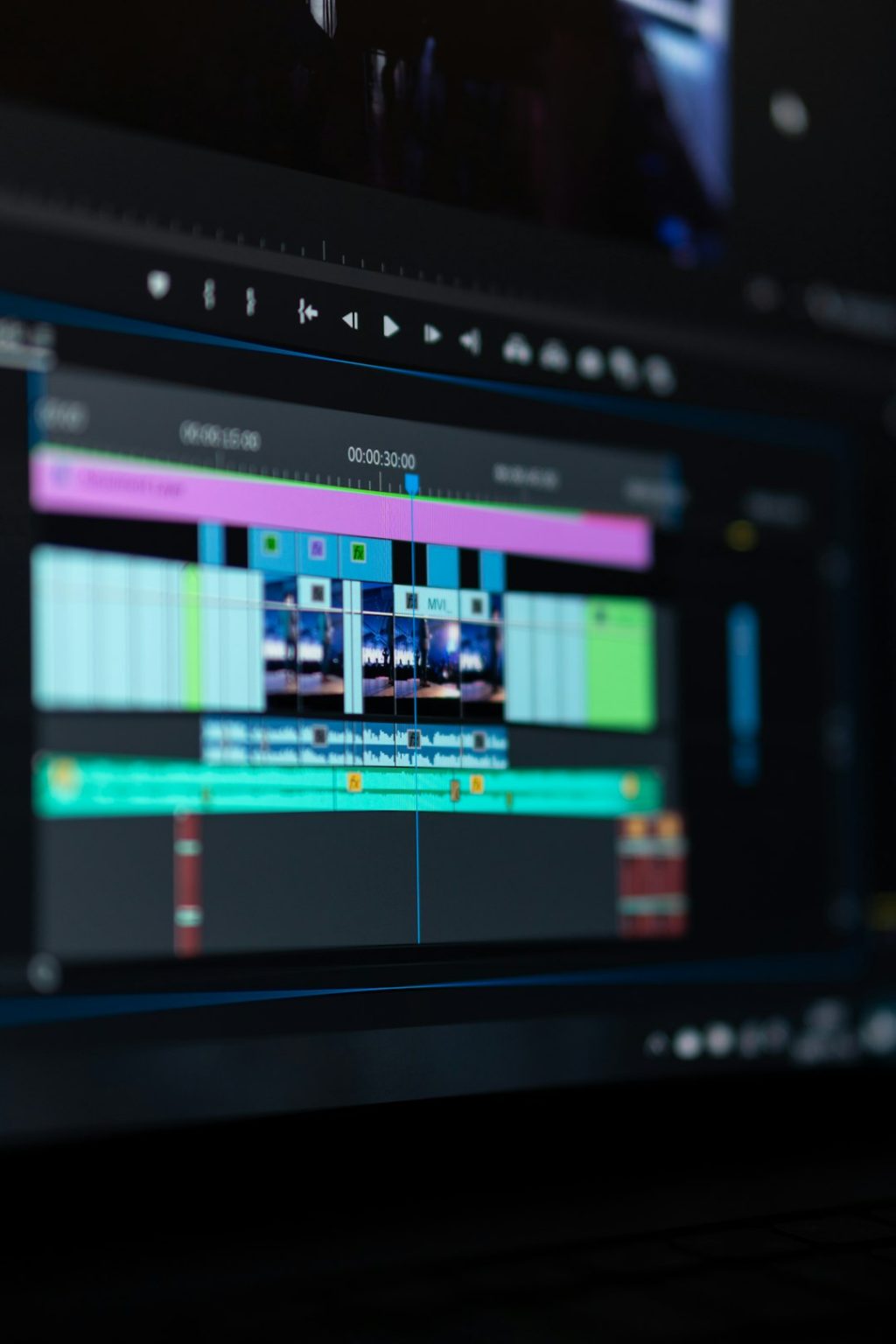
DaVinci Resolve is the best all-around choice for dance video editing because it offers precise music syncing, strong color tools, multicam editing, speed controls, and a capable free version. For mobile creators, CapCut is the fastest pick. For professionals who need deep control, Adobe Premiere Pro and Final Cut Pro remain strong options.
TLDR: Most dance editors should start with DaVinci Resolve if they want serious control without paying upfront. A choreographer editing a 60-second routine can sync beats, cut eight camera angles, add speed ramps, and export a polished vertical clip in under an hour after setup. For social media, CapCut can reduce editing time by roughly 30–40% thanks to auto captions, templates, and fast beat matching. For studio teams, Premiere Pro works best when projects need repeatable workflows, shared assets, and advanced audio cleanup.
What Makes Good Dance Video Editing Software?
Dance videos are not edited like talking-head clips. Timing matters more. A half-second late cut can make a clean routine feel sloppy. Good software should make it easy to match cuts, camera switches, and effects to the beat.
The best dance editing tools usually include:
- Accurate audio waveforms for beat-based cutting.
- Markers to tag drops, counts, hits, and transitions.
- Speed ramping for spins, jumps, freezes, and reveals.
- Multicam editing for studio shoots and stage performances.
- Color correction to fix mixed lighting and skin tones.
- Stabilization for handheld or phone footage.
- Social export presets for TikTok, Instagram Reels, and YouTube Shorts.
The catch is that many apps promise “easy” editing, then hide basic timing tools behind clumsy menus. Dance editors should care less about flashy templates and more about frame-level control.
Best Overall: DaVinci Resolve
DaVinci Resolve is the strongest overall choice for dance videos. Its free version already includes editing, color correction, audio tools, effects, and vertical export options. That makes it rare. Most competing tools force payment much earlier.
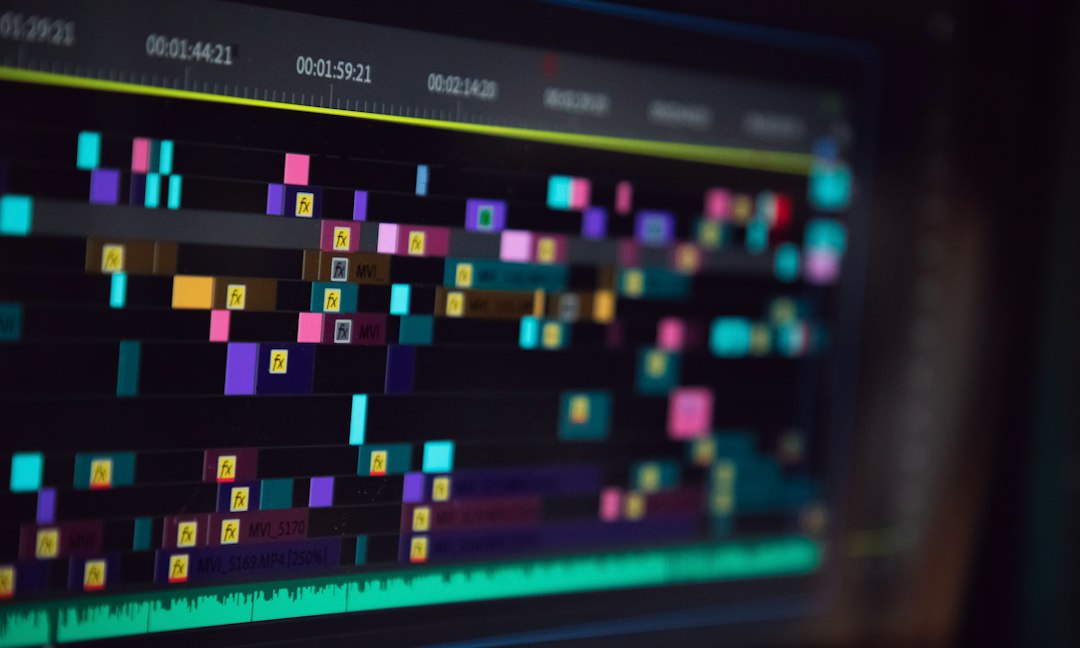
Resolve works well for choreography videos, music videos, competition reels, class recaps, and stage recordings. Editors can drop markers on beats, trim clips with frame accuracy, stabilize handheld shots, and adjust colors from different cameras. The Cut page is fast for short-form edits, while the Edit page gives more control for longer projects.
Best for: serious creators, dance studios, YouTube channels, music video editors, and anyone who wants pro tools without a monthly fee.
Annoyance: Resolve can feel heavy on older laptops. Playback may stutter with 4K files unless proxy media is created first. Expect to waste time on setup during the first few projects.
Best for Social Media: CapCut
CapCut is built for speed. It is a smart pick for dancers posting to TikTok, Instagram Reels, and YouTube Shorts. It includes templates, auto captions, beat detection, filters, transitions, background removal, and mobile-friendly export settings.
For dance creators who shoot on phones, CapCut removes a lot of friction. Clips can be trimmed, matched to trending sounds, resized to vertical format, and posted quickly. Its beat tools are useful for fast cuts on drops, claps, and count changes.
Best for: solo dancers, influencers, teachers, quick class clips, and trend-based videos.
Annoyance: Some effects look overused because thousands of creators use the same templates. A routine can lose its own style if the editor relies too much on presets.
Best for Professional Teams: Adobe Premiere Pro
Adobe Premiere Pro is still a favorite in professional editing rooms. It works well when a project involves multiple editors, brand assets, motion graphics, and detailed audio work. It also connects smoothly with After Effects, Audition, and Photoshop.
Premiere is a strong fit for dance films, commercial campaigns, studio promo videos, and large recital edits. Multicam tools are reliable. Audio waveforms are clear. Timeline control is excellent. Editors can sync footage from several cameras, create proxy files, and organize huge projects with bins and labels.
Best for: agencies, production teams, dance brands, and editors already using Adobe apps.
Honestly, it feels like Premiere asks for attention at the worst moments. Updates can break plugins, and performance can shift from one version to another. It is powerful, but it needs care.
Best for Mac Users: Final Cut Pro
Final Cut Pro is fast, clean, and optimized for Apple hardware. It handles 4K and even 8K footage better than many editors expect, especially on newer MacBooks. The magnetic timeline can speed up edits once the editor gets used to it.
For dance videos, Final Cut Pro is useful for quick performance edits, multicam recordings, and polished social clips. Its speed tools are smooth, and exports are often very fast. This matters when a studio needs to post same-day recital highlights.
Best for: Mac-based editors, dance schools, event videographers, and creators who value fast export times.
Best Beginner Option: iMovie
iMovie is limited, but it is simple. A new dancer or parent editing a recital clip can cut footage, add music, adjust basic color, and export without learning complex software. It is free on Apple devices.
It is not ideal for advanced beat cuts, heavy effects, or multicam work. Still, it works for clean edits. Sometimes that is enough. A stable wide shot with good music sync often beats a messy edit full of random flashes.
Best Effects Workflow: After Effects
Adobe After Effects is not the best tool for cutting an entire dance video, but it is excellent for effects. It is used for motion trails, glow effects, text animation, rotoscoping, freeze frames, music visualizers, and advanced transitions.
Dance music videos often use After Effects for impact moments. For example, an editor may freeze a dancer mid-jump, add animated outlines, then snap back into real motion on the beat. That type of polish is hard to create in basic editors.

Best for: music videos, concept films, high-impact edits, and creators who want visual effects beyond standard filters.
How to Sync Dance Videos to Music
Music sync can make or break the edit. The best method is simple: place the final song on the timeline first, then add markers on major beats. Editors often mark the intro, first count of eight, chorus, drop, bridge, and final hit.
A strong dance edit usually follows these steps:
- Import the final music track before cutting footage.
- Add beat markers on visible waveform peaks.
- Align the first major move with the first marked beat.
- Cut on motion, not only on sound.
- Use slow motion sparingly for jumps, turns, and hair flips.
- Watch the full edit without effects before adding style.
Clean sync should come before transitions. If the timing is weak, no glow effect or camera shake will save the clip.
Choosing the Right Software
The right choice depends on budget, device, and release format. A dancer posting daily vertical clips has different needs than a videographer editing a three-hour recital.
- Choose DaVinci Resolve for the best free professional tool.
- Choose CapCut for fast social edits and mobile workflows.
- Choose Premiere Pro for team projects and Adobe integration.
- Choose Final Cut Pro for fast Mac-based editing.
- Choose iMovie for simple beginner edits.
- Choose After Effects for advanced visual effects, not full edits.
For most creators, the best path is practical. Start with CapCut for quick posts or DaVinci Resolve for full control. Move to Premiere Pro, Final Cut Pro, or After Effects only when the project demands it.
FAQ
What is the best free software for dance video editing?
DaVinci Resolve is the best free choice for advanced editing. CapCut is better for quick mobile edits and social media clips.
What software is best for syncing dance videos to music?
DaVinci Resolve, Premiere Pro, and Final Cut Pro all handle accurate music syncing well. They show clear waveforms and support beat markers.
Is CapCut good enough for dance videos?
Yes. CapCut is very good for Reels, TikTok, Shorts, class clips, and trend videos. It is less ideal for long recitals or complex multicam projects.
What is the best software for dance video effects?
After Effects is best for advanced effects. For simpler effects, CapCut and DaVinci Resolve are usually enough.
Should dance videos be edited in vertical or horizontal format?
Vertical format works best for TikTok, Reels, and Shorts. Horizontal format is better for YouTube, websites, auditions, and stage documentation.
How can editors make dance videos look more professional?
They should sync cuts to music, keep skin tones natural, avoid too many transitions, stabilize shaky clips, and use effects only where they support the choreography.