Web Scope Explained: Definition, Use Cases, and Examples

Every successful website, web app, or digital platform begins with a clear understanding of what is included, what is excluded, and where the boundaries are. That boundary is often called the web scope. Whether you are planning a new website, auditing an existing one, designing a cybersecurity test, or defining analytics goals, web scope helps teams avoid confusion, wasted effort, and unexpected costs.
TLDR: Web scope defines the boundaries of a web project, system, audit, or activity. It explains which pages, features, users, technologies, domains, integrations, and responsibilities are included or excluded. A clear web scope helps teams plan better, estimate costs, manage risk, and measure success. In practice, it is used in web development, SEO, analytics, cybersecurity, content strategy, and product management.
What Is Web Scope?
Web scope is the defined range or boundary of work, access, functionality, or analysis related to a website or web-based system. In simple terms, it answers the question: “What exactly are we dealing with?”
For a website redesign, web scope may describe the number of pages, design requirements, CMS setup, forms, ecommerce features, and integrations. For a cybersecurity test, it may identify which domains, subdomains, IP addresses, applications, and testing methods are allowed. For an analytics project, it may include specific user journeys, conversion events, traffic sources, and reporting dashboards.
Because the web is connected and complex, scope matters. A single website may involve multiple domains, third-party tools, databases, APIs, payment processors, marketing tags, admin panels, user accounts, and mobile experiences. Without a defined scope, a “simple website update” can quickly become a large and expensive project.

Why Web Scope Matters
A clear web scope is one of the most useful planning tools in digital work. It keeps stakeholders aligned and gives teams a shared reference point. When everyone understands the scope, it becomes easier to make decisions, manage timelines, and avoid misunderstandings.
Web scope matters because it helps with:
- Budget control: Teams can estimate costs more accurately when the amount of work is clearly defined.
- Timeline planning: Knowing what is included helps project managers create realistic schedules.
- Risk management: Scope prevents unauthorized work, untested assumptions, and security overreach.
- Accountability: Responsibilities are clearer when deliverables and boundaries are documented.
- Quality assurance: Testers know which pages, features, devices, and user flows must be reviewed.
- Expectation setting: Clients, developers, designers, marketers, and security teams can agree on what success looks like.
In short, web scope turns vague ideas into practical boundaries. It does not remove creativity; it gives creativity a structure to work within.
Key Elements of Web Scope
Web scope can vary depending on the situation, but most well-defined scopes include several common elements.
1. Domains and URLs
At the most basic level, web scope often identifies the exact domain names, subdomains, and URL paths involved. For example, a project may include www.example.com but exclude shop.example.com or support.example.com. This is especially important for security testing, SEO audits, and migrations.
2. Pages and Content
A website scope may define how many pages are being created, redesigned, migrated, or reviewed. It may also describe content types such as blog posts, product pages, landing pages, help articles, case studies, or legal pages.
3. Features and Functionality
Functionality is often where scope expands quickly. Features may include contact forms, user registration, search, booking tools, ecommerce checkout, dashboards, membership areas, file uploads, payment processing, or live chat.
4. Users and Permissions
Some web projects involve multiple user roles, such as visitors, customers, editors, administrators, vendors, or subscribers. A scope should explain which user types are included and what each can do.
5. Technologies and Integrations
Modern websites rarely stand alone. They may connect to CRMs, email platforms, analytics tools, payment gateways, inventory systems, maps, chatbots, APIs, or authentication services. Defining these integrations prevents surprises later.
6. Devices and Browsers
Responsive design and cross-browser compatibility should also be scoped. A website may need to support desktop, tablet, and mobile, as well as browsers such as Chrome, Safari, Firefox, and Edge.
7. Exclusions
Good scope documents do not only say what is included; they also say what is not included. Exclusions are important because they protect the project from assumptions. For example, “This scope does not include copywriting, video production, custom illustration, or multilingual translation.”
Web Scope in Web Development
In web development, scope defines the boundaries of a build or redesign project. It helps translate a business idea into concrete deliverables.
For example, a small business website scope might include:
- Five core pages: Home, About, Services, Blog, and Contact
- A responsive design for mobile, tablet, and desktop
- A contact form with email notifications
- Basic search engine optimization setup
- CMS access for editing text and images
- Integration with Google Analytics or another reporting platform
The same scope might exclude:
- Online payments
- Custom customer accounts
- Advanced animations
- Multilingual content
- Ongoing maintenance after launch
This kind of clarity is valuable because it prevents scope creep, which happens when new requirements are added without adjusting the budget, timeline, or resources. Scope creep is one of the most common reasons web projects become delayed or stressful.

Web Scope in Cybersecurity
In cybersecurity, web scope is especially important because it defines what testers are legally and ethically allowed to examine. A penetration test or bug bounty program must clearly state which assets are in scope and which are out of scope.
An in-scope security target might include:
- Domain: example.com
- Subdomains: app.example.com and api.example.com
- Testing window: Monday to Friday, 9 a.m. to 6 p.m.
- Allowed testing: authentication testing, input validation testing, access control review, and API testing
Out-of-scope items might include:
- Third-party services not owned by the company
- Social engineering attacks
- Physical security testing
- Denial-of-service testing
- Production data extraction
This protects both the organization and the tester. The company reduces risk, and the tester knows exactly what is permitted. Without a defined web scope, security work can become dangerous, disruptive, or legally questionable.
Web Scope in SEO and Content Strategy
In search engine optimization, web scope defines which parts of a website are being reviewed, optimized, or measured. A technical SEO audit may cover the entire domain, while a content audit may focus only on blog articles published in the last two years.
An SEO web scope might include:
- Indexable pages on the main domain
- Metadata, headings, internal links, and page titles
- Page speed and Core Web Vitals
- Structured data
- Duplicate content issues
- Organic traffic performance
It might exclude paid search campaigns, social media posts, email marketing, or offline branding. By defining scope, SEO teams can focus their work and provide more meaningful recommendations.
Content strategists also use web scope when planning what information a website should contain. They may define the tone, target audience, content formats, editorial workflow, and publishing schedule. This ensures the website does not become a random collection of pages but a structured communication system.
Web Scope in Analytics
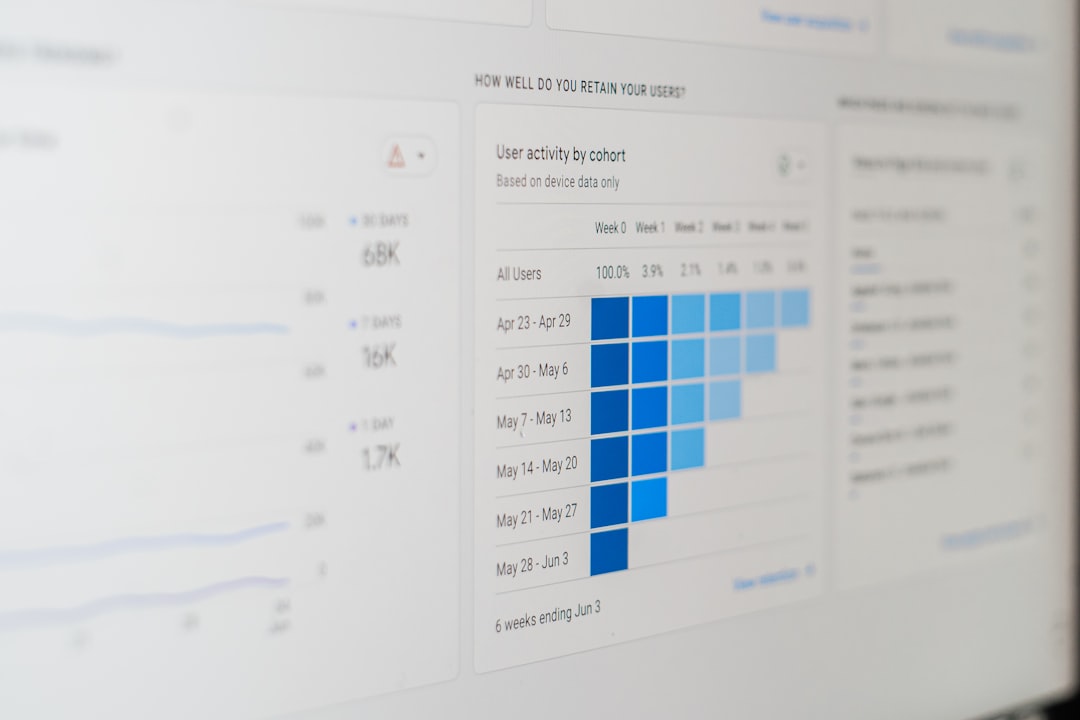
Analytics teams use web scope to determine what should be tracked and reported. A business may not need to track every click on every page. Instead, it may define a scope around meaningful actions such as signups, purchases, downloads, form submissions, or demo requests.
For example, an analytics scope for an ecommerce website may include:
- Product page views
- Add-to-cart events
- Checkout steps
- Completed purchases
- Revenue by traffic source
- Cart abandonment rate
A clear analytics scope prevents data overload. It helps teams focus on metrics that support business decisions instead of collecting information simply because it is available.
Practical Example: Scoping a New Website
Imagine a fitness coach wants a new website to promote services and collect client inquiries. A vague request might be: “I need a modern website for my coaching business.” That is not enough to estimate or build effectively.
A clearer web scope would look like this:
- Goal: Generate leads for personal training and online coaching programs.
- Pages: Home, About, Services, Testimonials, Blog, Contact.
- Features: Contact form, newsletter signup, blog management, testimonial section.
- Design: Mobile-friendly layout with a clean and energetic visual style.
- Content: Client provides text and images; designer formats the content.
- SEO: Basic title tags, meta descriptions, heading structure, and sitemap.
- Integrations: Email marketing signup and analytics tracking.
- Exclusions: Online course platform, payment processing, custom member portal, and ongoing blog writing.
This scope makes the project far more manageable. The client understands what they are getting, and the web team can estimate time, cost, and technical requirements with confidence.
Common Mistakes When Defining Web Scope
Even experienced teams can make mistakes when scoping web work. Some of the most common include:
- Being too vague: Phrases like “make it better” or “improve the website” are not specific enough.
- Ignoring exclusions: If something is not listed as excluded, someone may assume it is included.
- Forgetting third-party systems: External tools can add complexity, cost, and technical risk.
- Underestimating content: Writing, editing, migrating, and approving content often takes longer than expected.
- Not defining approval steps: Projects slow down when no one knows who must review and approve decisions.
- Skipping maintenance planning: Websites need updates, backups, monitoring, and support after launch.
How to Write a Good Web Scope
A good web scope should be specific, realistic, and easy to understand. It does not have to be overly complex, but it should remove ambiguity.
When writing one, consider the following questions:
- What is the main goal? Is the website meant to sell, inform, generate leads, support users, or host an application?
- What assets are included? Which domains, pages, templates, content types, and systems are part of the work?
- What features are required? List forms, search, accounts, payments, dashboards, APIs, and other functions.
- Who are the users? Define visitors, customers, administrators, editors, and other roles.
- What are the technical requirements? Include hosting, CMS, performance, accessibility, security, and integrations.
- What is excluded? State clearly what is not part of the current scope.
- How will success be measured? Define deliverables, acceptance criteria, analytics goals, or testing standards.
The best scopes are living references. They may evolve, but changes should be documented and approved. If a new feature is added, the timeline and budget should be reviewed as well.
Final Thoughts
Web scope is not just paperwork. It is a practical tool for turning digital ideas into organized action. It creates shared understanding, reduces uncertainty, and helps teams deliver better results with fewer surprises.
Whether you are building a website, auditing SEO, configuring analytics, or testing security, a clear web scope gives the work shape. It defines the boundaries, highlights the priorities, and protects everyone involved. In a digital environment where almost everything is connected, knowing the limits of the work is often the first step toward doing it well.