5 Smartmockups Alternatives for Product Presentation, App Screenshots, and Creating Professional Marketing Images

Pick the tool that matches your daily work, not the one with the shiniest homepage. Smartmockups is handy, and it says it offers over 12,000 mockup templates [source: Smartmockups], but it is not always the best fit for every product shot, app preview, or ad image.
TLDR: If you need fast product images, try Placeit or Mediamodifier. If you already live inside Canva, use Canva mockups and save the extra tab. For app teams, Mockuuups Studio can turn 20 plain screenshots into clean promo images in minutes. For example, a small SaaS team could make app store images, social posts, and a launch banner in one afternoon instead of waiting 3 days for a designer.
Smartmockups is good. No drama there. But sometimes you need more styles. Or better device frames. Or a tool that does not make a simple export feel like finding a spoon in a junk drawer.
Here are 5 Smartmockups alternatives that are simple, useful, and friendly for non-designers.
1. Placeit
Best for: Print on demand, merch, social ads, and quick promo images.
Placeit is the “I need this done before lunch” option. It has tons of ready-made scenes. T-shirts. Mugs. Hoodies. Phones. Books. Posters. You upload your design, move it a little, and export.
It is great for sellers who need lots of product photos without booking a real photoshoot. If you sell 30 shirt designs, this saves your sanity.
- Pros: Huge template library.
- Pros: Very easy to use.
- Pros: Good for Etsy, Shopify, and Amazon style images.
- Cons: Some mockups look a bit too familiar.
- Cons: Fine detail control is limited.
Use it when: You want fast product shots that look polished enough for ads and store pages.
2. Canva Mockups
Best for: People who already make posts, flyers, decks, or ads in Canva.
Canva is not just a design tool anymore. It also has mockup features. This makes it a nice Smartmockups alternative because your mockup can sit inside the same design file as your headline, button, logo, and background.
This feels simple. Add your screenshot. Pick a phone or laptop frame. Drop it into a social post. Done.
Honestly, it feels like the best choice when you hate moving files between five tabs. That tiny export-upload-export loop gets old fast.
- Pros: Great for social media graphics.
- Pros: Easy text and layout tools.
- Pros: Good for teams.
- Cons: Mockup choices can feel basic.
- Cons: Less control than pro design tools.
Use it when: You need mockups inside a full marketing image, not as a separate file.
3. Mediamodifier
Best for: Clean product mockups, packaging, books, and ad visuals.
Mediamodifier is simple and tidy. It has mockups for screens, products, print items, and packaging. The interface is not scary. That matters. Nobody wants to watch eight tutorials just to put a logo on a coffee cup.
It is strong for small brands. Think ebooks, labels, boxes, business cards, and product bundles. The results look neat without much effort.
- Pros: Clean mockup styles.
- Pros: Good packaging options.
- Pros: Browser based.
- Cons: The best assets need a paid plan.
- Cons: Some templates are less trendy.
Use it when: You want crisp product presentation images for a website, shop, or sales page.
4. Mockuuups Studio
Best for: App screenshots, SaaS promo images, and device mockups.
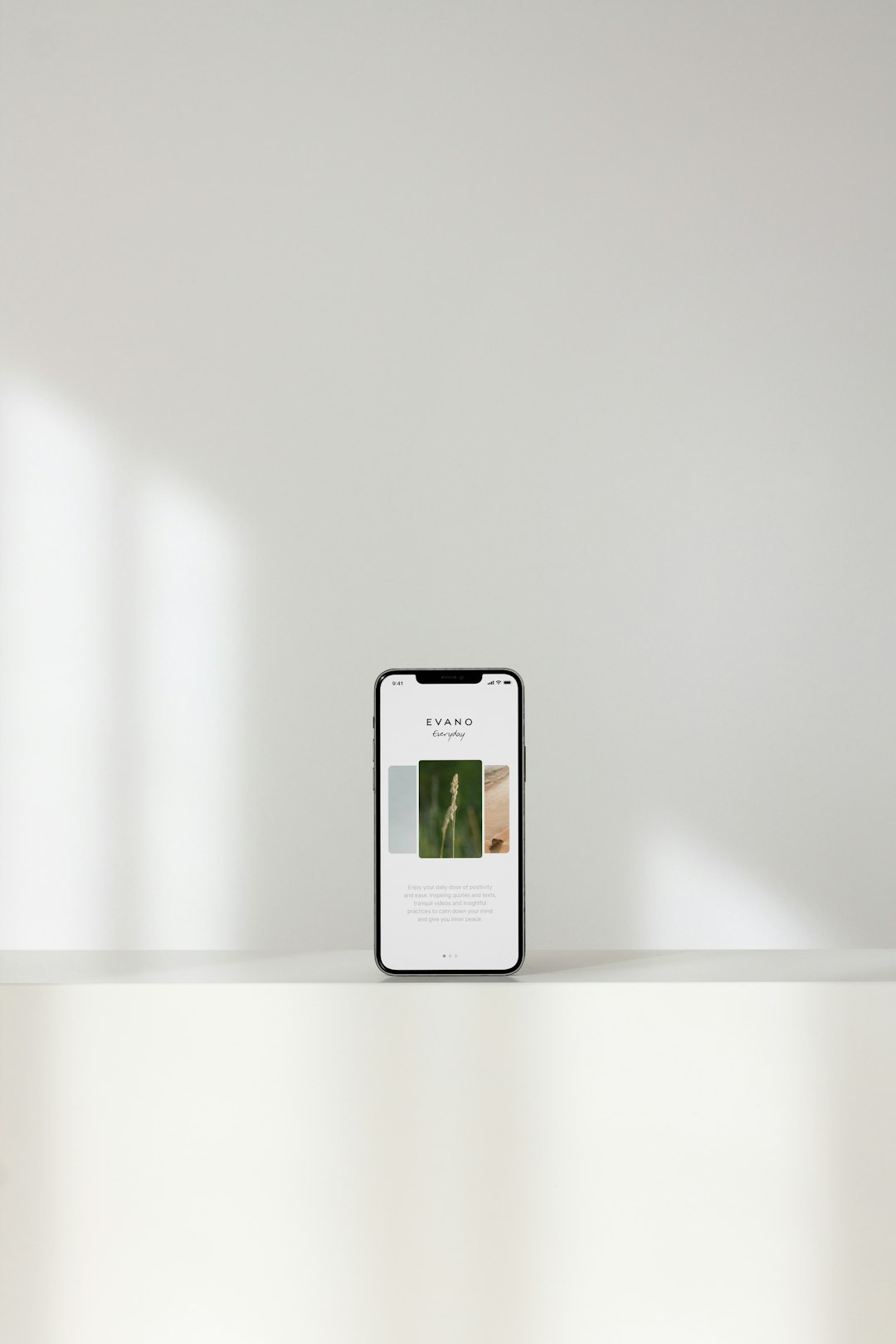
Mockuuups Studio is made for screen mockups. That is its sweet spot. You can add app screenshots to phones, tablets, laptops, and desktops. It also has a desktop app, which is nice if you work with many images.
This is a strong pick for founders, app makers, and marketers. You can make launch graphics, app store images, hero sections, and feature slides without starting from zero.
The catch is that browsing many scenes can take time. Expect to waste a few minutes picking the “perfect” hand holding the “perfect” phone. Still, the output can look very sharp.
- Pros: Great device mockups.
- Pros: Good for app screenshots.
- Pros: Works well for batch-style work.
- Cons: Not ideal for mugs, shirts, or packaging.
- Cons: Some scenes feel similar.
Use it when: Your main job is making phone and laptop screenshots look ready for launch.
5. Artboard Studio
Best for: Styled marketing images, brand scenes, and product stories.
Artboard Studio feels more like a full creative tool. It is not just “upload image, export mockup.” You can build scenes. Add objects. Arrange layouts. Create product ads. Make hero images. Even create animated visuals.
That extra power is great. But it also means there is more to learn. If you only need one quick mug image, it may feel like bringing a food truck to make toast.
- Pros: Strong visual control.
- Pros: Good for branded scenes.
- Pros: Useful for campaigns.
- Cons: Takes longer to learn.
- Cons: Can be too much for quick jobs.
Use it when: You want custom marketing images that feel less like templates.
Quick Pick Guide
- Fast merch images: Placeit.
- Social posts with mockups: Canva.
- Packaging and ebooks: Mediamodifier.
- App screenshots: Mockuuups Studio.
- Custom ad scenes: Artboard Studio.
Final Verdict
If you want the closest all-around Smartmockups alternative, choose Placeit. It is fast and packed with templates.
If you care about app screenshots, choose Mockuuups Studio. If your marketing work already happens in Canva, stay there and use Canva mockups. Simple wins.
The best tool is the one that helps you publish faster without making your images look cheap. That is the whole game.