Best UX Design Tools for Product Teams
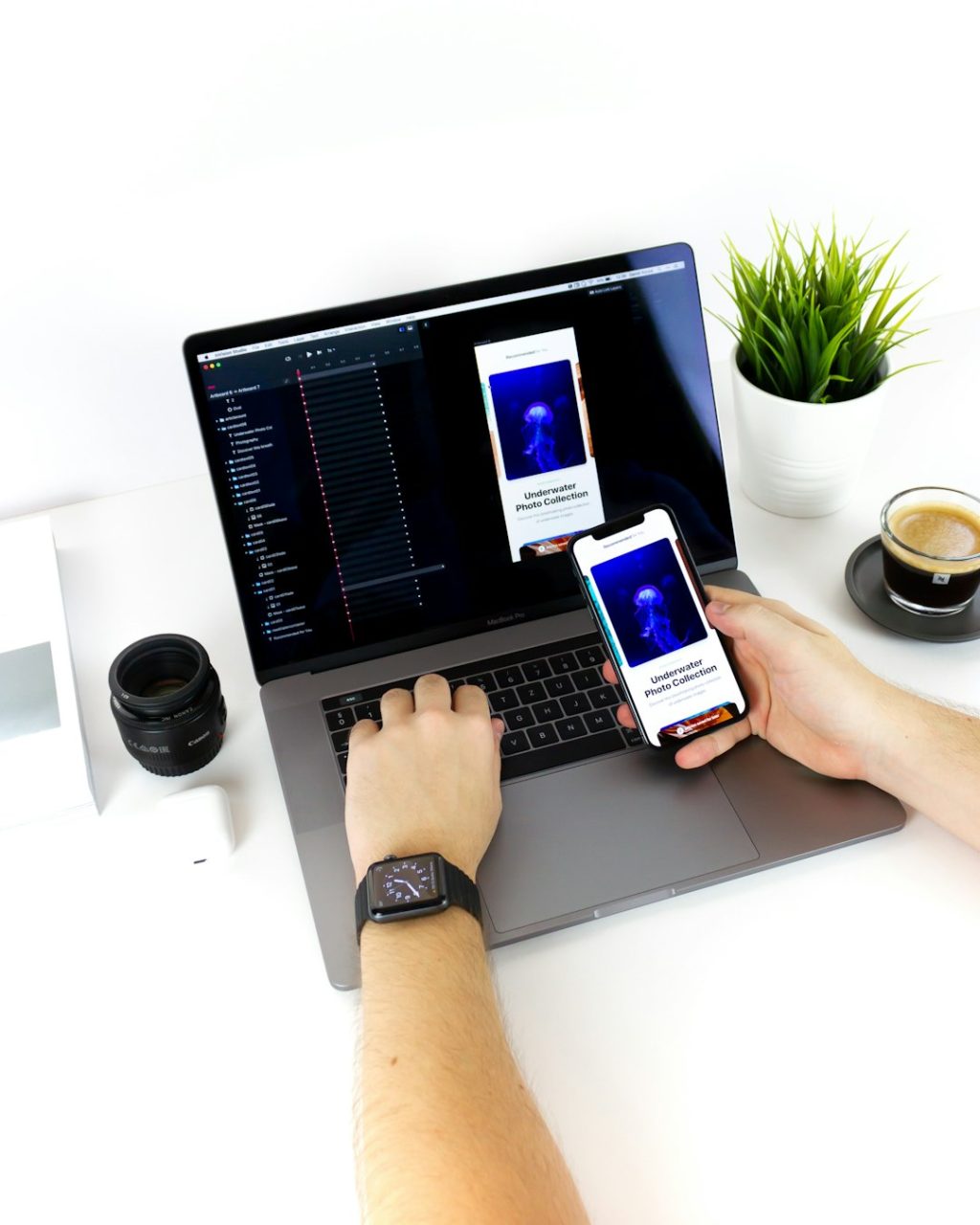
Figma, FigJam, Maze, Dovetail, Storybook, and Hotjar form the strongest UX tool stack for most product teams. Figma wins for interface design because it keeps designers, product managers, developers, and researchers in the same working file instead of scattering feedback across screenshots and chat threads. In the UX Tools 2023 survey, Figma was the dominant UI design tool among respondents, which explains why hiring, handoff, and collaboration are often easier when teams standardize around it [source: UX Tools].
TLDR: Choose Figma for UI design, FigJam or Miro for workshops, Maze for quick usability tests, Dovetail for research notes, and Storybook for design system work. A five-person product squad can sketch a checkout fix on Monday, test it with 25 users by Wednesday, and send developers a cleaner spec by Friday. If your team currently loses even 3 hours per week chasing comments across Slack, PDFs, and tickets, a shared UX tool stack can pay for itself fast. Start small, then add research and analytics tools once the design workflow is stable.
1. Figma: Best all-around UX design tool
Best for: UI design, prototyping, design systems, developer handoff, team feedback.
Figma is the safest first pick for product teams because it covers the core workflow from wireframe to production-ready interface. Designers can build screens, create clickable prototypes, define components, and prepare specs for engineers. Product managers can comment directly on flows. Developers can inspect spacing, styles, and assets without asking for a fresh export every five minutes.
The best part is the shared file model. Everyone sees the same version. No “final final v7” folder. No mystery artboards hiding on someone’s laptop.
Honestly, it feels like Figma became popular because it removed boring admin work as much as it improved design work. The annoyance? Large files can get sluggish. Opening a messy file with 100 or more frames can add 10 to 20 seconds each time. That sounds minor until it happens 30 times a day.
- Use Figma if: your team designs products, apps, SaaS screens, dashboards, or mobile flows.
- Skip it if: you only need quick whiteboarding and no polished UI output.
- Watch out for: file sprawl, weak naming rules, and too many component variants.
2. FigJam and Miro: Best for workshops and early thinking
Best for: journey maps, brainstorming, retros, user flows, prioritization, stakeholder workshops.
FigJam is ideal if your team already lives in Figma. It keeps early ideas close to design execution. You can run a workshop, cluster feedback, map a user journey, then move useful pieces into a Figma design file.
Miro is stronger for large workshops and cross-functional planning. It has deep templates, voting tools, facilitation controls, and a more mature board culture. If research, product, marketing, and customer success teams all need space to map ideas, Miro often feels more flexible.
The catch is board chaos. Whiteboards start clean and become digital junk drawers fast. Expect to waste time on cleanup unless someone owns the structure. Use sections, titles, color rules, and a clear “decision area” so people know what matters after the meeting ends.
- Choose FigJam when design is the main output.
- Choose Miro when many departments need one shared planning board.
- Use both only if your company has clear rules for what belongs where.
3. Maze: Best for fast usability testing
Best for: prototype tests, preference tests, first-click tests, quick validation.
Maze helps teams test designs before engineering spends a sprint building the wrong thing. You can connect a Figma prototype, set tasks, recruit participants, and get metrics such as completion rate, misclicks, time on task, and drop-off points.
This is where product teams get real value. Instead of arguing whether a new onboarding flow is “clear,” you can ask 30 users to complete it and see where they fail. A task with a 42% completion rate needs work. A screen with repeated rage clicks needs clarity. A step that adds 18 seconds may be too confusing.
Maze is not a full replacement for moderated research. It tells you what happened more easily than why it happened. Pair it with interviews when the stakes are high.
4. UserTesting and Lookback: Best for moderated research
Best for: interviews, usability sessions, concept testing, voice-of-customer clips.
UserTesting is useful when you need access to participants and recorded feedback fast. Product managers love it because short clips can make user pain visible in roadmap meetings. A two-minute clip of someone failing to find pricing can end a debate faster than a 20-slide deck.
Lookback is better when you already have participants and want to run moderated sessions with screen sharing, notes, and recordings. It gives researchers more control and works well for recurring studies.
Nielsen Norman Group has long argued that testing with five users can reveal many usability issues in a focused study [source: Nielsen Norman Group]. That does not mean five users solve every research question. It means small, frequent tests often beat rare, oversized studies.
Image not found in postmeta
5. Dovetail: Best for research repositories
Best for: interview notes, tagging, insight libraries, research sharing.
Dovetail turns scattered research into a searchable knowledge base. Teams can upload interview recordings, tag quotes, group themes, and create highlight reels. This matters when your company runs more than a few interviews per month.
Without a repository, research gets buried. Someone asks, “Have we ever talked to enterprise admins about permissions?” Then everyone searches old docs, Slack threads, and meeting notes. Dovetail reduces that mess.
The risk is over-tagging. If every researcher creates their own tag system, the library becomes noisy. Keep tags simple. Use labels such as pricing, onboarding, permissions, mobile, and checkout. Perfect taxonomy can wait. Findability cannot.
6. Storybook: Best for design systems and developer alignment
Best for: components, UI documentation, front-end quality, design system governance.
Storybook is not a design tool in the classic sense, but product teams should care about it. It lets developers build and document UI components in isolation. Designers can compare coded components against Figma specs. QA can check states such as loading, error, disabled, and empty.
This is where design systems become real. A button in Figma is only a promise. A button in Storybook is closer to production truth.
Storybook works best when paired with Figma components and clear naming. If Figma says Button / Primary / Large and Storybook says PrimaryButtonBigNew, teams lose trust. Align names early.
7. Hotjar, FullStory, and Google Analytics: Best for behavior data
Best for: heatmaps, session replay, funnel analysis, behavior patterns.
Design tools show what you intend. Analytics tools show what users actually do. Hotjar is handy for heatmaps, surveys, and session recordings. FullStory is stronger for deeper session replay and debugging. Google Analytics is useful for traffic, funnels, and event tracking.
Use these tools to spot patterns, not to spy on single users. If 68% of mobile users abandon a form at the same step, that is a design signal. If users repeatedly tap non-clickable cards, the UI is misleading.
Google’s HEART framework is a helpful model for measuring user experience through happiness, engagement, adoption, retention, and task success [source: Google Research].
Image not found in postmeta
Recommended tool stacks by team size
- Startup team: Figma, FigJam, Maze, Google Analytics. Keep costs low and move fast.
- Growing product team: Figma, Miro, Maze, Dovetail, Hotjar, Jira or Linear.
- Enterprise product org: Figma Enterprise, Miro, UserTesting, Dovetail, Storybook, FullStory, analytics tooling.
How to choose without buying too much
Pick tools based on the work you repeat every week. If you design screens daily, start with Figma. If you run research weekly, add Dovetail. If stakeholders keep arguing about flows, add Maze. If engineering keeps rebuilding one-off components, invest in Storybook.
Do not buy five UX tools because a competitor uses them. Tool stacks fail when ownership is vague. Assign one owner for design files, one for research storage, and one for design system health. Then write simple rules: where feedback goes, how files are named, when prototypes are tested, and what “ready for dev” means.
The best UX design tools are not the flashiest ones. They are the tools your product team actually uses, week after week, to make clearer decisions and ship fewer confusing experiences.