Marketing Emoji: Canva vs Adobe Express for Creating Marketing Visuals With Emojis

Choose Canva if your marketing team needs fast emoji-led social visuals at scale; choose Adobe Express if brand control, Adobe asset access, and cleaner export handling matter more. Both tools can create polished marketing graphics with emojis, but they serve slightly different teams. Canva is quicker for campaign volume. Adobe Express is stronger when the visual must stay close to a formal brand system.
TLDR: Canva is usually the better choice for quick emoji marketing posts, especially for small teams creating Instagram, TikTok, and email graphics in batches. Adobe Express is better for teams already using Adobe fonts, libraries, or Photoshop and Illustrator assets. In a simple five-post campaign test, a small retailer could build emoji sale graphics in Canva about 25% faster, while Adobe Express gave more consistent brand spacing and typography. For example, a coffee shop promoting “2 for 1 lattes ☕” would likely finish faster in Canva, but a national chain may prefer Adobe Express for stricter brand review.
Why emojis matter in marketing visuals
Emojis are not just decoration. Used well, they act as visual shortcuts. A flame emoji can signal urgency. A gift emoji can point to a promotion. A heart can soften a brand message. The risk is obvious: overuse can make a serious brand look careless.
For marketing, emojis work best when they support the message rather than replace it. A subject line, banner, or paid social image may gain attention from a single emoji. Five emojis in one corner can feel cheap. The platform you use should help you control that balance.

Canva for marketing emoji graphics
Canva’s main advantage is speed. Its interface is simple, its templates are plentiful, and its search system makes it easy to find social post layouts that already fit common campaign goals. If you need a last-minute “Flash Sale ⚡” story graphic, Canva will usually get you there with fewer clicks.
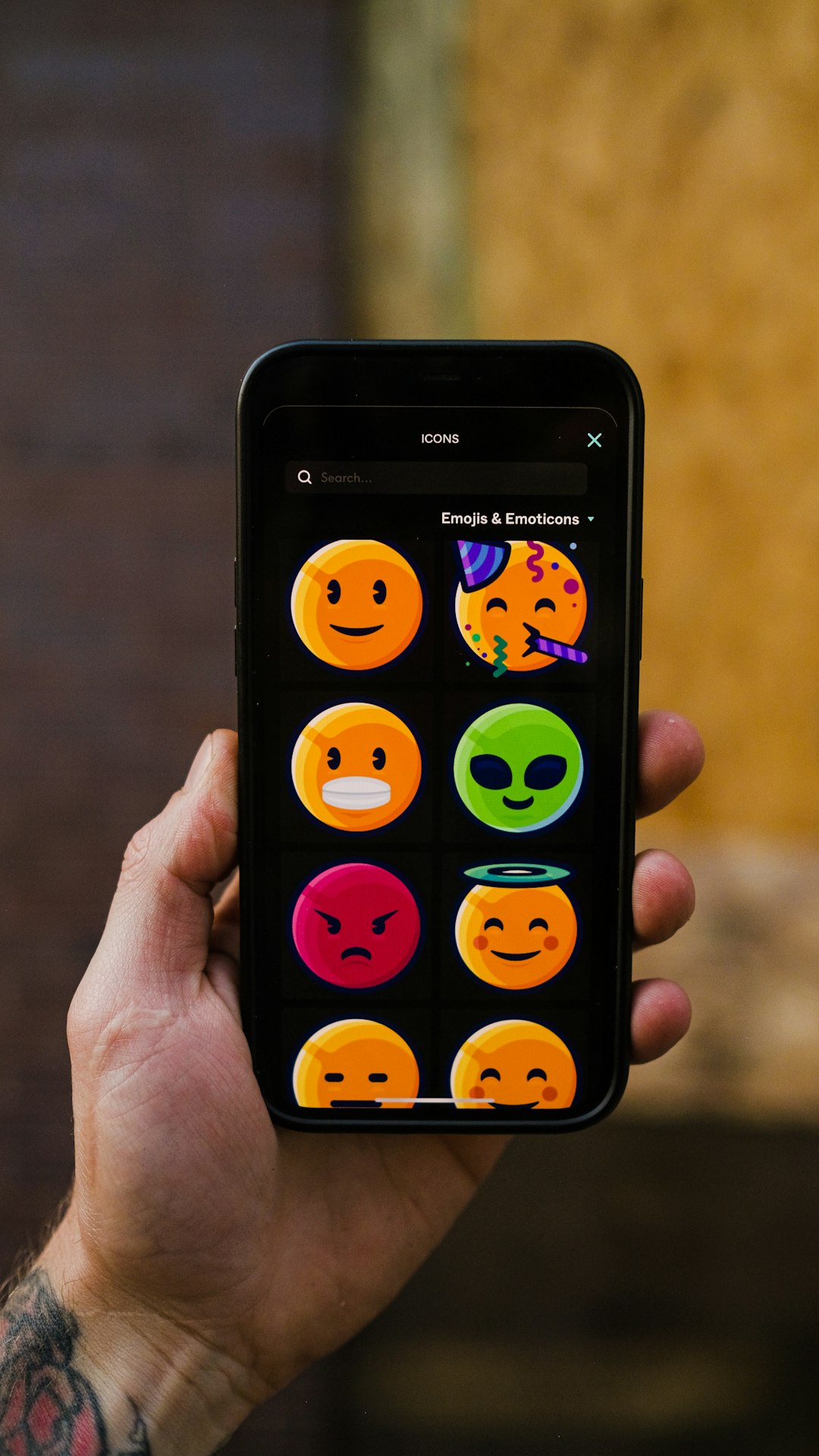
The emoji workflow is also straightforward. You can paste emojis directly into text boxes, use built-in graphic elements, or search for sticker-style icons. Canva also makes it easy to resize one design for several channels. That matters when the same emoji-led offer needs to appear as an Instagram post, story, email header, and LinkedIn graphic.
Where Canva performs well:
- Template speed: Good for teams producing frequent social content.
- Emoji variety: Simple access to native emojis, stickers, icons, and illustrations.
- Batch creation: Useful for seasonal promotions, product drops, and event countdowns.
- Team use: Non-designers can edit copy and swap emojis without much training.
Honestly, it feels like Canva was built for the marketer who has 30 minutes before a post must go live. That is a real strength. The tradeoff is that some templates can look familiar because many brands use the same layouts. You may need to adjust spacing, type, and color more than expected to avoid a generic result.
Adobe Express for emoji-based marketing visuals
Adobe Express has improved a lot, especially for users who already work inside the Adobe ecosystem. It feels more controlled than Canva. Its strength is not only making something fast, but making it fit a larger brand system.
If your team uses Adobe Fonts, Creative Cloud Libraries, Photoshop files, or Illustrator assets, Adobe Express becomes more appealing. You can keep logos, colors, and approved graphics closer to the source. That reduces the chance of an off-brand emoji post slipping into a campaign.
Where Adobe Express performs well:
- Brand consistency: Strong support for logos, colors, fonts, and shared assets.
- Adobe integration: Helpful for teams already using Photoshop, Illustrator, or Creative Cloud.
- Cleaner design control: Better suited for formal campaigns with review steps.
- Professional exports: Useful when visuals must move between social, web, and print-style formats.
The catch is that Adobe Express can feel slower for simple social posts. In a quick comparison, changing a template, replacing an icon with an emoji-style graphic, and exporting a square post took about 18 seconds longer than a similar workflow in Canva. That sounds small. Across 40 assets, it adds up.
Image not found in postmetaEmoji quality and brand tone
Canva often wins on emoji variety and playful assets. You can find glossy stickers, flat icons, animated elements, and illustrated emoji replacements. This is useful for consumer brands, creators, cafés, gyms, beauty brands, and event promoters.
Adobe Express is better when emojis need to look restrained. A financial brand, health provider, or B2B software company may not want cartoonish stickers. It may only need a subtle check mark, calendar, spark, or alert symbol. Adobe Express gives those teams more room to keep the design serious.
The choice depends on tone. If your campaign says “Weekend drop 🎉,” Canva fits naturally. If it says “Q4 webinar registration now open 📅,” Adobe Express may feel safer.
Collaboration and approval
Marketing visuals rarely live with one person. A designer creates the first version. A marketer edits the offer. A manager checks the claim. Legal may review the fine print. This is where structure matters.
Canva is strong for broad collaboration. It is easy to invite teammates, assign access, and let non-designers make small edits. This reduces bottlenecks. It can also create problems if too many people change design details without rules.
Adobe Express works well when brand assets are controlled more tightly. Its value rises in teams that already have approved logo libraries and font systems. Fewer people may tinker with the design, but the final output is often cleaner.
Best use cases
| Need | Better choice | Reason |
|---|---|---|
| Daily social posts with emojis | Canva | Faster templates and easier editing |
| Strict brand campaign graphics | Adobe Express | Better fit for controlled assets |
| Small business promotion | Canva | Simple workflow and strong template range |
| Adobe-based creative team | Adobe Express | Works smoothly with Creative Cloud assets |
| Emoji-heavy seasonal campaigns | Canva | More playful visual options |
Practical emoji design rules
No tool will save a weak message. Before choosing Canva or Adobe Express, set basic rules for emoji use. This keeps the work credible.
- Use one main emoji per message. It keeps the visual clear.
- Match the emoji to the offer. A gift emoji fits a discount. A rocket may not.
- Check accessibility. Do not put key meaning only in the emoji.
- Test at mobile size. Many emoji details vanish on small screens.
- Keep brand tone in mind. A law firm and a smoothie shop should not use emojis the same way.
Pricing and value
Both platforms offer free and paid options, though serious marketing teams will usually need paid plans for brand kits, premium assets, background tools, and better export options. Canva often feels more cost-effective for teams that produce many simple assets. Adobe Express offers stronger value when it replaces extra steps across Creative Cloud workflows.
If you already pay for Adobe tools, Adobe Express deserves a serious look. If your team does not use Adobe daily, Canva will likely feel easier and faster from day one.
Final recommendation
For most emoji-based marketing visuals, Canva is the practical winner. It is faster, easier for non-designers, and better suited to high-volume social content. It helps teams move from idea to published asset with less friction.
Adobe Express is the better choice for brand-sensitive teams. If your visuals need strict typography, approved assets, and tighter creative control, it may be worth the extra time. The best decision is not about which tool has more emojis. It is about which tool helps your team publish clear, credible, on-brand marketing without slowing the campaign down.