Magento Fulfillment Centers: How They Integrate with Adobe Commerce Stores
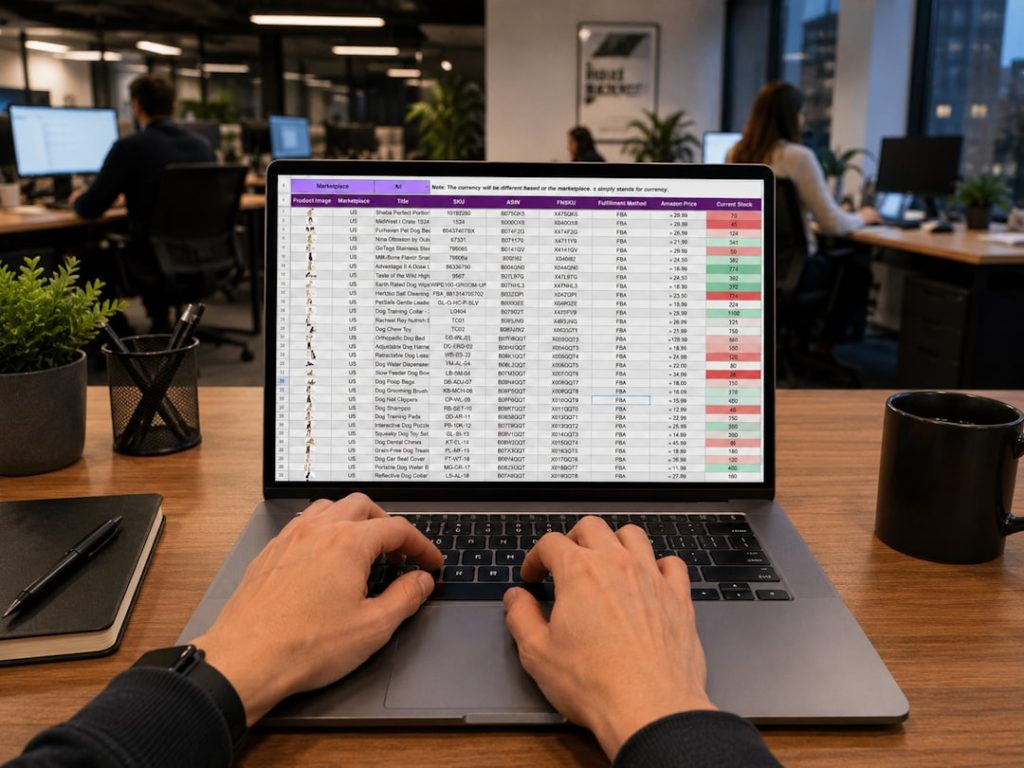
For merchants running Adobe Commerce, still widely referred to by many teams as Magento, fulfillment is no longer a back-office function. It is a core part of the customer experience. A well-integrated fulfillment center can determine whether an order ships on time, whether inventory is accurate across channels, and whether customers return to buy again.
TLDR: Magento fulfillment centers integrate with Adobe Commerce stores through APIs, extensions, order management systems, inventory synchronization, and shipping carrier connections. The goal is to move orders, stock levels, shipment confirmations, and returns data between the store and warehouse with minimal manual work. A properly configured integration improves delivery speed, reduces overselling, and gives both merchants and customers more reliable order visibility.

What a Magento Fulfillment Center Actually Does
A Magento fulfillment center is a warehouse or logistics operation connected to an Adobe Commerce store. It may be operated by the merchant, a third-party logistics provider, or a distributed fulfillment network. Its role is to receive inventory, store products, pick and pack orders, hand packages to carriers, and process returns.
The important point is that a fulfillment center is not simply a storage location. In a modern commerce environment, it must operate as an extension of the online store. When a customer places an order, the warehouse needs to know what was purchased, where it should be shipped, which delivery method was selected, and whether any special handling rules apply. In return, Adobe Commerce needs updates about inventory, shipment status, tracking numbers, cancellations, and returns.
How Adobe Commerce Communicates with Fulfillment Systems
Adobe Commerce is designed to support integrations through several technical methods. The most common are REST APIs, GraphQL APIs, webhooks, middleware platforms, and certified or custom-built extensions. These tools allow external fulfillment systems to exchange structured data with the commerce store.
Typically, the integration handles several key data flows:
- Order export: New orders are sent from Adobe Commerce to the warehouse management system or fulfillment provider.
- Inventory import: Available stock levels are sent back to Adobe Commerce so the storefront reflects sellable quantities.
- Shipment confirmation: Once an order is packed and shipped, tracking details are passed back to the store.
- Carrier updates: Shipping services, rates, labels, and delivery statuses are synchronized with carrier platforms.
- Returns processing: Returned items are inspected, restocked, refunded, or routed for review.
In smaller operations, an extension may be enough to connect Adobe Commerce directly to a fulfillment provider. Larger merchants often use middleware or an order management system to coordinate several warehouses, sales channels, and carriers from one central layer.
The Role of Inventory Synchronization
Inventory accuracy is one of the most important reasons to integrate fulfillment centers with Adobe Commerce. If stock data is delayed or incorrect, the store may sell products that are no longer available. This leads to cancellations, customer complaints, and avoidable support costs.
Adobe Commerce includes strong inventory management capabilities, including support for multiple sources and stock assignments. Merchants can define warehouses, stores, pickup locations, and distribution points. The system can then determine which source should fulfill an order based on rules such as location, availability, and priority.
For fulfillment centers, this means stock changes must be communicated regularly. Inventory can change because of new receipts, damaged goods, reserved orders, returns, manual adjustments, or cycle counts. A serious integration should account for all of these events rather than simply updating stock once per day.
Near real-time synchronization is especially important for high-volume stores, flash sales, marketplaces, and omnichannel retailers. Even a short delay can cause overselling when demand is heavy.
Order Routing and Multi-Warehouse Fulfillment
Many Adobe Commerce merchants operate from more than one fulfillment location. This may include regional warehouses, retail stores, drop shipping partners, or international distribution centers. In these cases, the store must decide where each order should be fulfilled.
Order routing logic can be simple or sophisticated. A basic setup may always send orders to the nearest warehouse with available stock. A more advanced configuration may consider shipping cost, delivery speed, warehouse workload, product type, customer region, and split shipment rules.
For example, if a customer orders three products and only two are available in the closest warehouse, the system must decide whether to split the order or ship everything from another location. The right decision depends on business rules. Some merchants prioritize fast delivery, while others prioritize fewer packages and lower freight costs.
This is where a well-planned integration becomes valuable. Adobe Commerce can manage the order experience, while the fulfillment system executes the physical movement of goods. Both sides need consistent rules to avoid conflicting decisions.
Shipping Carrier Integration
Fulfillment centers must also connect with shipping carriers. Adobe Commerce can support shipping methods and rates on the storefront, but the warehouse usually needs operational access to generate labels, select services, and confirm dispatch.
Carrier integration may involve national postal services, express couriers, freight providers, local delivery networks, or shipping aggregators. The fulfillment workflow usually includes label generation, package dimension capture, tracking number creation, and shipment confirmation.
Once tracking information is sent back to Adobe Commerce, the customer can receive an email notification and view shipment progress in their account. This improves transparency and reduces “Where is my order?” inquiries.
Returns and Reverse Logistics
Returns are often overlooked during integration planning, but they are essential for a reliable fulfillment operation. When a customer requests a return, Adobe Commerce may generate the authorization process, while the fulfillment center receives the physical item and updates its condition.
The return may be restocked, quarantined, repaired, recycled, or written off. That decision affects inventory availability and financial reporting. If the warehouse restocks an item but Adobe Commerce is not updated, the product may remain unavailable online. If the store shows the item as available before inspection, the merchant may accidentally resell damaged goods.
A dependable return integration should capture status changes such as return requested, received, inspected, restocked, and refunded. It should also preserve a clear audit trail for customer service and accounting teams.
Security, Reliability, and Data Governance
Because fulfillment integrations handle customer names, addresses, emails, order values, and sometimes phone numbers, security must be treated seriously. API access should be limited to the data and actions required for fulfillment. Credentials should be protected, rotated when necessary, and monitored for unusual activity.
Reliability is equally important. If order exports fail silently, packages will not ship. If tracking imports fail, customers may not receive accurate updates. Mature integrations include error logging, retry mechanisms, alerting, and reconciliation reports. Teams should be able to identify whether every order in Adobe Commerce has successfully reached the fulfillment center.
Data governance also matters when multiple systems are involved. The merchant should define which platform is the source of truth for orders, inventory, customer records, refunds, and shipment status. Without clear ownership, teams may make manual corrections in different systems and create conflicting records.

Implementation Best Practices
Merchants planning a fulfillment integration with Adobe Commerce should approach the project as both a technical and operational initiative. The following practices help reduce risk:
- Document the current workflow. Map how orders, inventory, shipments, and returns are handled before changing systems.
- Define business rules clearly. Include order routing, split shipments, backorders, substitutions, and return conditions.
- Test with real scenarios. Use examples involving partial stock, failed payments, cancelled orders, international shipments, and returns.
- Monitor after launch. Review order transfer times, inventory discrepancies, shipment failures, and support tickets.
- Plan for scale. Ensure the integration can handle seasonal peaks, promotions, and future sales channels.
Why the Integration Matters
A fulfillment center connected to Adobe Commerce is more than a warehouse receiving digital orders. It is part of the commerce architecture. When the integration is strong, the merchant gains better inventory control, faster dispatch, more accurate customer communication, and fewer manual interventions.
When the integration is weak, problems usually appear quickly: oversold products, delayed shipments, missing tracking numbers, inconsistent returns, and frustrated customers. These issues can damage trust even if the storefront design and product catalog are excellent.
For serious Adobe Commerce merchants, fulfillment integration should be treated as a strategic investment. The store creates demand, but the fulfillment center completes the promise. Connecting them properly is what turns an online order into a reliable delivery experience.