Choosing the Best CRM for Charities and Nonprofits

For charities and nonprofits, a customer relationship management system is not simply a database. It is the operational backbone that connects donors, beneficiaries, volunteers, staff, trustees, events, campaigns, grants, and impact reporting. Choosing the right CRM can improve fundraising performance, strengthen supporter relationships, reduce administrative burden, and help an organization make better decisions with reliable data. Choosing the wrong one can create unnecessary costs, fragmented records, poor user adoption, and serious reporting challenges.
TLDR: The best CRM for a charity or nonprofit is the one that fits its fundraising model, reporting needs, team capacity, and budget. Prioritize systems that manage donors, volunteers, campaigns, communications, compliance, and impact data in one secure environment. Before committing, involve key users, test real workflows, check integration options, and calculate the full cost of ownership. A CRM should support your mission over the long term, not just solve an immediate administrative problem.
Why CRM Selection Matters for Charities
Charities depend on trust. Supporters give money, time, and influence because they believe the organization will act responsibly and deliver measurable value. A well-chosen CRM helps maintain that trust by ensuring every interaction is recorded, every donation is receipted accurately, and every supporter receives appropriate communication.
Unlike commercial businesses, nonprofits often manage several types of relationships at once. A single person may be a donor, volunteer, event attendee, campaigner, trustee, or beneficiary. A strong CRM should make these connections visible without creating duplicate records or confusing data structures. This is especially important for organizations that rely on long-term stewardship rather than one-time transactions.
A reliable CRM also supports governance. Boards and senior leaders need clear information about income, engagement, retention, grant performance, and program outcomes. If reports are built manually from spreadsheets, they may be inconsistent or delayed. A CRM provides a central source of truth, making reporting more accurate and easier to audit.
Start With Strategy, Not Software
Before comparing products, define what the CRM must help the organization achieve. Too many charities begin by reviewing software features without first agreeing on priorities. This can lead to a system that looks impressive in demonstrations but fails to solve the organization’s real problems.
Begin by asking practical questions:
- What are the main sources of income? Individual donations, major gifts, grants, membership fees, events, corporate partnerships, or regular giving?
- Who will use the CRM? Fundraisers, program teams, finance staff, volunteer coordinators, administrators, executives, or trustees?
- Which processes are currently inefficient? Donation processing, email segmentation, gift acknowledgements, volunteer scheduling, event management, case tracking, or reporting?
- What data must be protected? Donor details, beneficiary records, safeguarding notes, payment information, or health-related data?
- What does success look like? Higher donor retention, faster reporting, cleaner data, better campaign management, or stronger compliance?
These answers will shape the selection criteria. A small community charity focused on local volunteers may need simplicity and affordability. A national nonprofit running complex fundraising campaigns may need advanced segmentation, automation, integrations, and governance controls.
Essential CRM Features for Nonprofits
Although every organization is different, several core features are particularly important for charities.
Donor management is usually the foundation. The CRM should store donation history, pledges, recurring gifts, gift aid or tax receipt information, preferences, relationships, notes, and engagement activity. It should help fundraisers understand who gives, why they give, and when they are most likely to give again.
Campaign and appeal tracking is also vital. Nonprofits need to know which fundraising campaigns generate income and which audiences respond. A CRM should support campaign codes, source tracking, segmentation, and performance reports. This allows the organization to invest in activities that produce measurable results.
Communication tools are another key consideration. The system should help teams send relevant emails, letters, acknowledgements, newsletters, and event invitations. Some CRMs include built-in email marketing tools, while others integrate with specialist platforms. The important point is that communications should be recorded against the supporter profile.
Volunteer management may be essential for organizations with active volunteer programs. Look for features such as availability, skills, training records, background checks, shift scheduling, and hours contributed. For some charities, volunteer engagement is as important as financial giving.
Grant and major donor tracking should support pipeline management, proposal deadlines, reporting obligations, restricted funds, stewardship plans, and relationship mapping. Larger gifts often involve multiple stakeholders and long cultivation cycles, so the CRM must support structured follow-up.
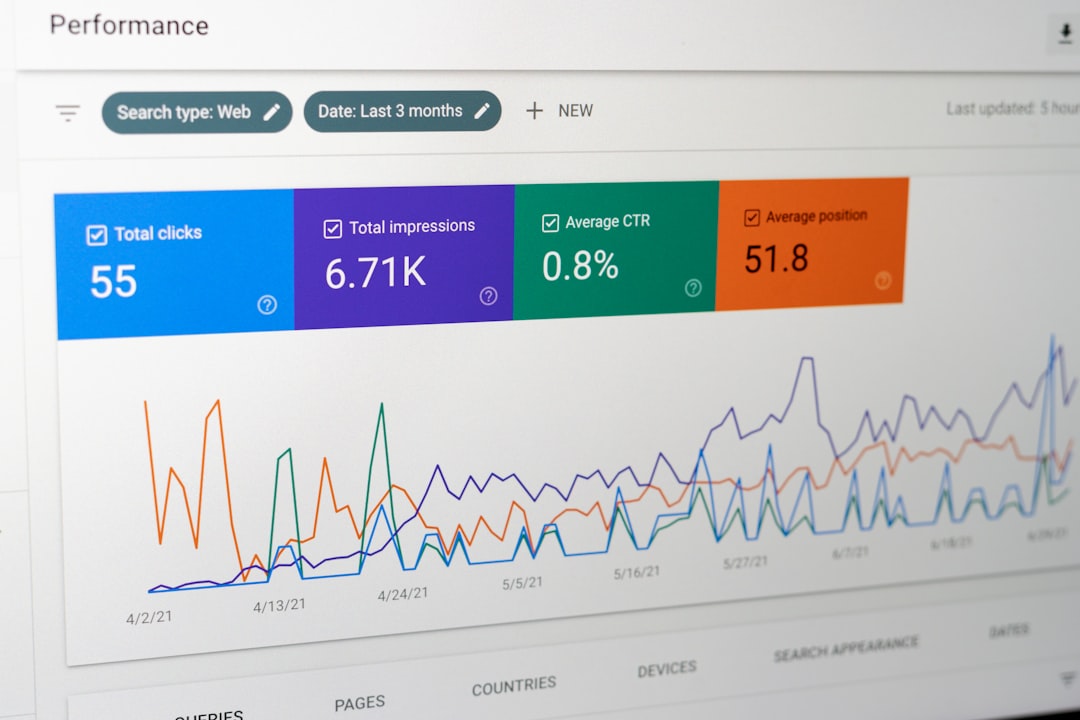
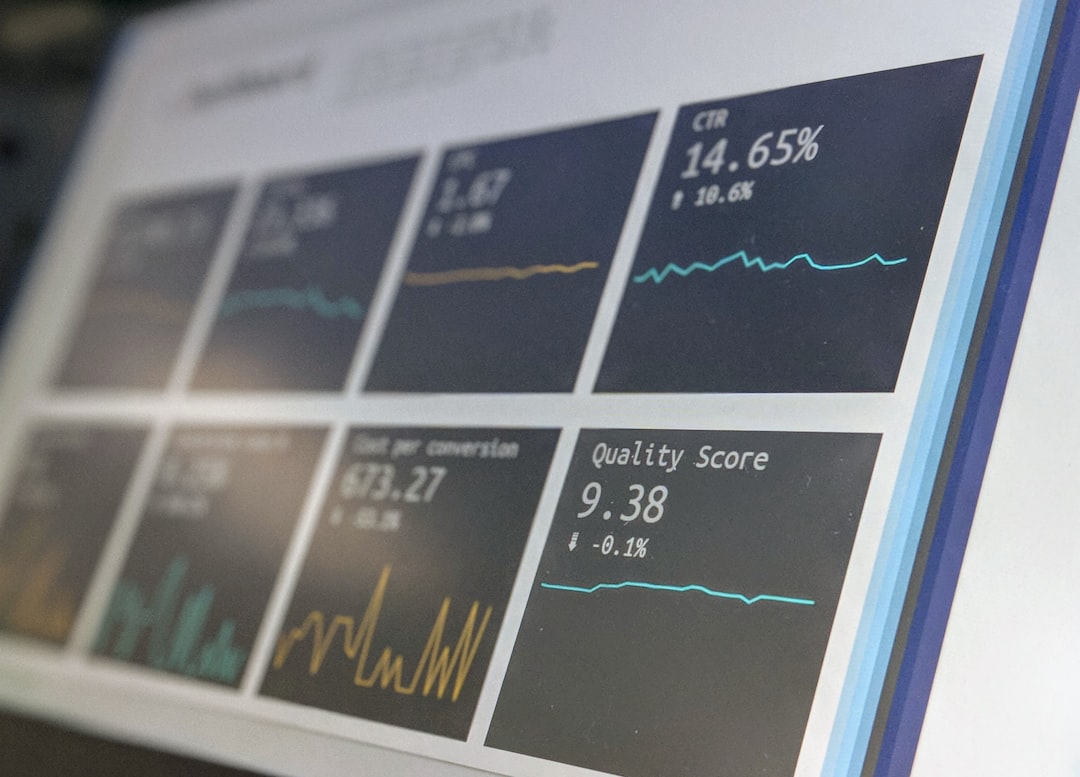
Reporting and dashboards are non-negotiable. A CRM should provide clear reports on fundraising income, donor retention, campaign performance, supporter engagement, volunteer activity, and program outcomes. Consider whether staff can create reports themselves or whether technical support is required.
Data Quality and Compliance
Charities hold sensitive information and must manage it responsibly. Data protection is not only a legal requirement; it is a matter of public trust. When evaluating a CRM, examine how it handles permissions, consent, retention policies, audit trails, and secure access.
The system should allow different users to see different levels of information. For example, a volunteer coordinator may not need access to major donor notes, while a fundraiser may not need access to sensitive beneficiary records. Role-based permissions help reduce risk and support good governance.
Consent management is particularly important for fundraising and marketing communications. The CRM should clearly record how and when consent was obtained, what communication channels are allowed, and whether the supporter has opted out. It should also make it easy to honor unsubscribe requests and communication preferences.
Data quality should be assessed before migration. Many charities discover that years of spreadsheets, legacy systems, and manual records contain duplicates, outdated addresses, incomplete fields, and inconsistent naming conventions. Migrating poor-quality data into a new CRM simply moves the problem into a more expensive environment. Build time for data cleaning into the project plan.
Ease of Use and Staff Adoption
A CRM is only valuable if people use it consistently. A highly sophisticated system can fail if staff find it confusing, time-consuming, or irrelevant to their work. Ease of use should therefore be treated as a strategic requirement, not a minor preference.
During evaluation, ask vendors to demonstrate common tasks, not just headline features. For example:
- Adding a new donor and recording a gift.
- Creating a segmented mailing list.
- Recording a meeting with a major supporter.
- Generating a donation receipt or acknowledgement.
- Producing a monthly fundraising report.
- Updating communication preferences.
Invite actual users to test the system. Fundraisers, finance staff, administrators, and program managers will notice practical issues that senior leaders may miss. Their feedback can reveal whether the CRM supports real workflows or only appears strong in a sales presentation.
Training and change management are also critical. Staff may be moving from spreadsheets or an older database, and some may be anxious about new processes. Provide clear guidance, written procedures, and phased training. Assign internal champions who can answer questions and reinforce consistent use.

Integration With Existing Tools
Most nonprofits already use several digital tools. The CRM may need to connect with a website, donation forms, accounting software, email marketing platforms, payment processors, event systems, grant portals, or business intelligence tools. Integration reduces manual data entry and improves accuracy.
When assessing integrations, do not stop at whether a connection exists. Ask how reliable it is, what data flows between systems, how often it syncs, whether errors are reported, and whether additional fees apply. A weak integration can create hidden administrative work and undermine confidence in the CRM.
Finance integration deserves special attention. Donation records, restricted funds, refunds, fees, and reconciliation processes must be handled carefully. Involve finance staff early to ensure the CRM supports audit requirements and does not create extra manual checks.
Cloud-Based vs. On-Premise CRM
Most modern nonprofit CRMs are cloud-based, meaning the system is accessed through a web browser and hosted by the provider. This usually offers lower upfront costs, easier updates, remote access, and better scalability. For many charities, especially those with hybrid or distributed teams, cloud-based systems are the practical choice.
However, cloud systems require careful review of security, data hosting location, service reliability, backup procedures, and contractual terms. Ask vendors about uptime, encryption, incident response, and data export options. Your organization should be able to retrieve its data in a usable format if you decide to move systems in the future.
On-premise systems are less common but may still be used by organizations with specific security, infrastructure, or regulatory needs. They can offer more direct control but usually require stronger internal technical support and higher maintenance responsibility.
Understanding the Full Cost
CRM pricing can be difficult to compare. Some vendors charge per user, others by number of contacts, features, storage, transactions, or add-on modules. The lowest subscription price may not represent the lowest overall cost.
Consider the full cost of ownership, including:
- Software licenses or subscriptions.
- Implementation and configuration.
- Data cleaning and migration.
- Training and documentation.
- Integrations with other systems.
- Ongoing support or consultancy.
- Additional modules for events, email, grants, or automation.
- Payment processing or transaction fees.
It is also important to consider staff time. A cheaper CRM that requires extensive manual work may cost more in practice than a more capable system that automates routine tasks. Conversely, an expensive enterprise platform may be excessive for a small charity with limited capacity to manage it.
Vendor Reliability and Support
The relationship with the CRM vendor can be as important as the product itself. A nonprofit should look for a provider that understands the sector, offers dependable support, and has a clear product roadmap. Ask for references from similar organizations and speak to existing customers if possible.
Important questions include:
- How long has the vendor served nonprofits?
- What support channels are available? Email, phone, live chat, knowledge base, or account management?
- What are typical response times?
- How are updates handled?
- Is training included or billed separately?
- Can the system scale as the organization grows?
Be cautious of systems that require heavy customization for basic nonprofit functions. Customization can be useful, but excessive dependence on bespoke development may make upgrades more difficult and increase long-term costs.
Create a Structured Selection Process
A disciplined selection process reduces the risk of choosing based on personal preference or persuasive demonstrations. Form a small project group with representatives from fundraising, finance, programs, operations, and leadership. Agree on requirements, budget, timeline, and decision criteria.
Use a scoring framework to compare shortlisted systems. Criteria might include functionality, usability, reporting, integrations, compliance, cost, support, scalability, and implementation complexity. Weight the criteria according to organizational priorities. For example, a charity handling sensitive beneficiary data may give security and permissions a higher weighting than advanced marketing automation.
Request demonstrations based on your own scenarios. Provide vendors with examples of the workflows you need to manage and ask them to show exactly how their system handles them. This approach is far more useful than a generic product tour.
Implementation Is Part of the Choice
CRM success depends heavily on implementation. Even the best software can disappoint if the setup is rushed or poorly governed. Before signing a contract, understand the implementation plan, responsibilities, timeline, and risks.
Decide who will own the CRM internally. This person or team should manage data standards, user permissions, training, reporting structures, and ongoing improvements. Without clear ownership, the CRM can gradually become inconsistent and unreliable.
Plan for phased delivery if the project is complex. It may be better to launch core donor management first, then add volunteer tracking, automation, or advanced reporting later. A phased approach can reduce disruption and allow staff to build confidence.
Final Considerations
Choosing the best CRM for a charity or nonprofit is not about finding the most feature-rich product. It is about selecting a system that supports the organization’s mission, protects supporter trust, and helps staff work more effectively. The right CRM should make important information easier to access, improve the quality of decisions, and strengthen relationships with the people who make the mission possible.
Take time to define needs clearly, test real use cases, review security carefully, and understand all costs. Involve the people who will use the system every day, not only those who approve the budget. A CRM is a long-term investment in organizational capacity. Chosen carefully and implemented well, it can become one of the most valuable tools a nonprofit has for building sustainable income, demonstrating impact, and serving its community with professionalism and confidence.