We Picked 6 App Store Ranking Tools for Tracking Downloads and Visibility
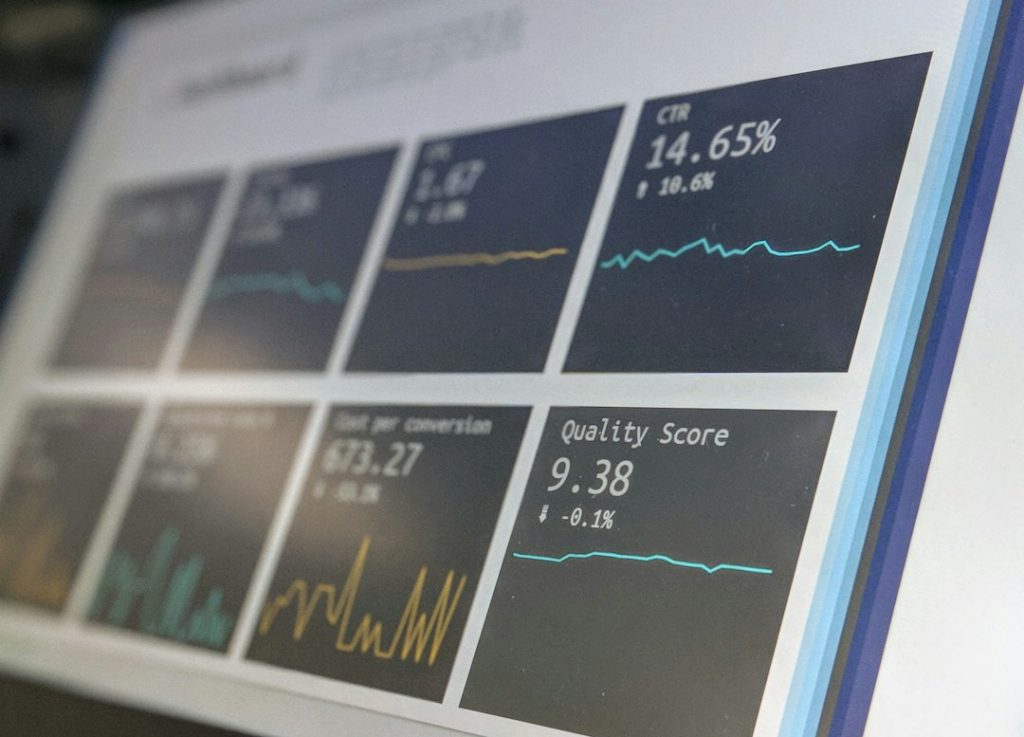
Our pick is simple: use one primary ASO platform for keyword visibility, one market intelligence tool for download estimates, and App Store Connect for the truth on your own downloads. Apple says the App Store reaches more than 650 million weekly visitors, so small ranking shifts can matter a lot for paid and organic growth [source: Apple]. The six tools below cover rank tracking, keyword movement, category position, competitor visibility, review signals, and estimated installs.
TLDR: We picked AppTweak, Sensor Tower, data.ai, MobileAction, Appfigures, and AppFollow as serious tools for tracking App Store downloads and visibility. If an app moves from keyword position 42 to 18 after a metadata update, tools like AppTweak or MobileAction can show whether that change also lifted category rank. For a small app getting 3,000 monthly downloads, even a 12% lift from better keyword rankings means about 360 extra installs. Use third-party download estimates for market direction, not exact accounting.
How we judged the tools
We looked for tools that answer practical questions. Are downloads rising? Which keywords moved? Did competitors gain share? Did a feature, rating change, or update affect visibility? Pretty charts are not enough. The data must help a team act.
- Rank tracking: keyword positions, category ranks, country-level movement.
- Download insight: actual data where possible, estimates where needed.
- Competitor tracking: visibility changes, app updates, paid signals.
- Reporting: clean exports, alerts, dashboards, and team access.
- Usability: no one wants to click through 12 screens to answer one question.
1. AppTweak
Best for: ASO teams that care about keyword detail.
AppTweak is strong for keyword tracking, metadata research, search visibility, and competitor comparisons. It is especially useful when you need to see how a title, subtitle, keyword field, or creative update changed rankings by country.
The platform feels built for ASO work, not generic app reporting. You can monitor keyword rank changes, keyword volume, difficulty, and app visibility over time. It also has useful competitor views, which help explain why your rank did not move even after a clean update.
Annoyance: some reports can feel dense at first. Expect a short learning curve if your team is new to ASO.
2. Sensor Tower
Best for: market intelligence and competitor download estimates.
Sensor Tower is one of the better-known tools for app market data. It tracks estimated downloads, revenue, category ranks, keyword visibility, and competitor performance. For executive reporting, it is often a strong fit because it gives a wider market view.
Use it when you need to compare your app against a category leader or measure whether a competitor’s growth looks organic or paid. It is also helpful for country-level market checks before launching in a new region.
Important: its download numbers are estimates. They are useful for direction, not for finance-grade reporting.

3. data.ai
Best for: large teams tracking app performance at market level.
data.ai, formerly App Annie, is built for broader app intelligence. It covers downloads, revenue estimates, ranking history, usage signals, and category performance. Larger publishers often like it because it supports bigger reporting needs and wider market views.
The tool is useful when leadership wants a clean answer to questions like: “Are we gaining share?” or “Which apps are growing fastest in our category?” It can also support planning for new markets and product lines.
The downside is cost and complexity. Honestly, it feels like overkill for a two-person indie app team. A small team may pay for more than it uses.
4. MobileAction
Best for: ASO plus paid visibility research.
MobileAction combines keyword tracking, competitor monitoring, ad intelligence, and visibility reporting. This makes it useful for teams that run both organic and paid app growth work.
Its keyword tools help track movement after metadata changes. Its competitor features help show when another app is testing new creatives, ranking for new terms, or gaining ground in certain countries.
Where it helps: connecting keyword rank changes with wider visibility signals. If organic rank improves but downloads stay flat, MobileAction can help check whether competitors are buying traffic or if keyword demand is too low.
5. Appfigures
Best for: simple tracking of your own downloads, revenue, ranks, and reviews.
Appfigures is practical. It connects to your app accounts and pulls together downloads, revenue, ratings, reviews, and rank data. It is not as heavy as enterprise market intelligence tools, and that is part of the appeal.
For smaller teams, Appfigures can be the daily dashboard. It helps answer: “What happened yesterday?” You can track ranks across countries, monitor reviews, and keep an eye on app revenue without building your own reporting stack.
Annoyance: deeper competitor research is more limited than in Sensor Tower or data.ai. But for owned app reporting, it is clean and useful.
6. AppFollow
Best for: review tracking, ratings, and visibility tied to customer feedback.
AppFollow is strong when ratings and reviews are part of your ranking strategy. Poor reviews can reduce conversion, even when search visibility is good. AppFollow helps teams monitor review trends, reply faster, and connect feedback to app changes.
It also supports keyword and ranking views, but its real value is reputation tracking. If an update causes a wave of 1-star reviews, you want to know fast. Waiting a week can cost rankings, conversion, and trust.
Which tool should you choose?
- Choose AppTweak if ASO keyword tracking is your main need.
- Choose Sensor Tower if competitor download estimates matter most.
- Choose data.ai if you need broad market reporting for a larger company.
- Choose MobileAction if you mix ASO with paid ad research.
- Choose Appfigures if you want simple owned app reporting.
- Choose AppFollow if reviews and ratings affect your growth work.
A serious tracking setup
Do not rely on one number. That is where many teams get burned. Use App Store Connect for your real downloads and conversion data. Use one ASO tool for rankings. Use one market tool if competitor estimates matter.
A solid weekly report should include keyword gains, keyword losses, category rank, downloads, conversion rate, review score, and competitor movement. Keep it short. If the report does not change what your team does next, it is just noise.
Final recommendation: most teams should start with AppTweak or MobileAction for visibility tracking, then add Sensor Tower or data.ai when market estimates become worth the cost. For clean internal reporting, Appfigures is often the most painless add-on.