WordPress Speed Optimisation Service: What Does It Include?
A slow WordPress website is more than a technical inconvenience. It can reduce conversions, weaken search visibility, increase advertising costs, and create a poor first impression for visitors. A professional WordPress speed optimisation service is designed to identify the causes of poor performance and apply practical, measurable improvements without damaging the site’s design, functionality, or content.
TLDR: A WordPress speed optimisation service typically includes performance auditing, caching setup, image optimisation, code cleanup, database tuning, hosting review, and Core Web Vitals improvements. For example, an online store loading in 5.8 seconds might be reduced to 2.1 seconds after image compression, script optimisation, and server caching. In practical terms, even a one-second improvement can support better engagement, and many businesses see lower bounce rates after speed issues are resolved.
What Is WordPress Speed Optimisation?
WordPress speed optimisation is the process of improving how quickly a WordPress site loads and responds to user actions. This includes both the visible loading experience, such as how fast the page appears, and behind-the-scenes performance, such as server response time and script execution.
A serious optimisation service does not simply install a plugin and claim the job is done. It usually begins with analysis, continues with targeted improvements, and ends with testing. The goal is to make the website faster while keeping it stable, secure, and easy to manage.
Initial Website Speed Audit
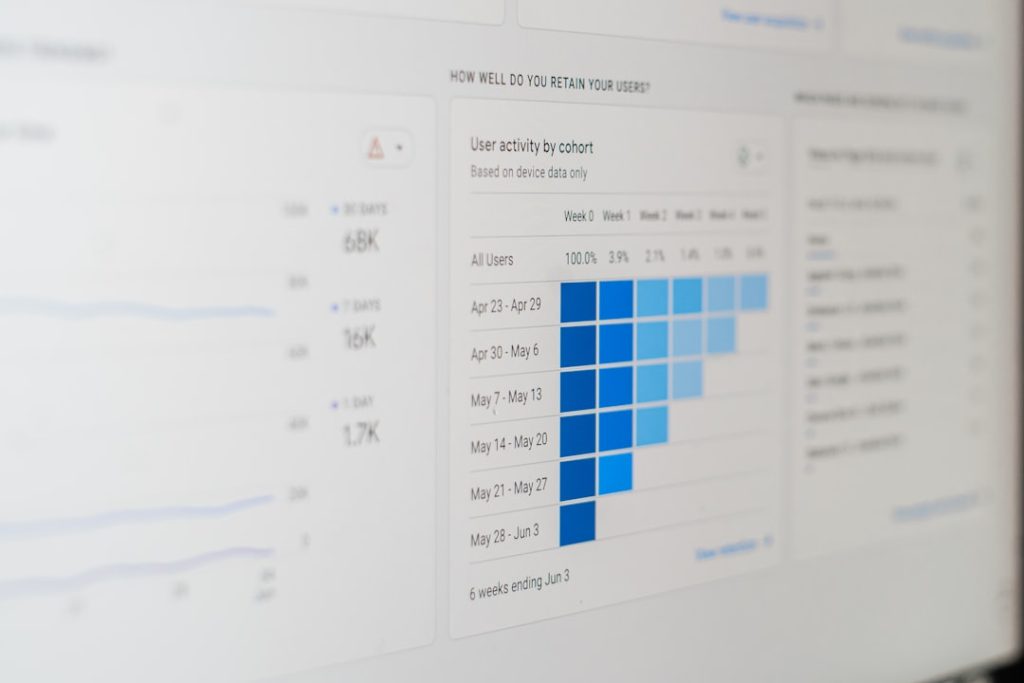
The first step is usually a detailed performance audit. This helps determine what is slowing the site down and which improvements will have the greatest impact. Tools such as Google PageSpeed Insights, GTmetrix, WebPageTest, Chrome DevTools, and server-level diagnostics may be used.
A typical audit reviews:
- Page load time across desktop and mobile devices
- Core Web Vitals, including Largest Contentful Paint, Interaction to Next Paint, and Cumulative Layout Shift
- Server response time and hosting performance
- Image size and format
- JavaScript and CSS files that delay rendering
- Plugin impact on performance
- Database size and unnecessary stored data
This audit is important because every WordPress website is different. A corporate brochure site, a WooCommerce store, a membership platform, and an online magazine can all suffer from different bottlenecks.
Caching Configuration
Caching is one of the most common and effective parts of WordPress speed optimisation. It allows the site to serve stored versions of pages or files instead of rebuilding everything from scratch each time a visitor arrives.
A speed optimisation service may configure several types of caching, including:
- Page caching to reduce the work required to display pages
- Browser caching so returning visitors do not have to reload unchanged files
- Object caching for database-heavy websites
- Server-level caching when supported by the hosting environment
Good caching configuration must be handled carefully, especially on ecommerce, booking, or membership websites. Checkout pages, account areas, and dynamic content often need to be excluded from cache to prevent errors or privacy issues.
Image Optimisation
Images are often one of the largest reasons a WordPress website loads slowly. High-resolution photos uploaded directly from a camera or design file can be several megabytes each, which is excessive for most web pages.
Image optimisation usually includes compressing existing images, resizing them to appropriate dimensions, converting them to modern formats such as WebP, and enabling lazy loading. Lazy loading means images below the visible part of the page are loaded only when needed.
For example, a homepage with 12 large images might be reduced from 18 MB to 3 MB without any obvious loss of quality. This can significantly improve mobile loading times, particularly for users on slower connections.

Code Minification and File Optimisation
WordPress websites rely on CSS, JavaScript, HTML, themes, plugins, and third-party scripts. Over time, these files can become heavy or inefficient. A speed optimisation service may reduce file size by applying minification, which removes unnecessary spaces, comments, and characters from code.
It may also include combining files, delaying non-critical JavaScript, removing unused CSS, and controlling when scripts load. However, this step requires caution. Over-aggressive optimisation can break menus, sliders, forms, tracking scripts, or checkout functions.
A professional approach includes testing each change and checking the front end of the site after implementation. The objective is not simply to improve a score in a testing tool, but to maintain a reliable user experience.
Plugin and Theme Review
Plugins are one of WordPress’s greatest strengths, but they can also create performance problems. A site with too many plugins, outdated plugins, or poorly coded extensions may load slowly even on good hosting.
An optimisation service will often review active plugins and identify which ones are essential, duplicated, or resource-intensive. In some cases, several plugins can be replaced by one lighter solution. In others, a plugin’s settings can be adjusted to reduce its impact.
The theme is also important. A bloated theme with excessive built-in features may load unnecessary scripts and styles on every page. A clean, well-maintained theme usually provides a stronger foundation for long-term performance.
Database Cleanup and Optimisation
The WordPress database stores posts, pages, comments, product data, user information, settings, revisions, transients, and plugin records. Over time, it can become cluttered with unnecessary entries.
Database optimisation may include removing old post revisions, spam comments, expired transients, orphaned metadata, and unused plugin tables. For larger websites, the service may also review database queries to identify inefficient operations.
This work should always be performed with a current backup in place. A trustworthy provider will not make database changes without protecting the site first.
Hosting and Server Performance Review
Sometimes the main problem is not WordPress itself, but the hosting environment. Cheap shared hosting can struggle with busy websites, complex WooCommerce stores, or traffic spikes. If the server is slow, optimisation can help, but it may not solve every issue.
A WordPress speed optimisation service may assess factors such as PHP version, memory limits, server response time, disk type, resource usage, and caching availability. Recommendations may include upgrading the hosting plan, moving to managed WordPress hosting, or using a better server location for the target audience.
Reliable hosting is not a luxury for business websites; it is part of the performance foundation.
Content Delivery Network Setup
A Content Delivery Network, or CDN, distributes website files across multiple global servers. When visitors open the site, files such as images, CSS, and JavaScript can be delivered from a server closer to their physical location.
This can reduce latency and improve load times, especially for websites serving visitors from different countries or regions. A CDN can also reduce the load on the main server and improve resilience during high-traffic periods.

Core Web Vitals Improvements
Core Web Vitals are performance metrics used by Google to assess user experience. They focus on loading speed, responsiveness, and visual stability. A professional speed optimisation service should understand these metrics and work to improve them in realistic ways.
Common Core Web Vitals improvements include:
- Reducing the size of the largest visible content element
- Improving server response times
- Delaying or reducing heavy JavaScript
- Setting proper image dimensions to prevent layout shifts
- Optimising fonts to avoid delayed text rendering
These improvements can support better usability and may contribute to stronger organic search performance when combined with good content, technical SEO, and a healthy site structure.
Security, Backups, and Safe Testing
Speed optimisation should never put the website at risk. Before major changes are made, a responsible provider will create a backup or work on a staging version of the site. This is particularly important for ecommerce websites, lead generation sites, and business-critical platforms.
After changes are applied, the provider should test key pages and functions, such as contact forms, navigation, search, checkout, login areas, payment gateways, and tracking scripts. A faster website is only valuable if it still works correctly.
Reporting and Before-and-After Comparison
A trustworthy service should provide clear reporting. This may include before-and-after results from performance tools, a list of completed actions, notes about remaining limitations, and recommendations for future maintenance.
Useful reports focus on meaningful metrics rather than vanity scores alone. A perfect score is not always possible or necessary, especially on websites using advertising scripts, analytics, live chat, embedded videos, or complex ecommerce functionality. The real question is whether the site is faster, more stable, and better for users.
What Is Not Usually Included?
It is also important to understand the limits of a standard WordPress speed optimisation service. It may not include a full website redesign, custom plugin development, advanced server administration, or ongoing maintenance unless these are specifically agreed in the service scope.
Similarly, optimisation cannot fully compensate for poor hosting, extremely heavy third-party scripts, or a theme that is fundamentally outdated. A professional provider should explain these limitations clearly rather than promise unrealistic results.
Final Thoughts
A WordPress speed optimisation service includes much more than installing a caching plugin. It is a structured process involving auditing, caching, image compression, code optimisation, database cleanup, plugin review, hosting analysis, CDN configuration, Core Web Vitals improvements, and careful testing.
For businesses, the benefit is practical: faster pages, better user experience, stronger technical foundations, and fewer lost opportunities caused by slow loading times. The best results come from a careful, evidence-based approach that balances speed, stability, security, and long-term maintainability.


